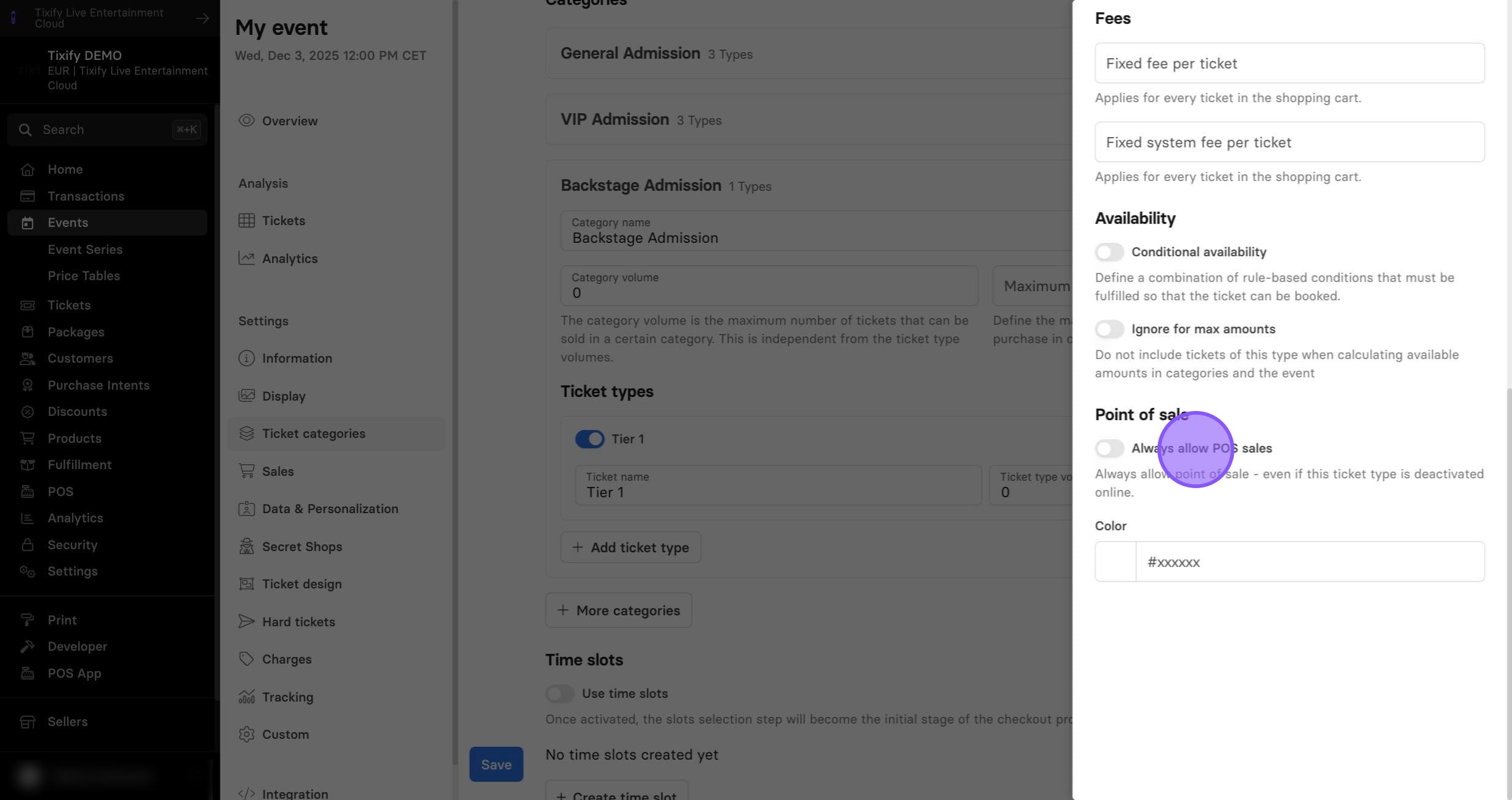
Sales Settings
Sales
1: Seelct service type of your ticket.
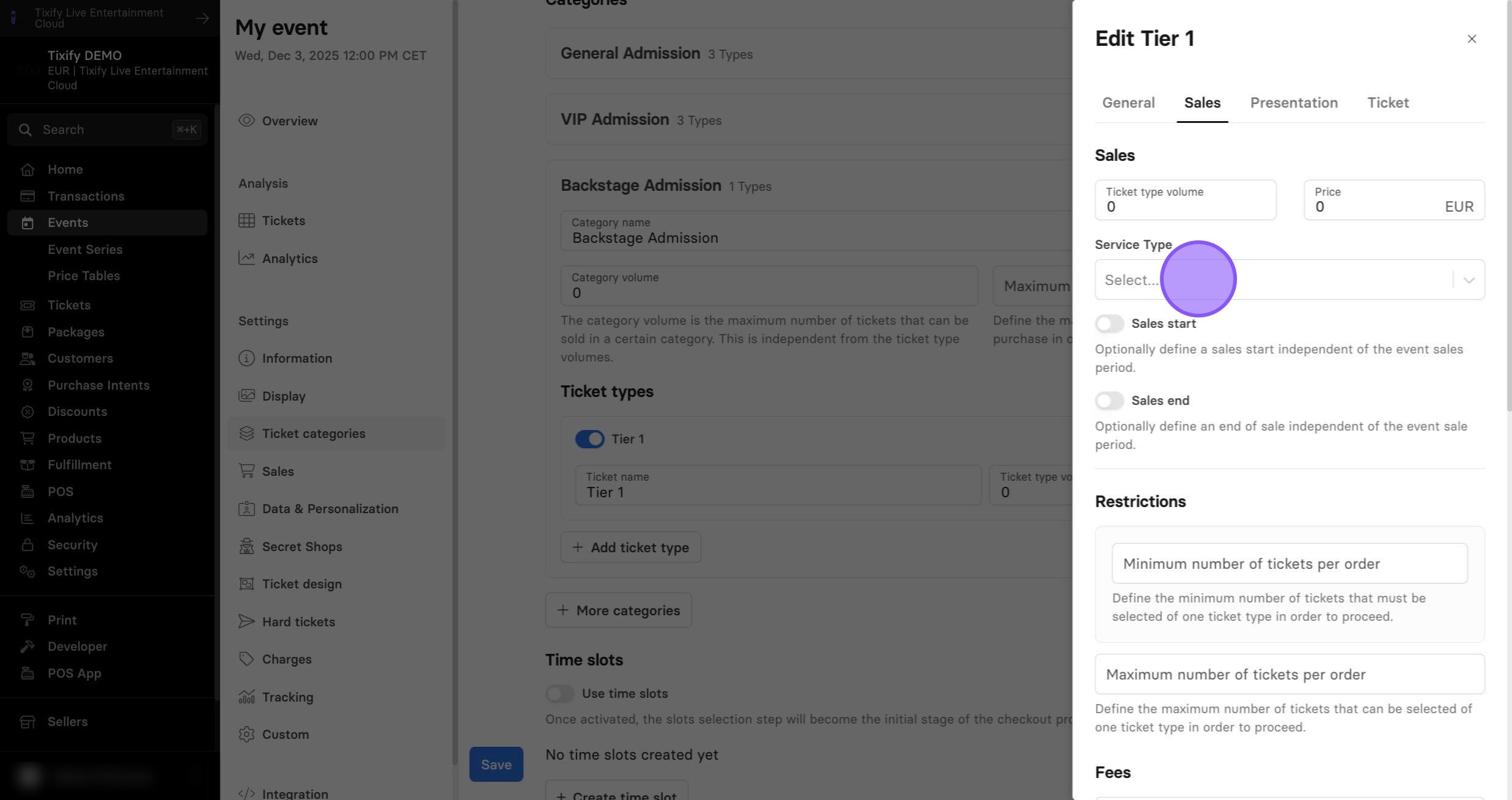
2: Select sale start and sale end for individual ticket types. This setting is useful when you want your tickets to go on sale and off sale automatically (e.g. switching between different tiers and price offers).
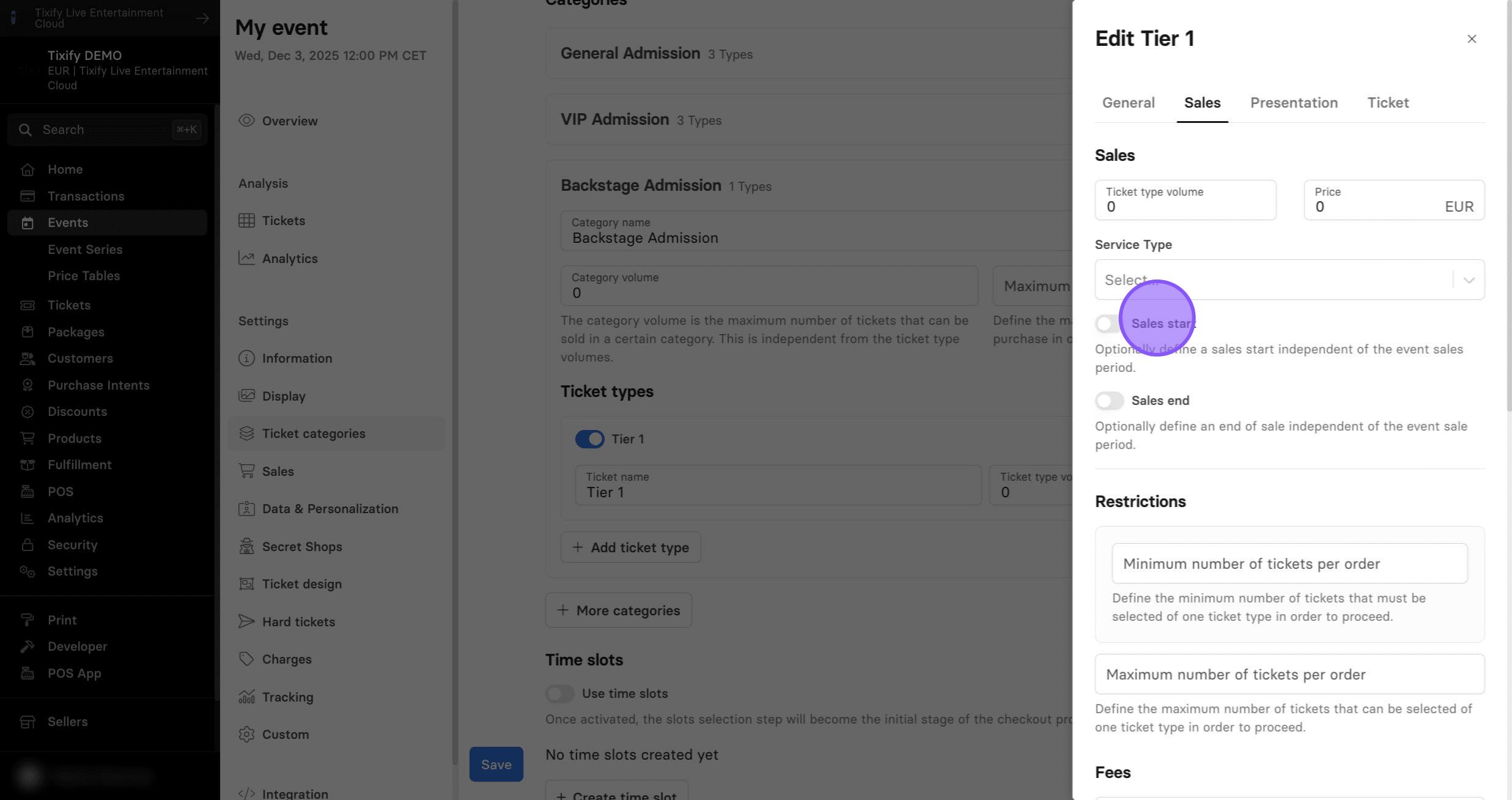
Restrictions
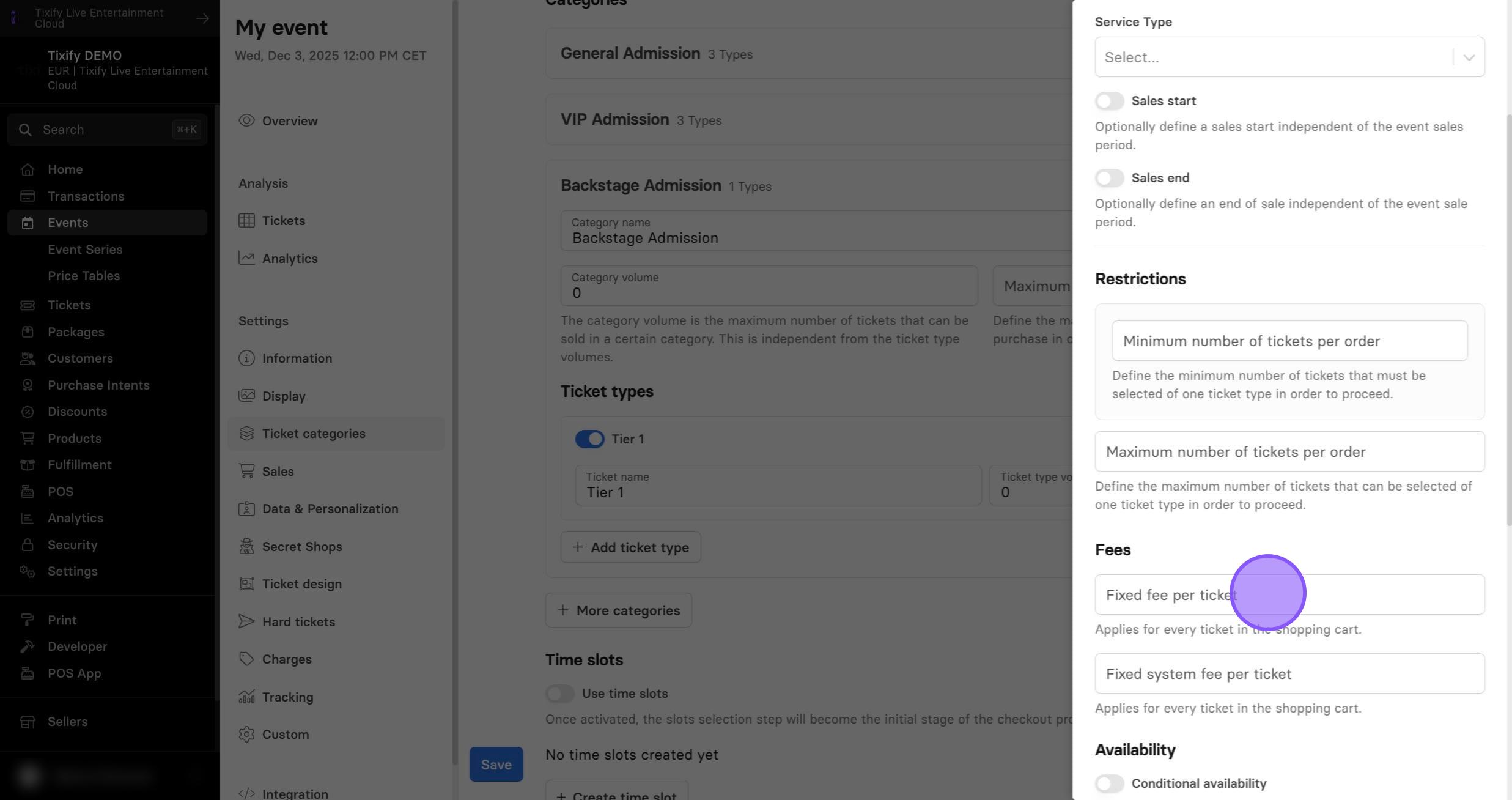
1: You can set restrictions on how many tickets can be purchased in one order. Useful for group ticket, for example.
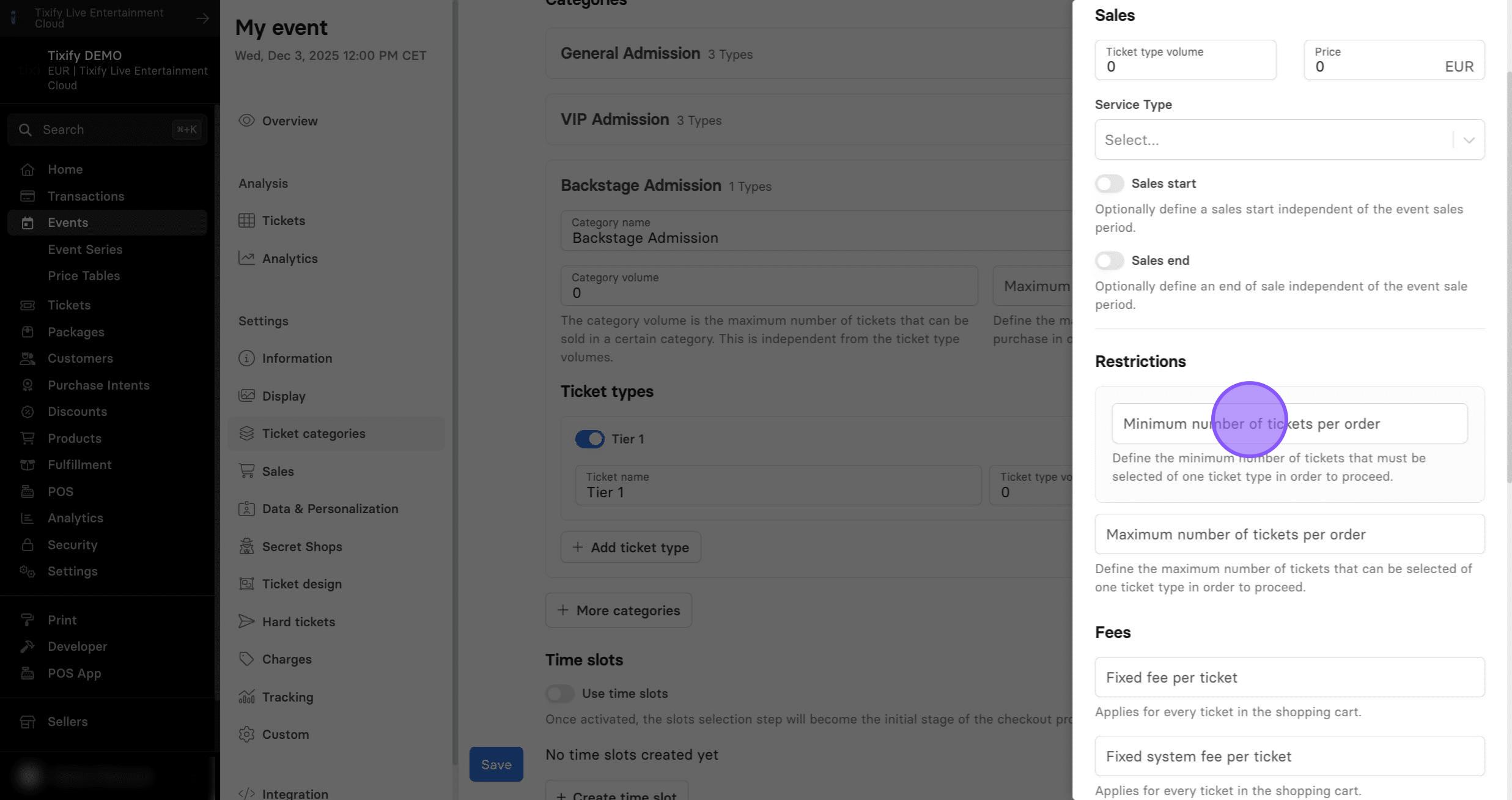
Fees
1: If you need to adjust the fee of the individual ticket type, you can do it here. This fee will override event fees.
Availability
1: Conditional Availability is a powerful feature that lets you define rules for ticket availability or restrictions. By setting up conditional availability, you can limit ticket selection or control checkout processing based on specific conditions.
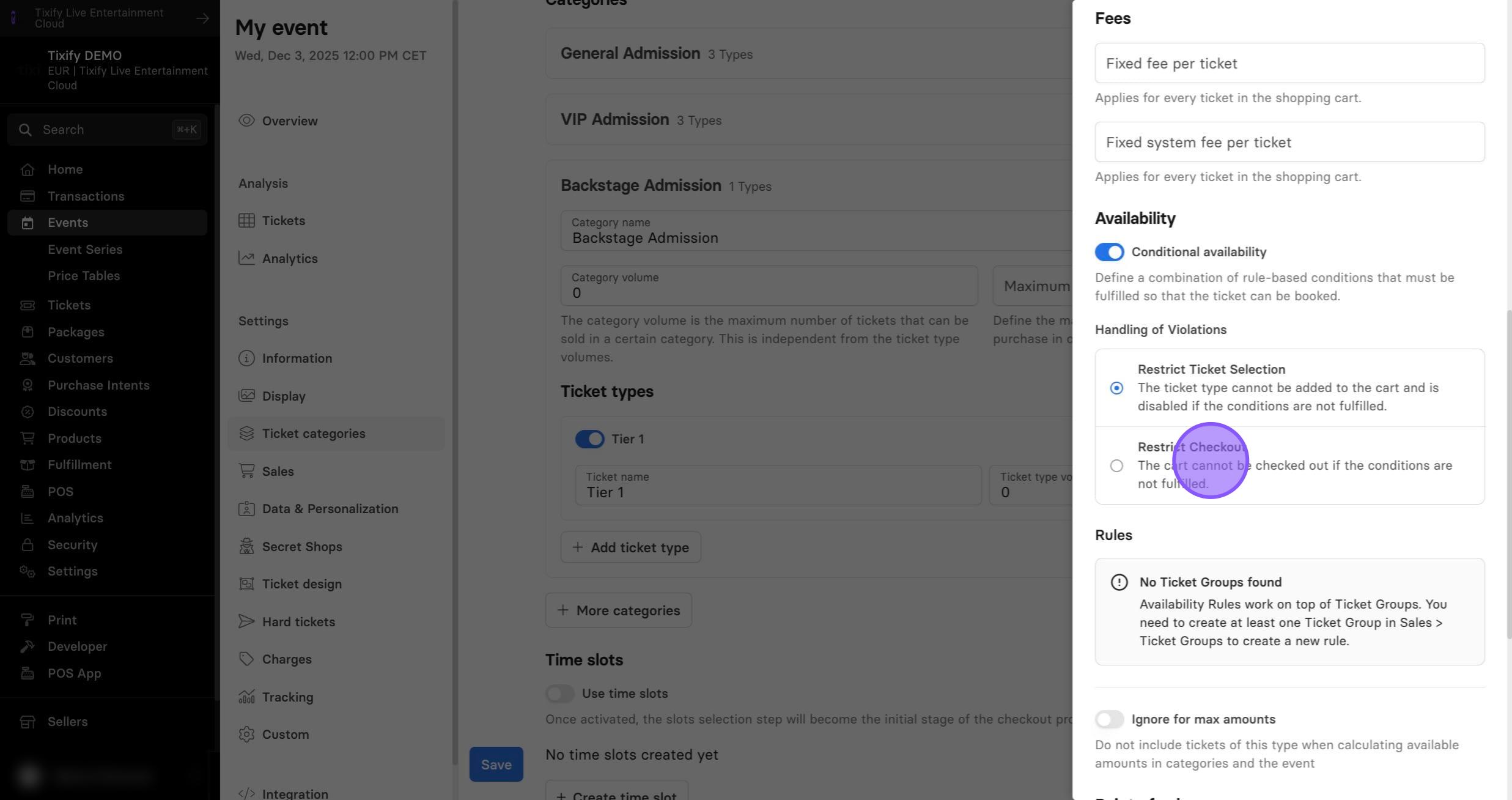
Restrict Ticket Selection: The ticket type cannot be added to the cart and is disabled if the specified conditions are not met.
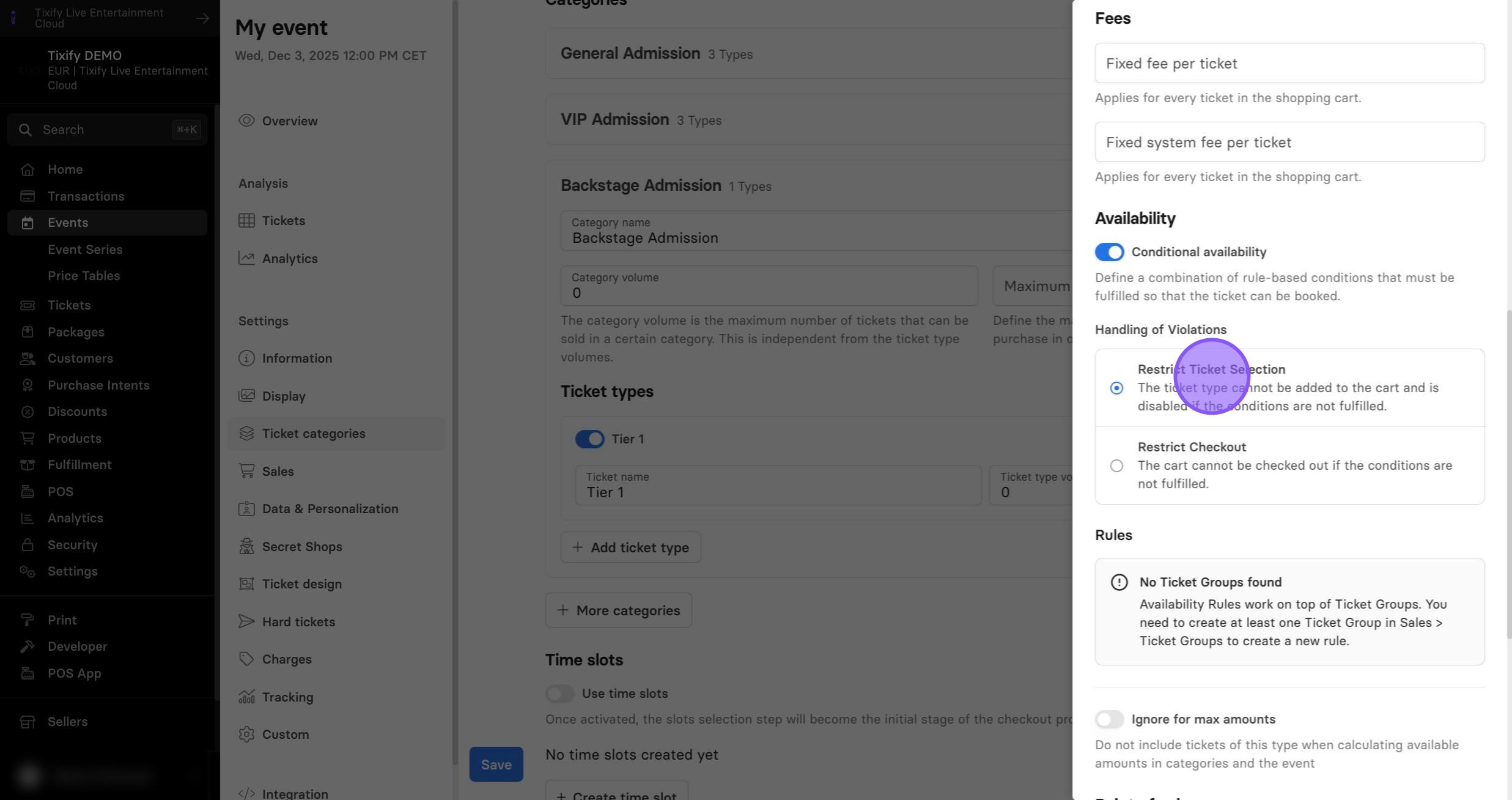
Restrict Checkout: The cart cannot be completed if the specified conditions are not met.
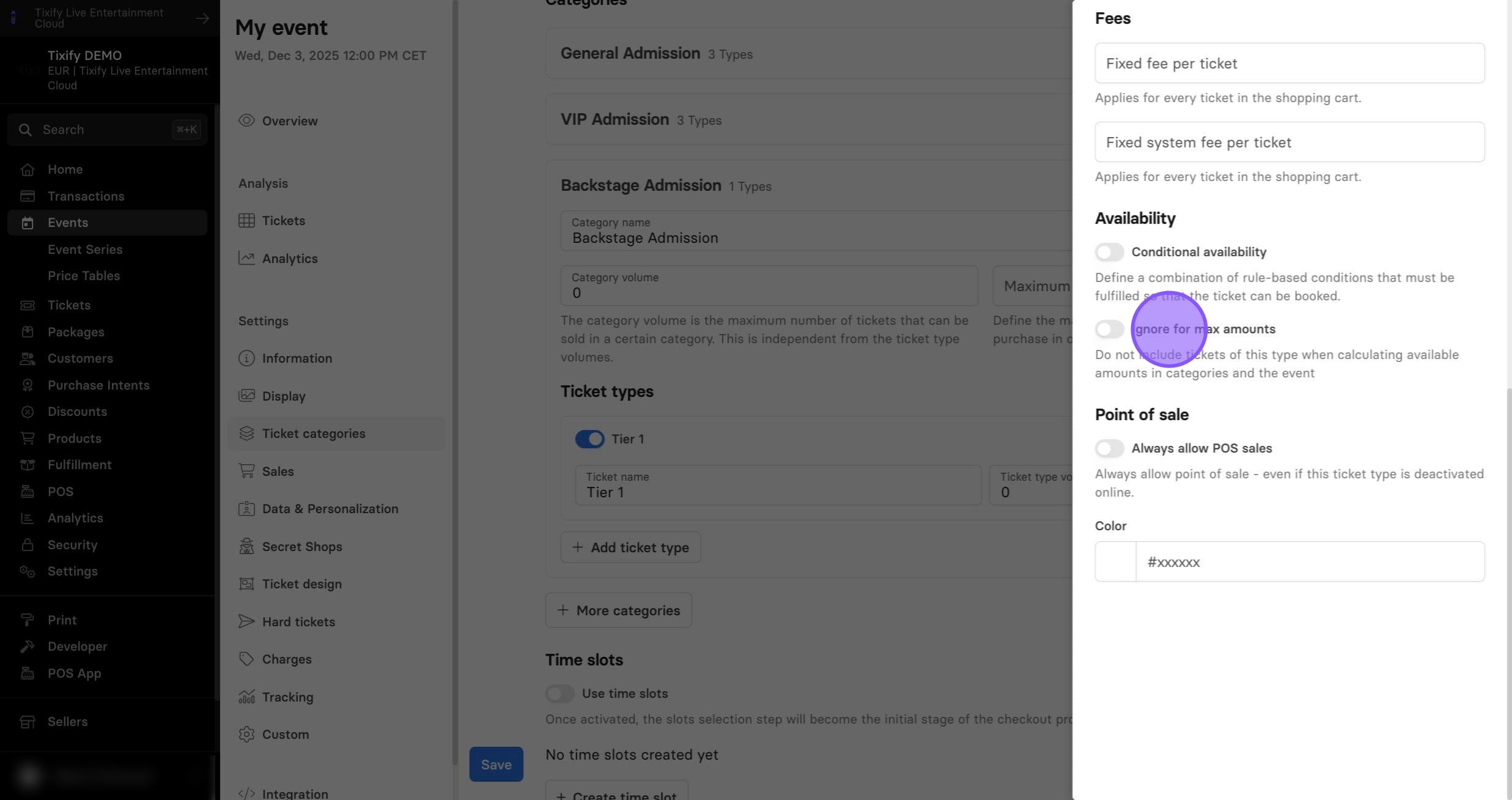
Ignore for max amounts: Do not count tickets of this type toward the category or event totals.
Point of Sale
1: Always allow POS sales: enable this ticket type in the POS.