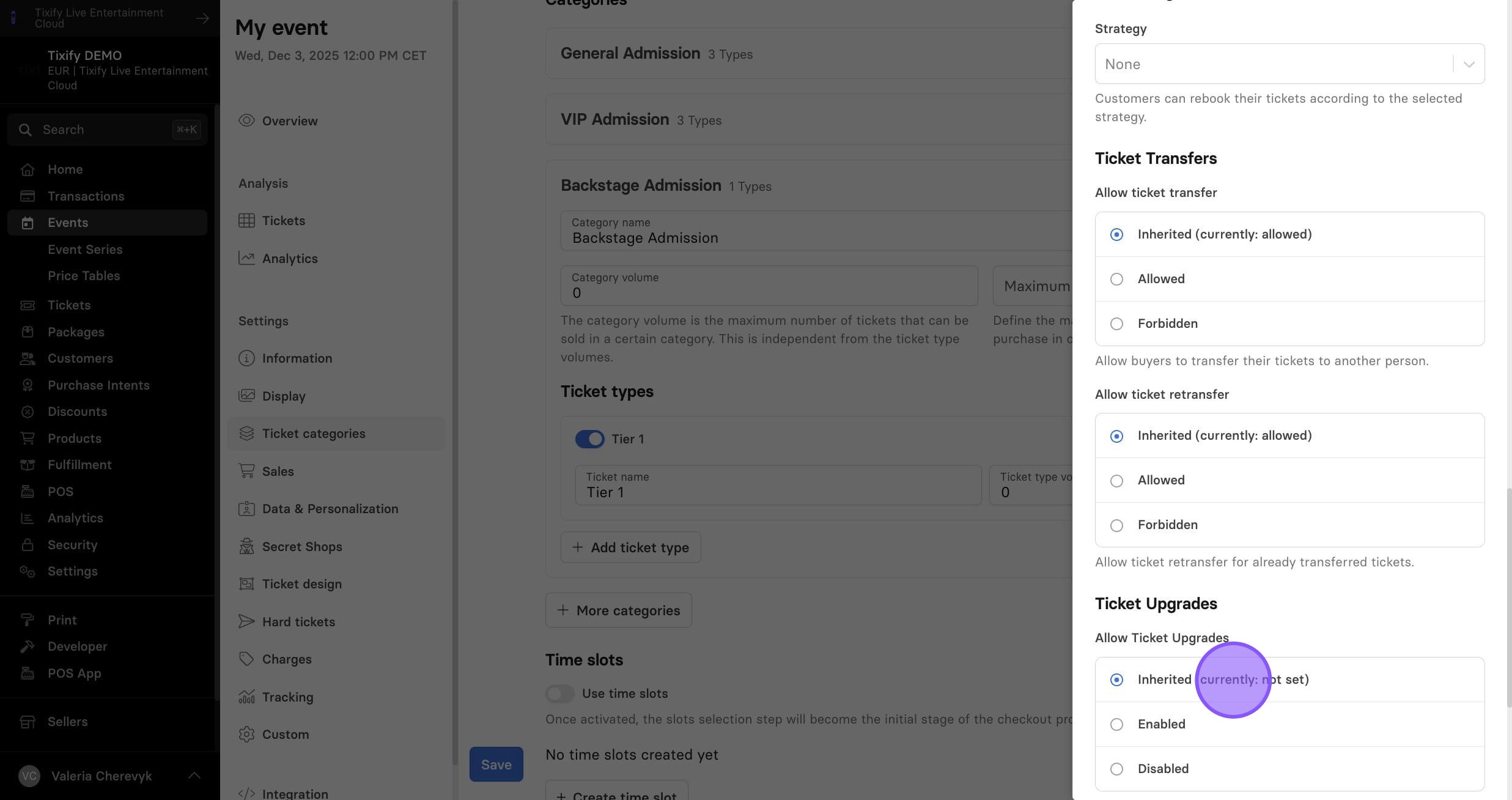
General Settings
Information
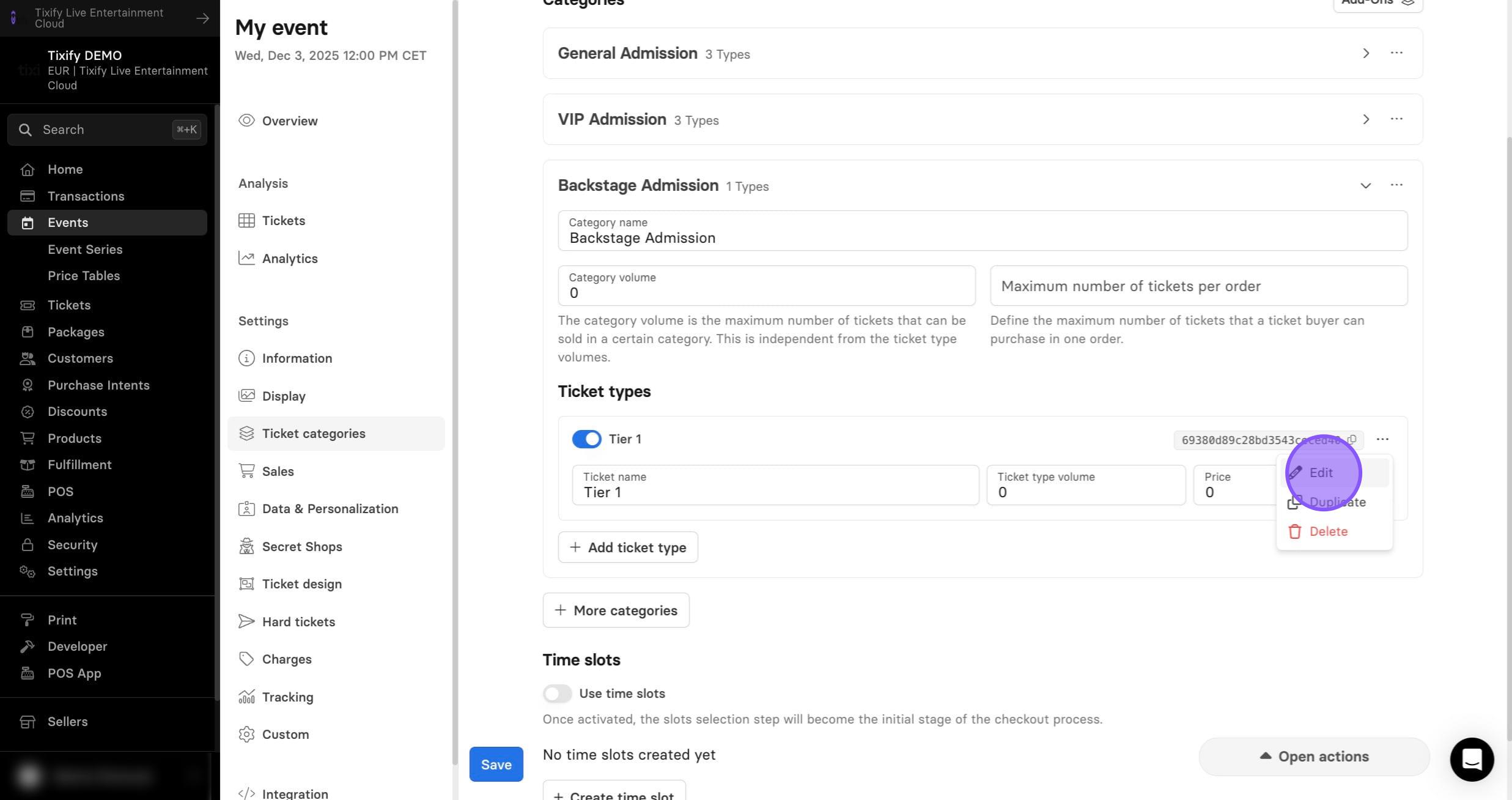
1: Clicking edit will provide you the ability to make changes to the specific advanced settings for each of the ticket types
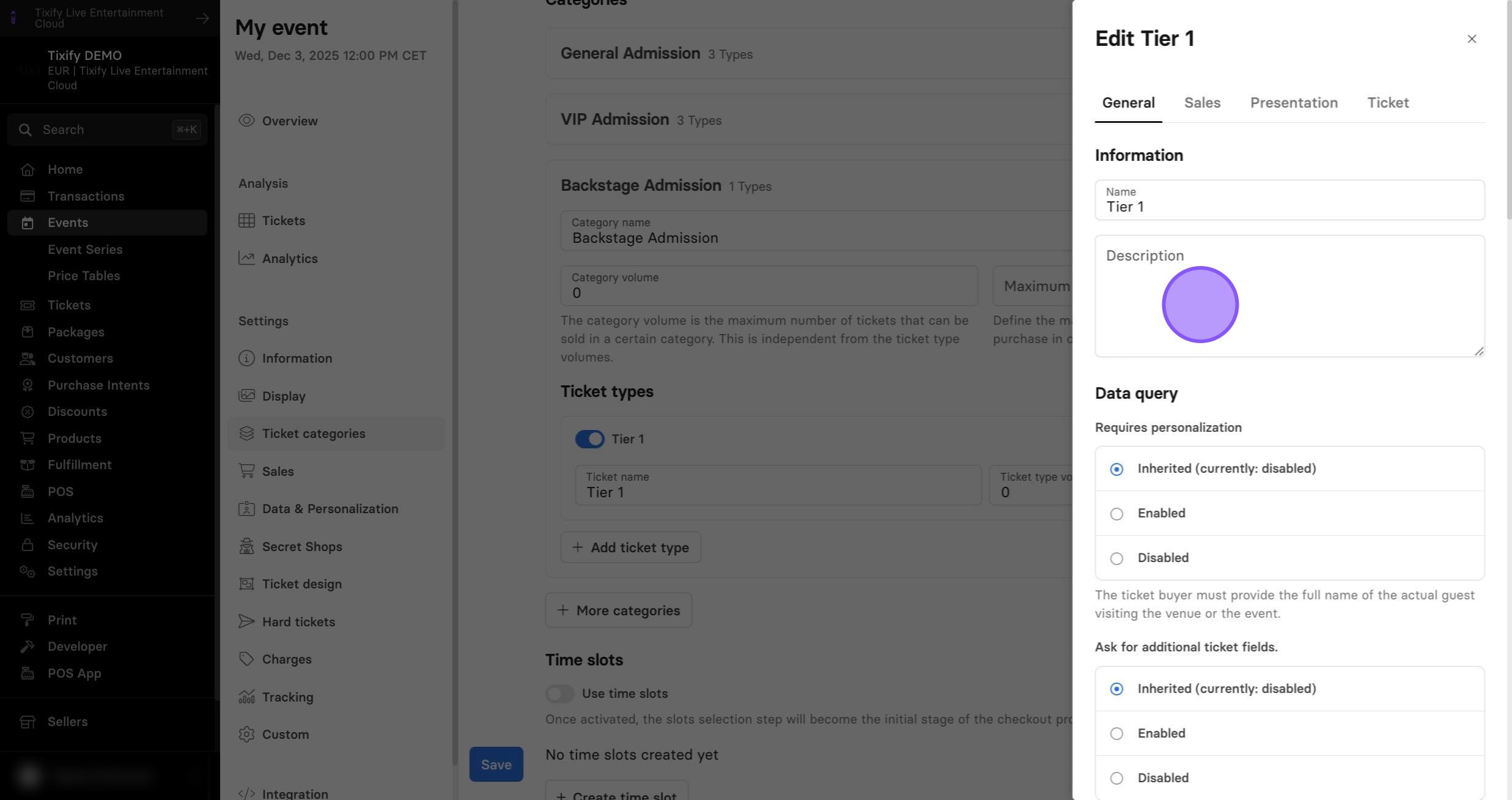
2: You can add description to your ticket.
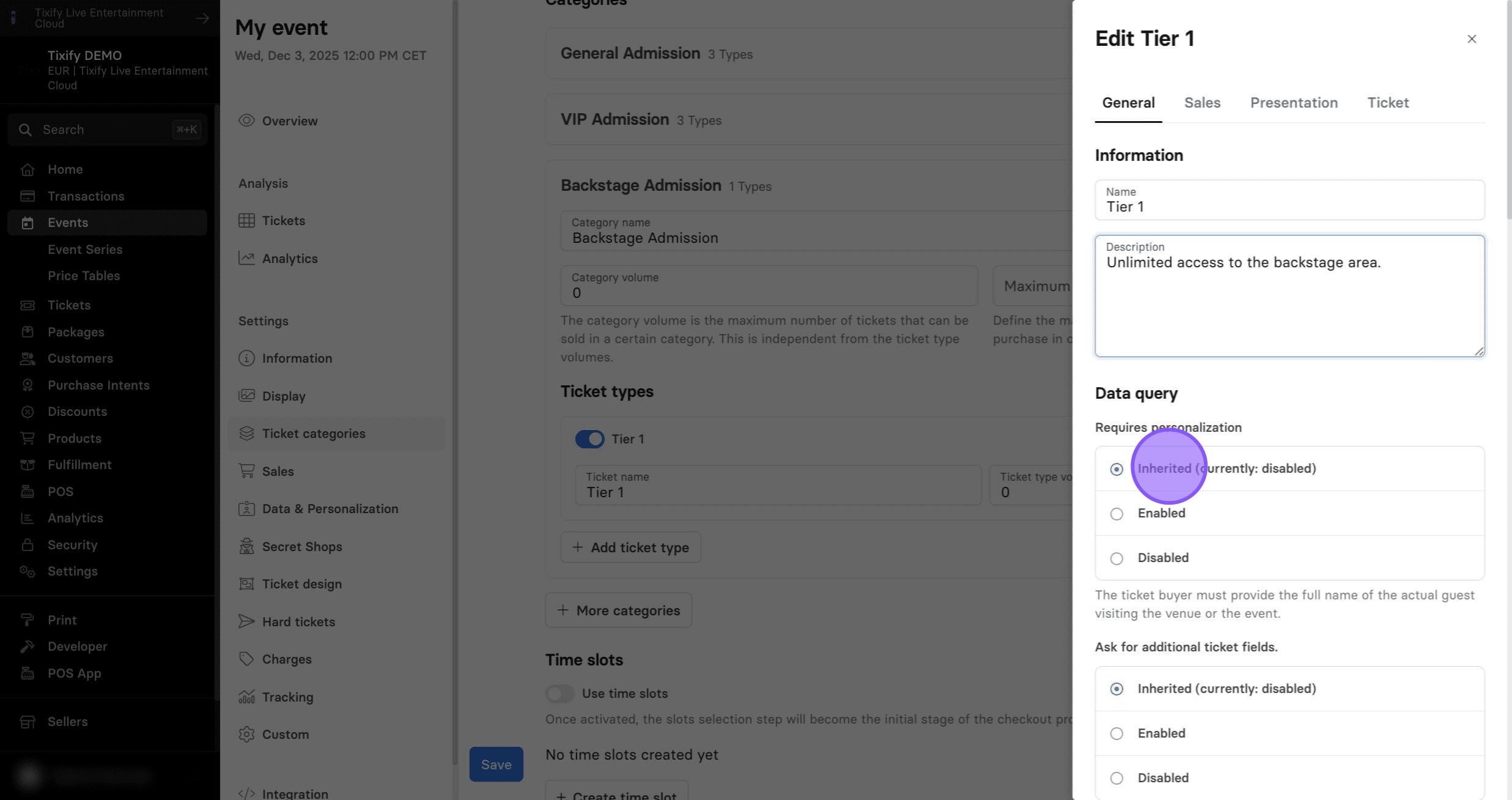
Personalization
1: The personalization process requires collecting the name of each individual ticket holder—not just the purchaser. Each ticket is then stored with the corresponding name. If this option is enabled, you can also setup the repersonalization fee.
2: Data fields (also known as Extra Fields or Additional Fields) are additional queries or pieces of information that can be collected during a transaction or stored in customer records.
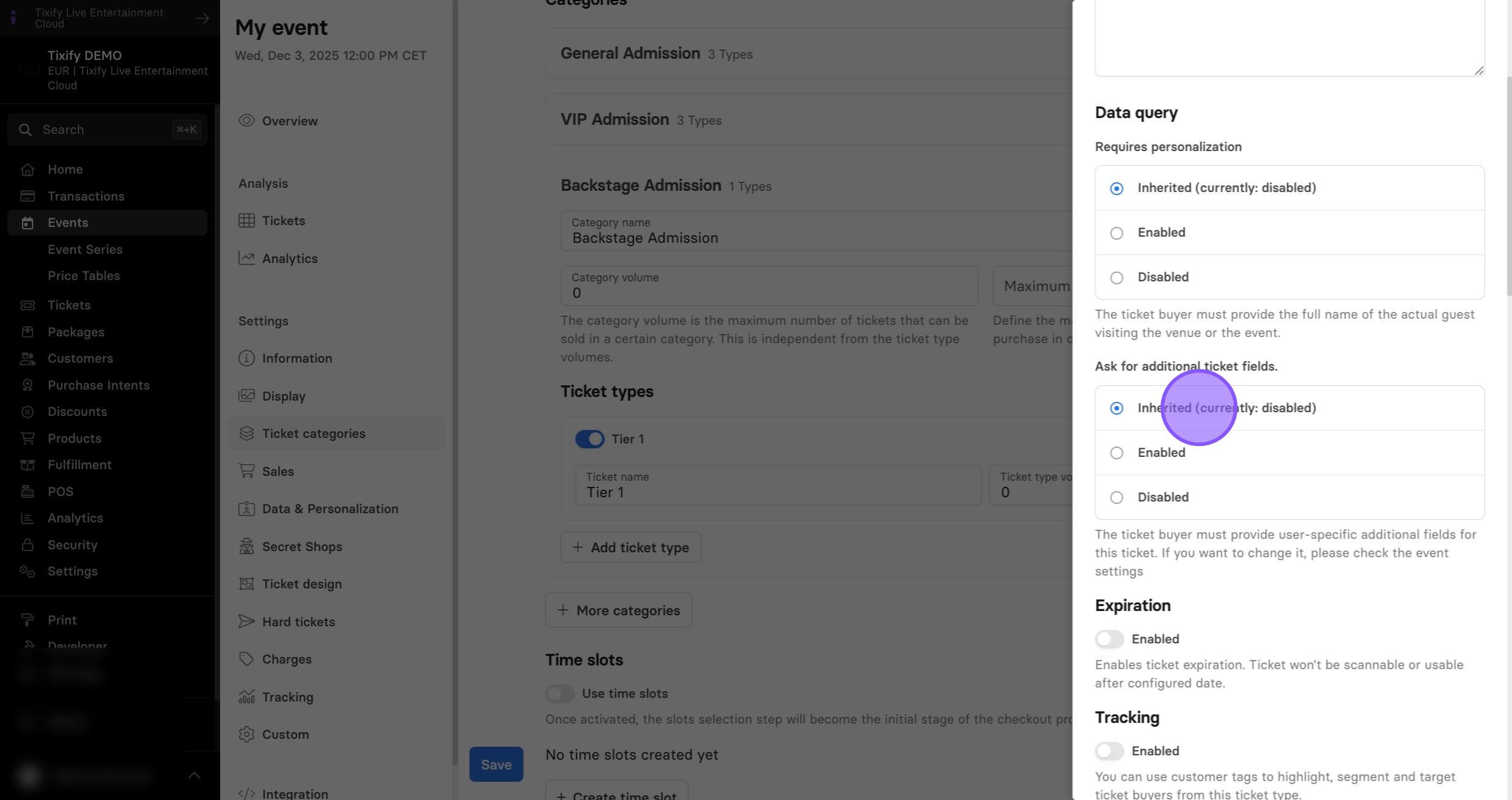
Expiration
1: Expiration option allows you to set the limit when your ticket can be used. This is useful for example in cases when you put the strict rules when the customer can attend the event. After the expiration the ticket cannot be scanned/used.
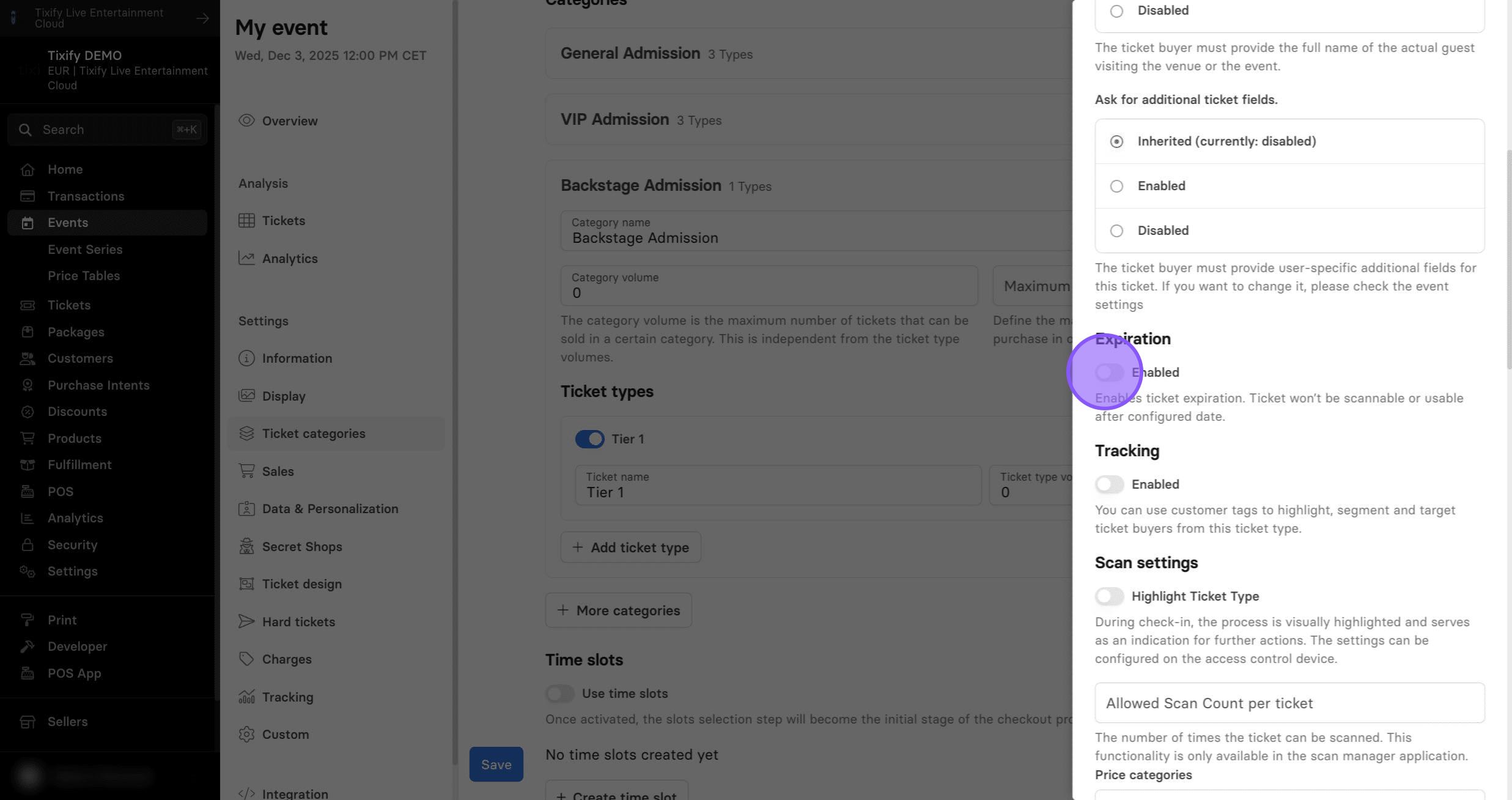
Tracking
1: Tracking allows you to assign specific tags to all customers who purchase a particular ticket type. These tags can then be used to create custom reports, develop targeted sales strategies, send personalized emails, and much more.
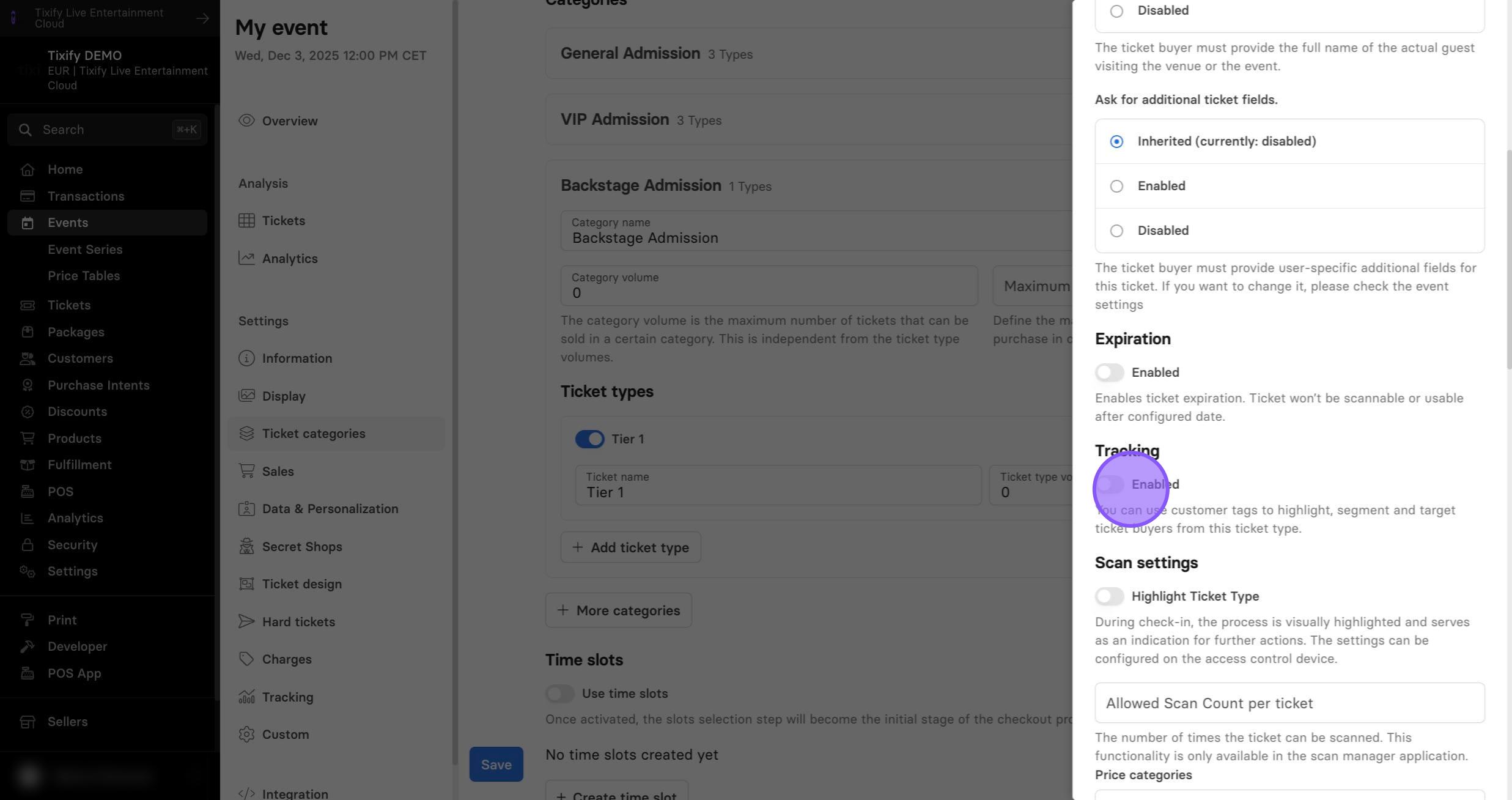
Scan Settings
1: During check-in, the process is visually highlighted to indicate the next actions. These settings can be configured on the access control device.
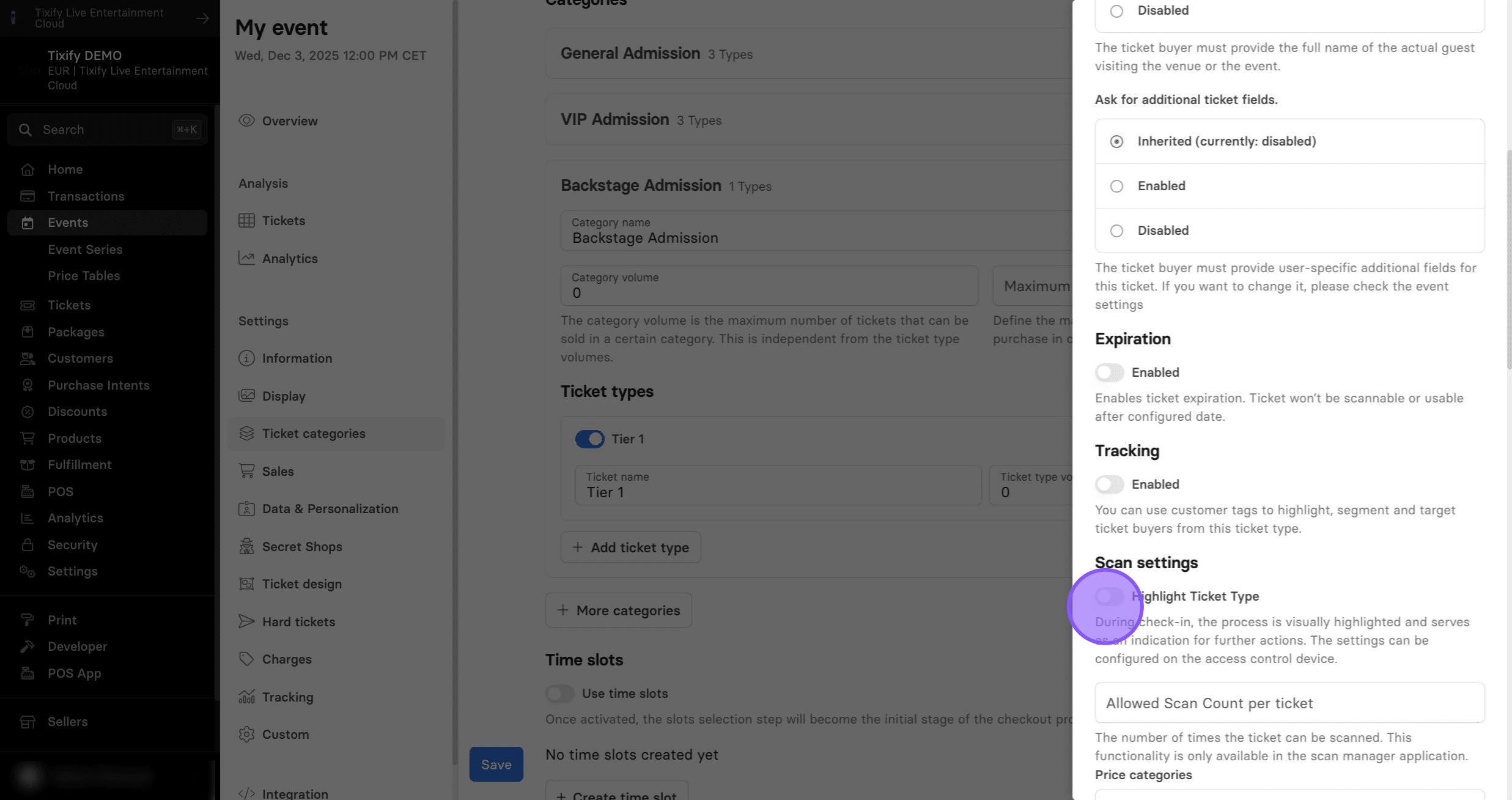
2: Determine how many times an individual ticket can be scanned. This setting is useful for controlling entry—for example, allowing a ticket to be scanned only once for single-entry events, or multiple times for events where re-entry is permitted. By default and if not adjusted, all tickets can be scanned just once.
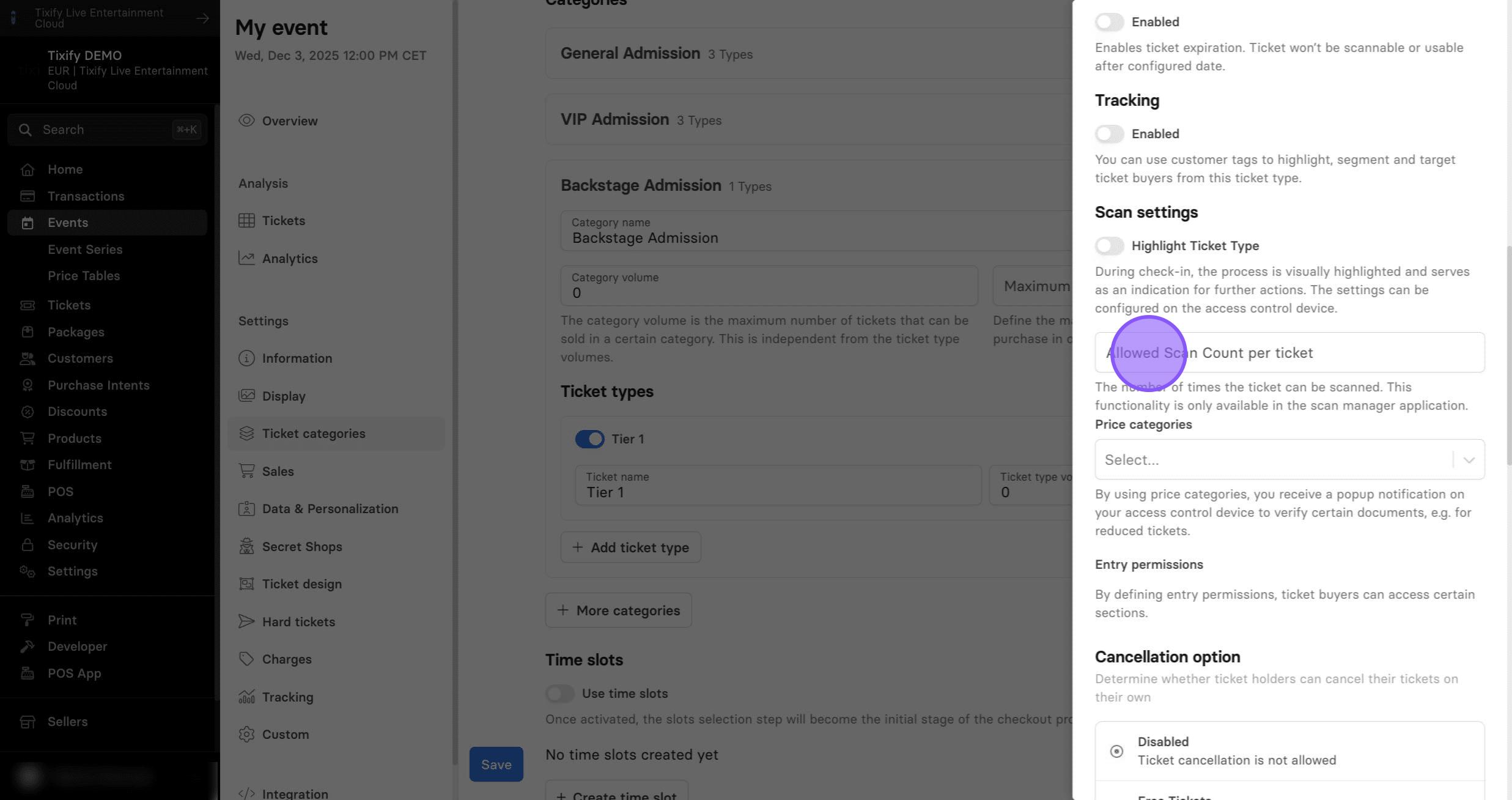
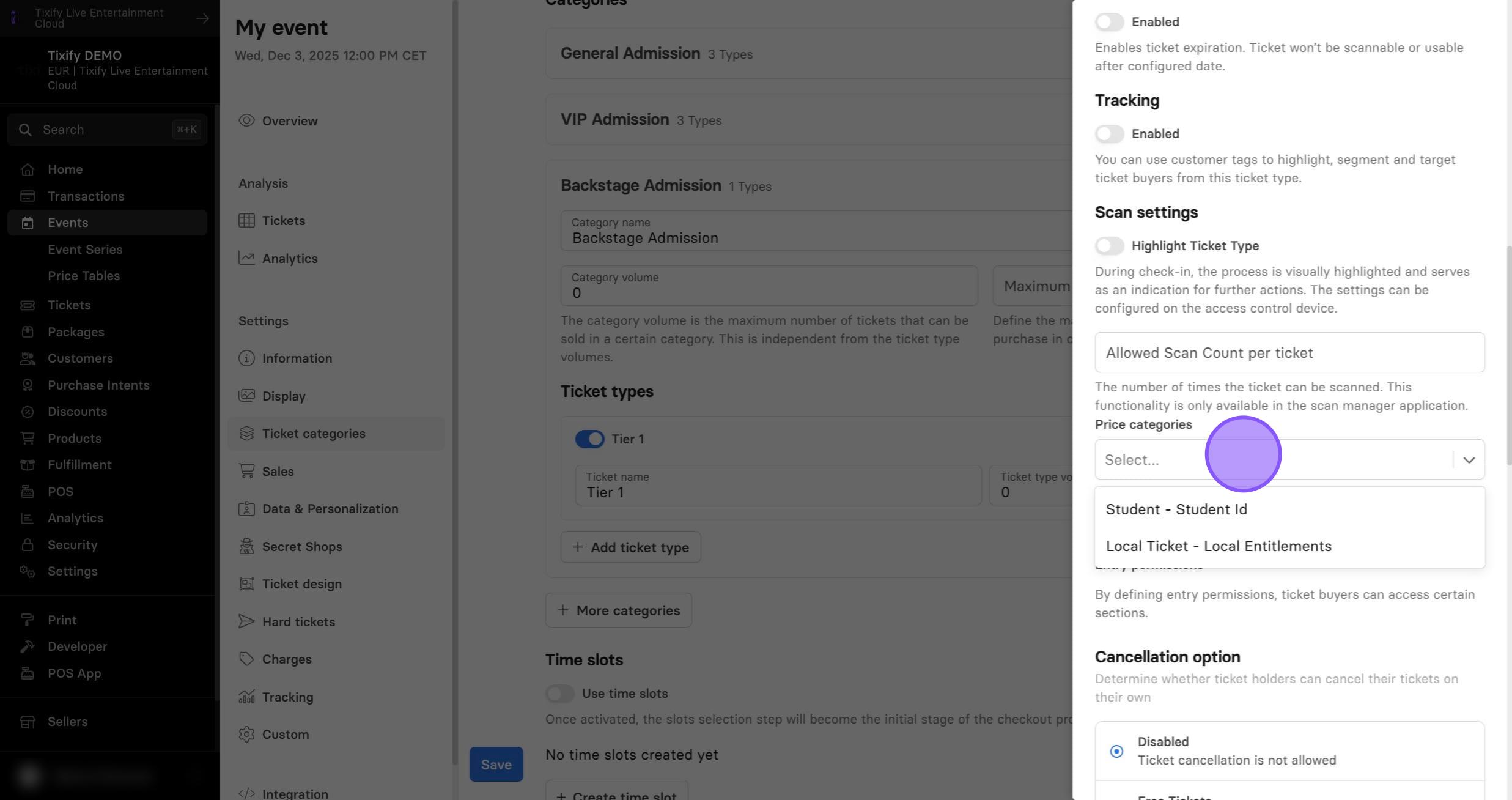
3: By using price categories, your access control device will display a popup notification to verify specific documents, e.g. student ID, local ID etc. New price categories can be setup in the Seller Settings --> Access Control --> Integrations.
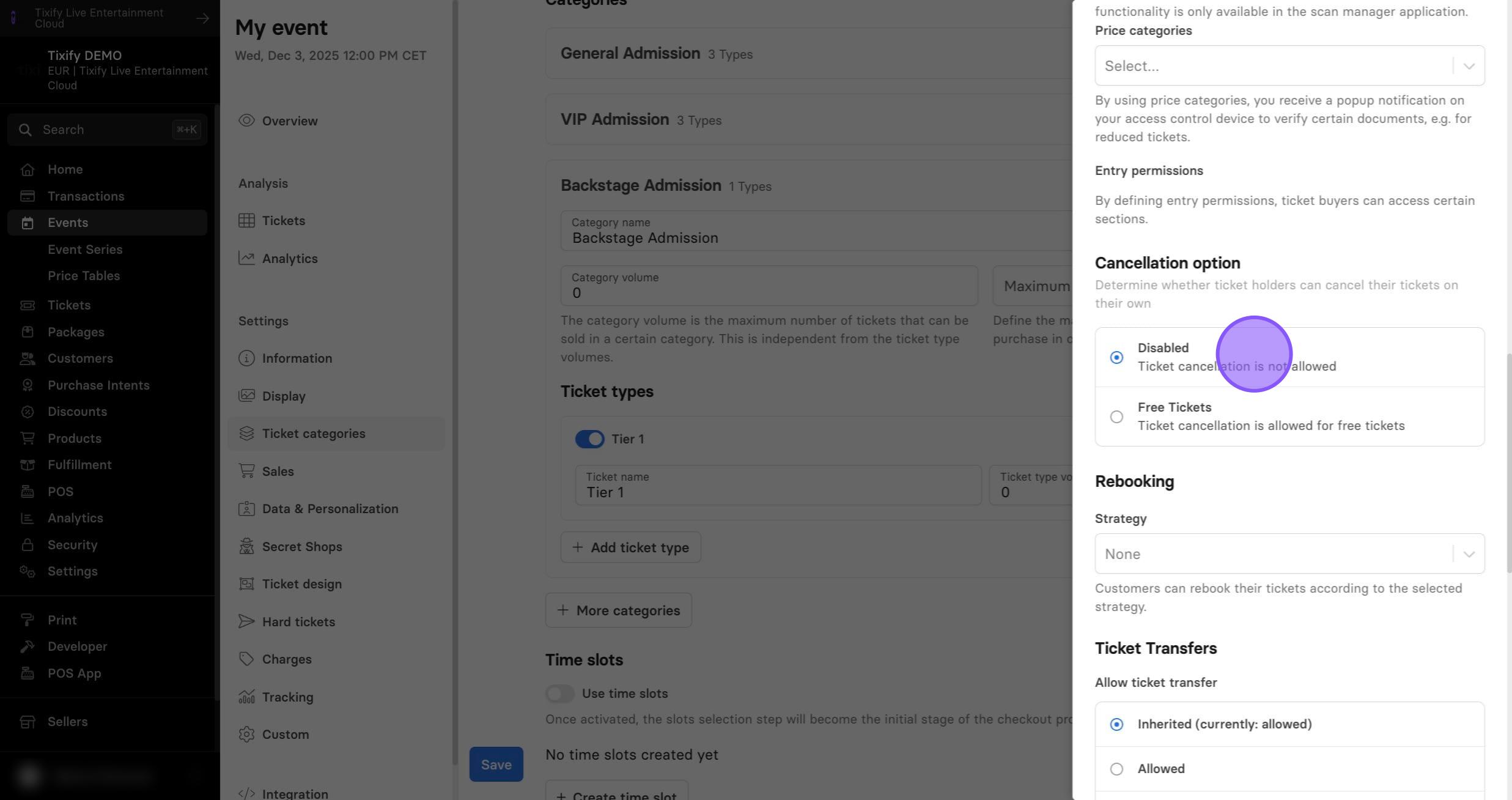
Cancellation Option
1: Determine if you allow ticket cancellations.
Rebooking
1: Decide if you allow customers to rebook their ticket. Specific rebooking strategies can be configured in Seller Settings --> Rebooking strategies.
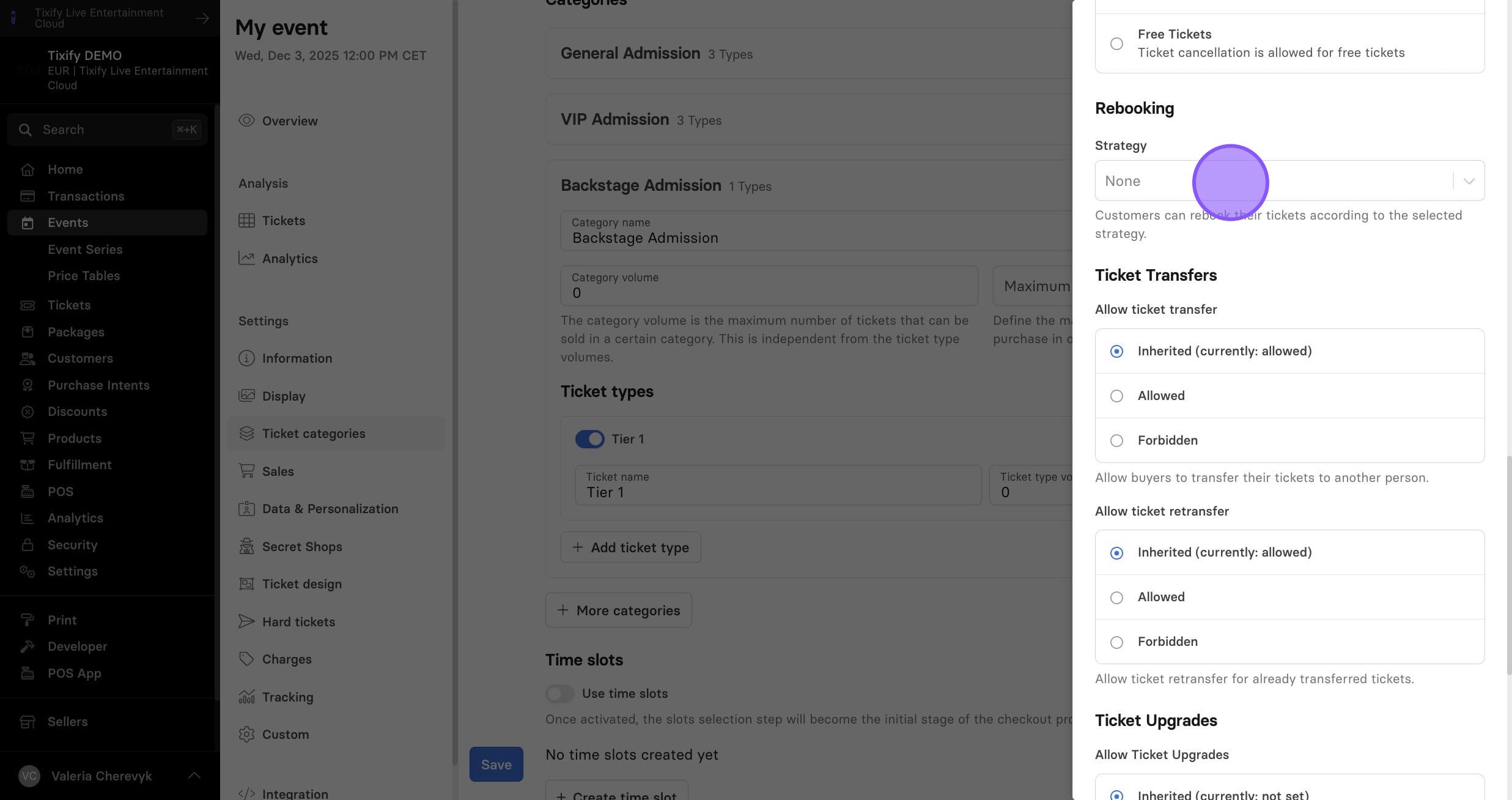
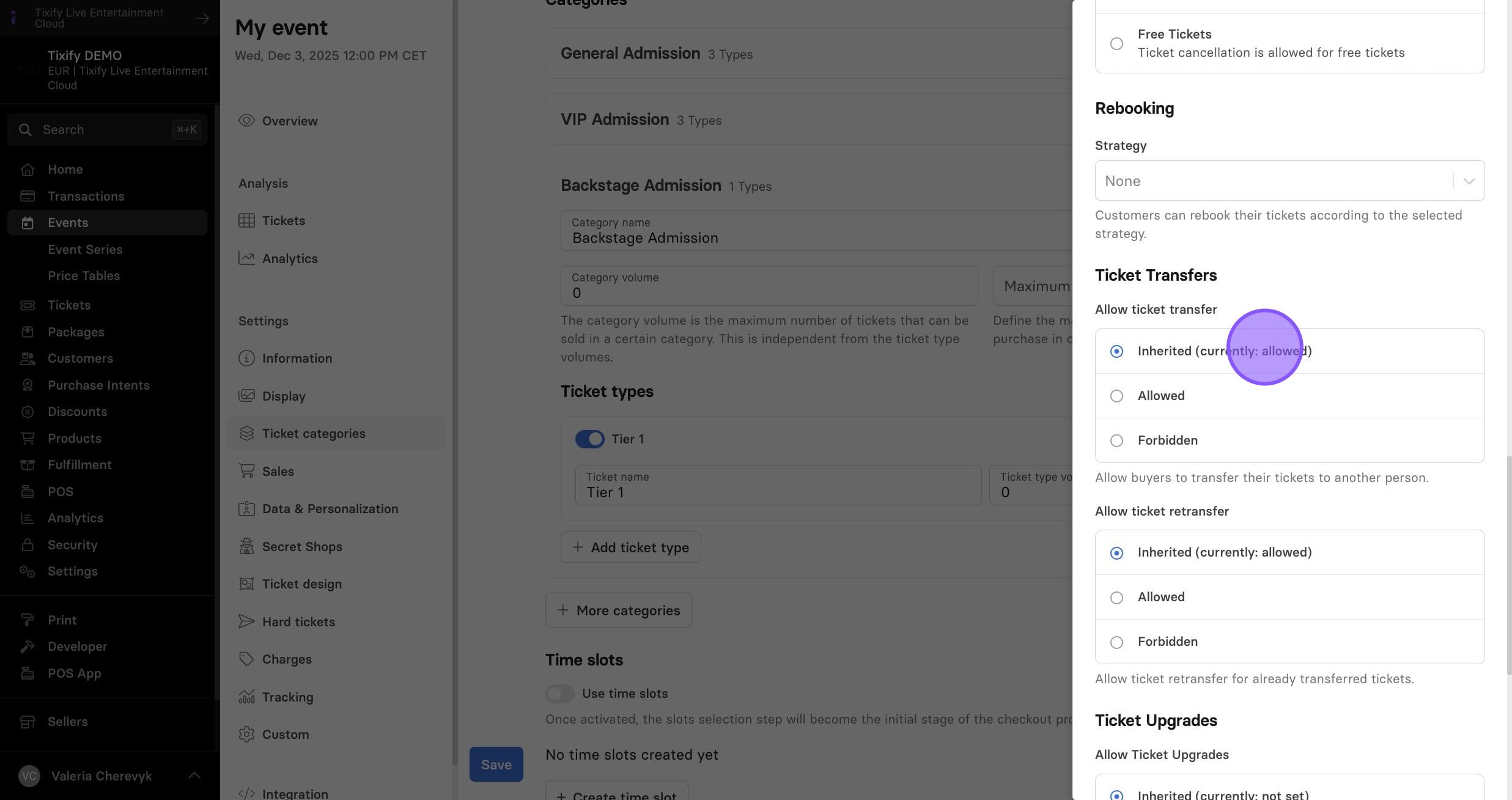
Ticket Transfer
1: You can allow customers to transfer and retransfer their tickets.
Ticket Upgrades
1: Upgrades allow customers to exchange their tickets for a different ticket within the same event.