How do I setup shop?
The Hero Shop is your central storefront where all your events are showcased and available for purchase. It lets you promote your events in one place and create a tailored shopping experience for your audience.
You can fully customize your Hero Shop with a variety of settings—add sections to organize events into categories, connect your own domain, and personalize the look and feel to match your brand. The shop is entirely yours to design and manage.
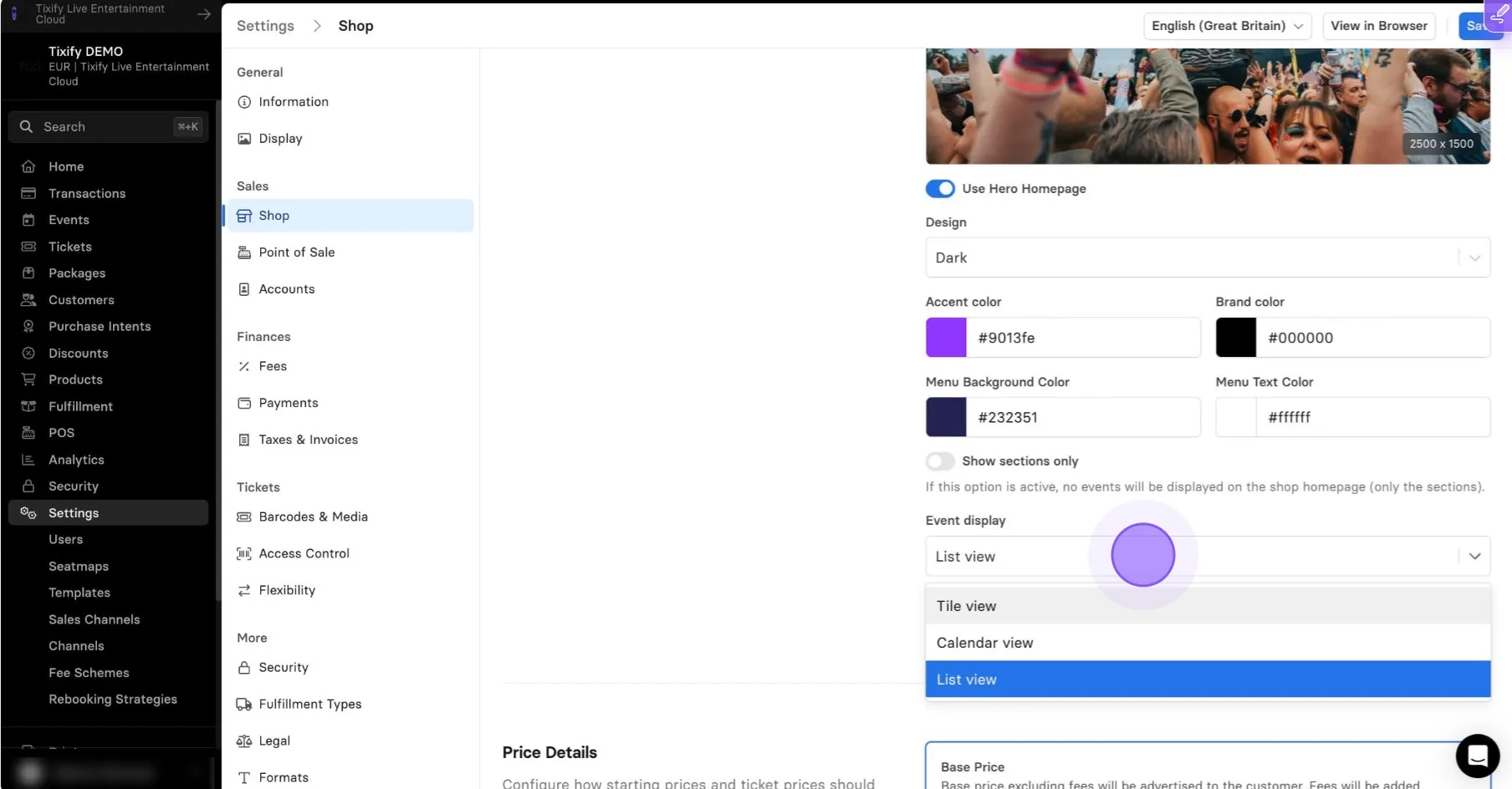
Go to Settings --> Shop
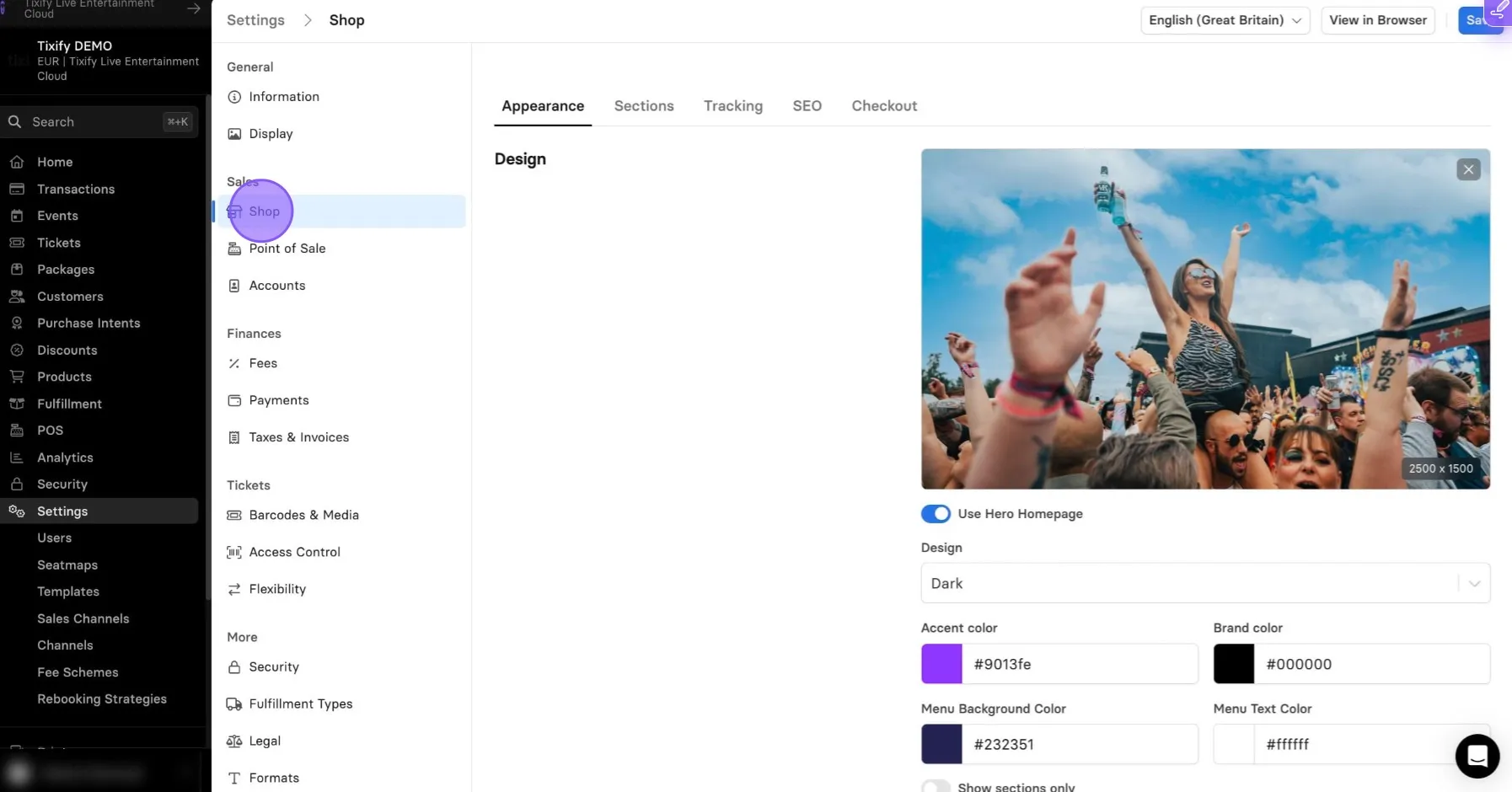
In the design section you can toggle "Use Hero Homepage"
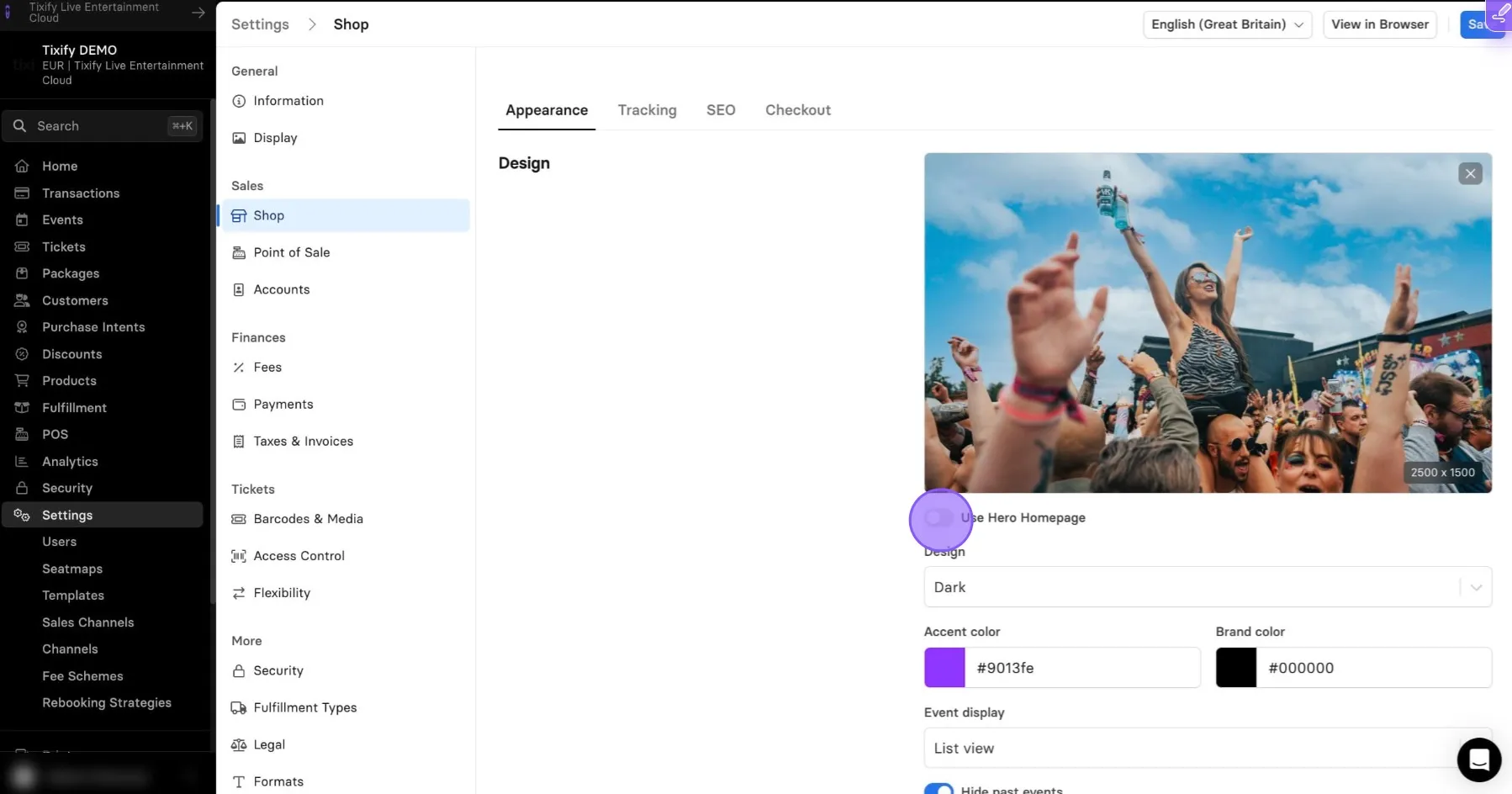
Here you can compare regular shop with Hero Shop.
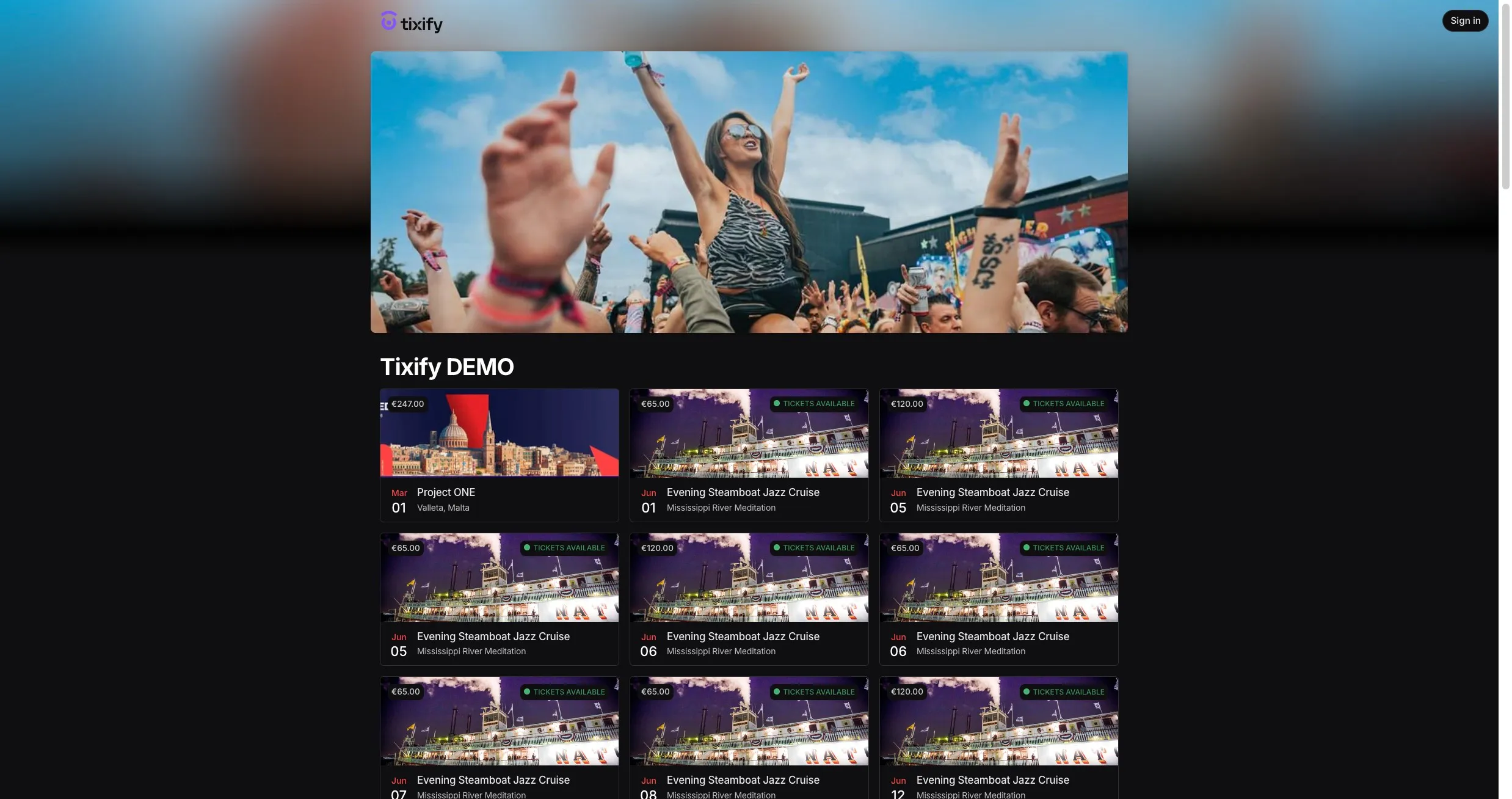
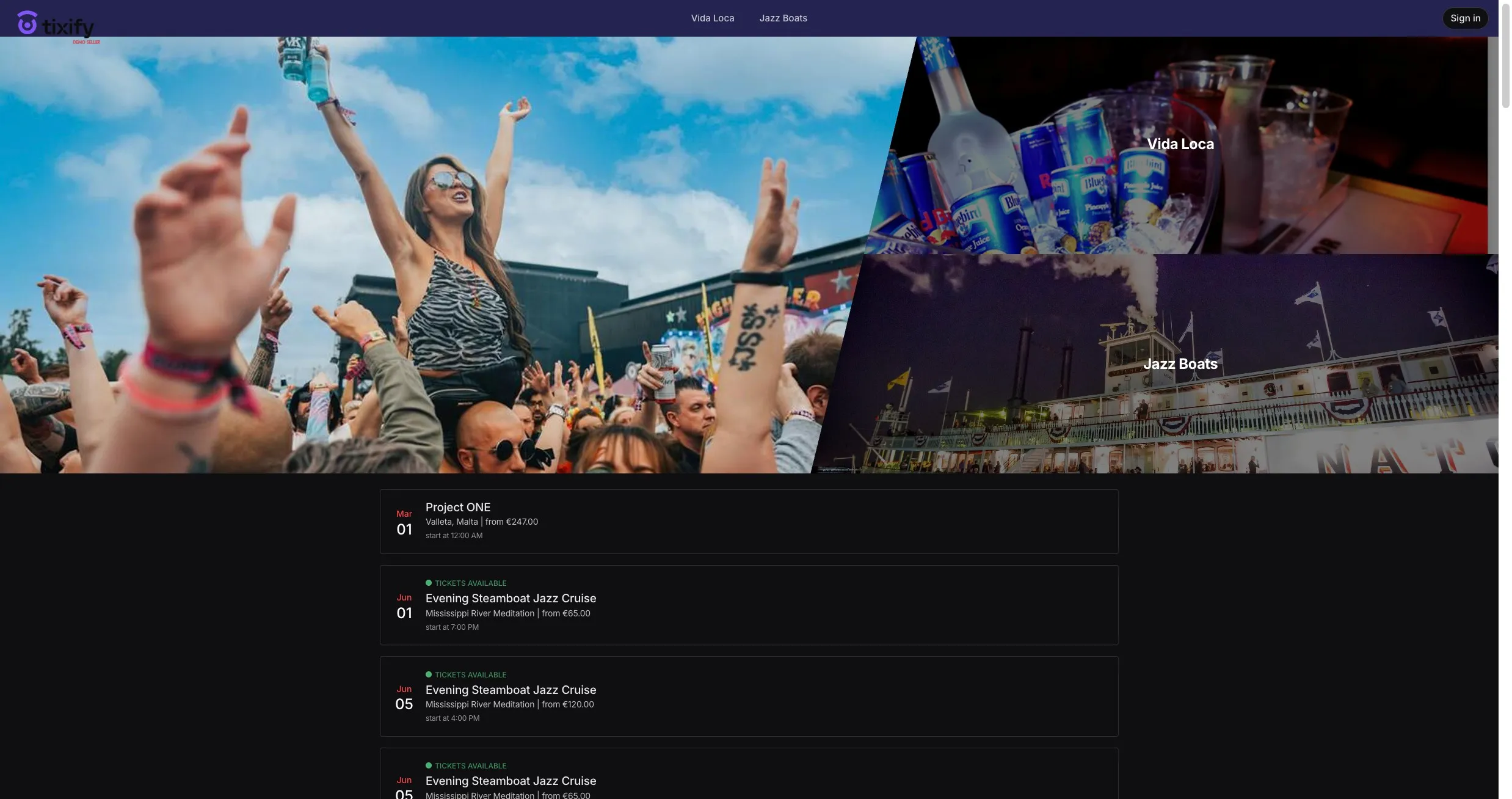
For the Hero Shop there are several things you can customize.
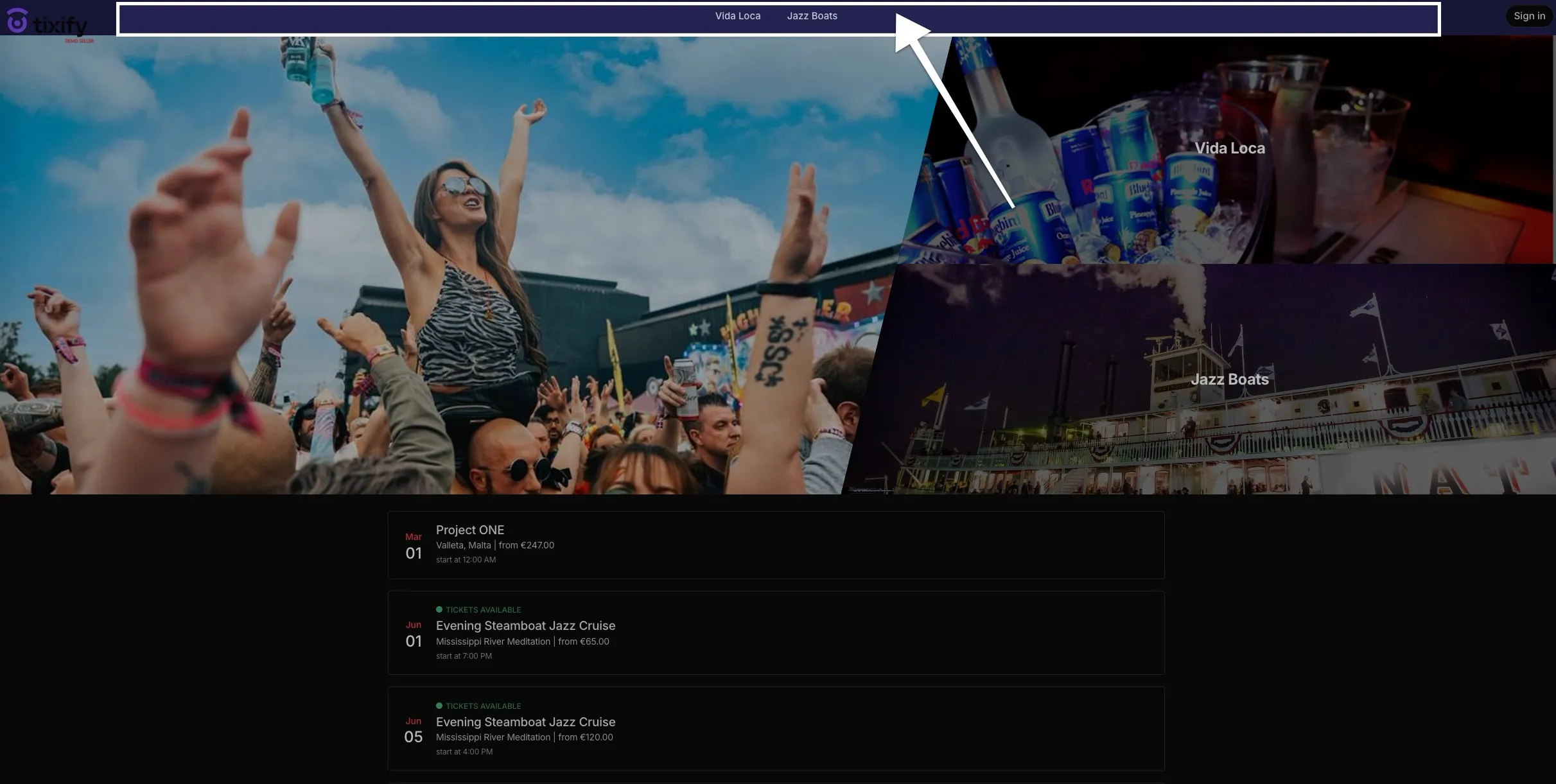
You can change the Menu Background Color and Menu Text Color.
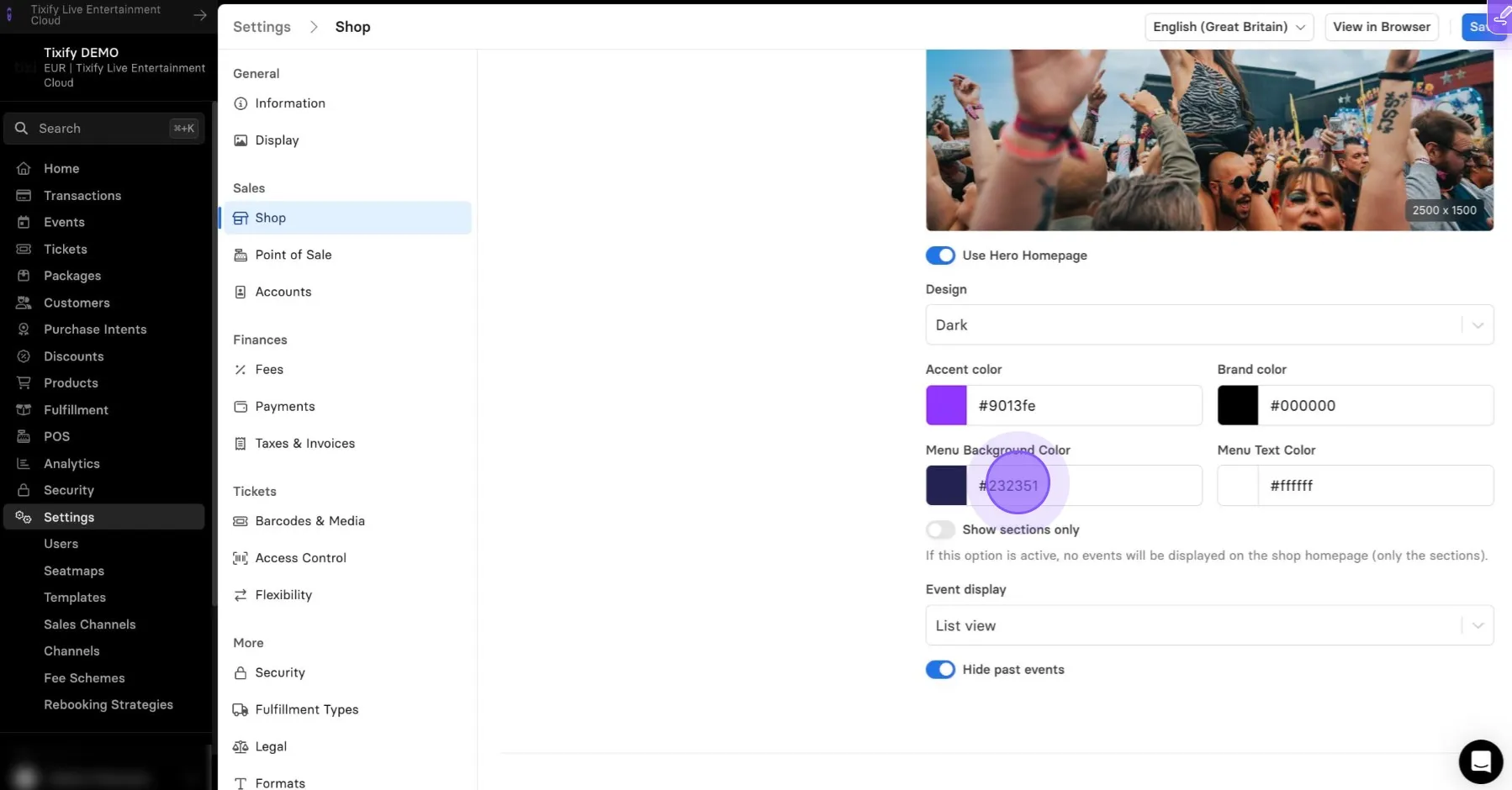
This change will be reflected here:
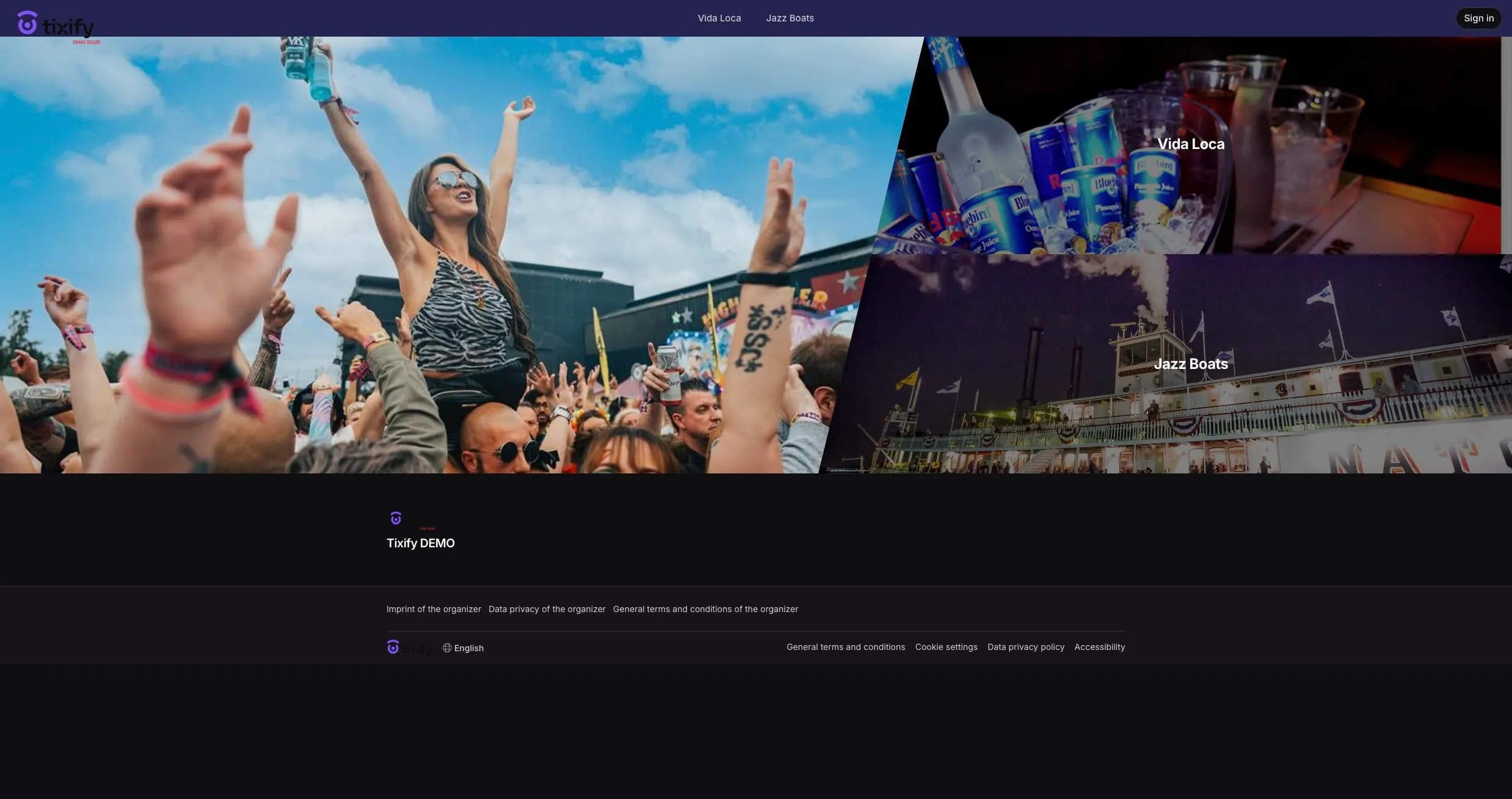
Selecting "Show sections only" will hide all of the events, leaving only the top section.
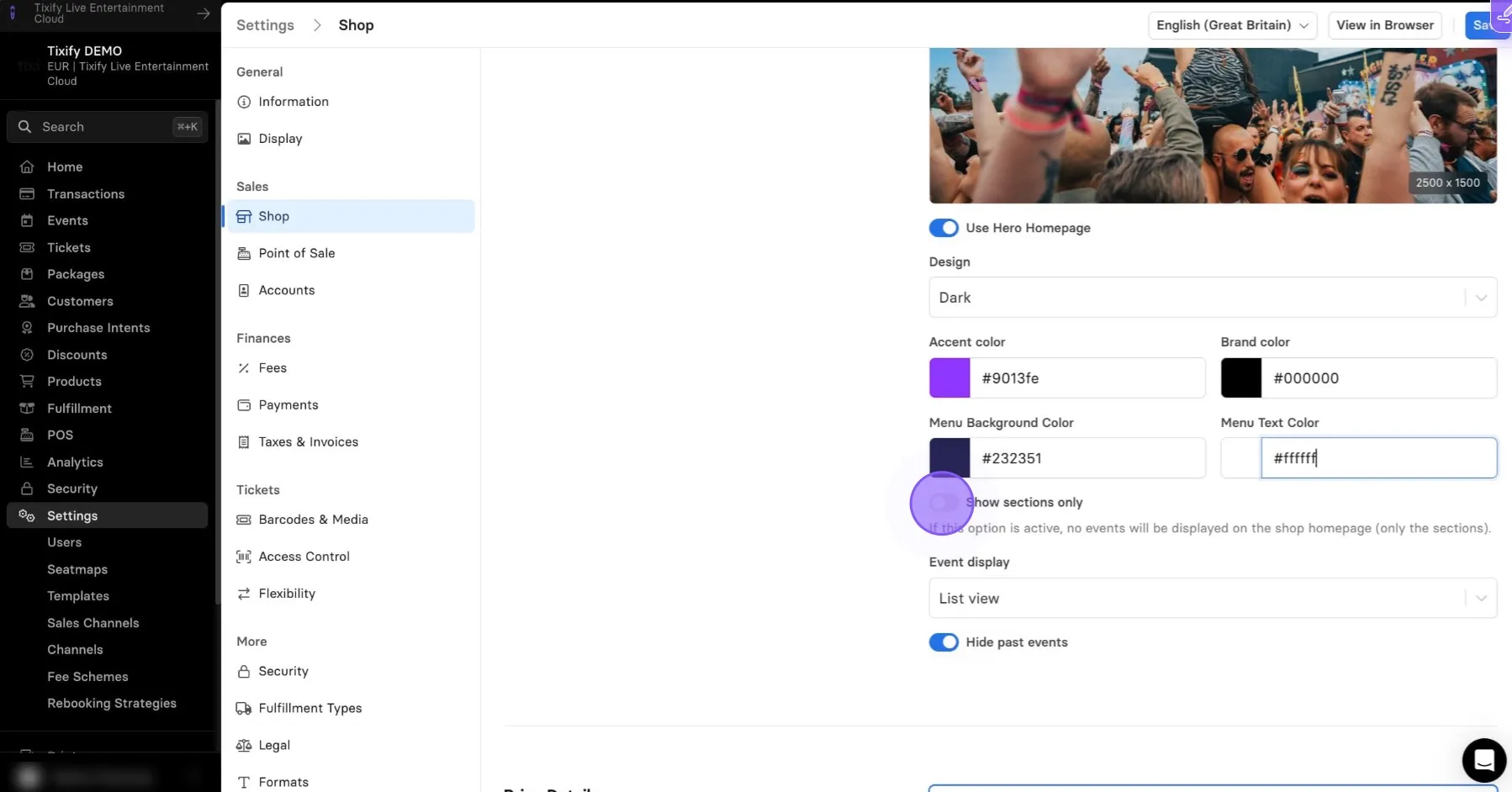
You can find the example here:
Finally, you can change the Event Display. You can select between tiles, list or calendar.
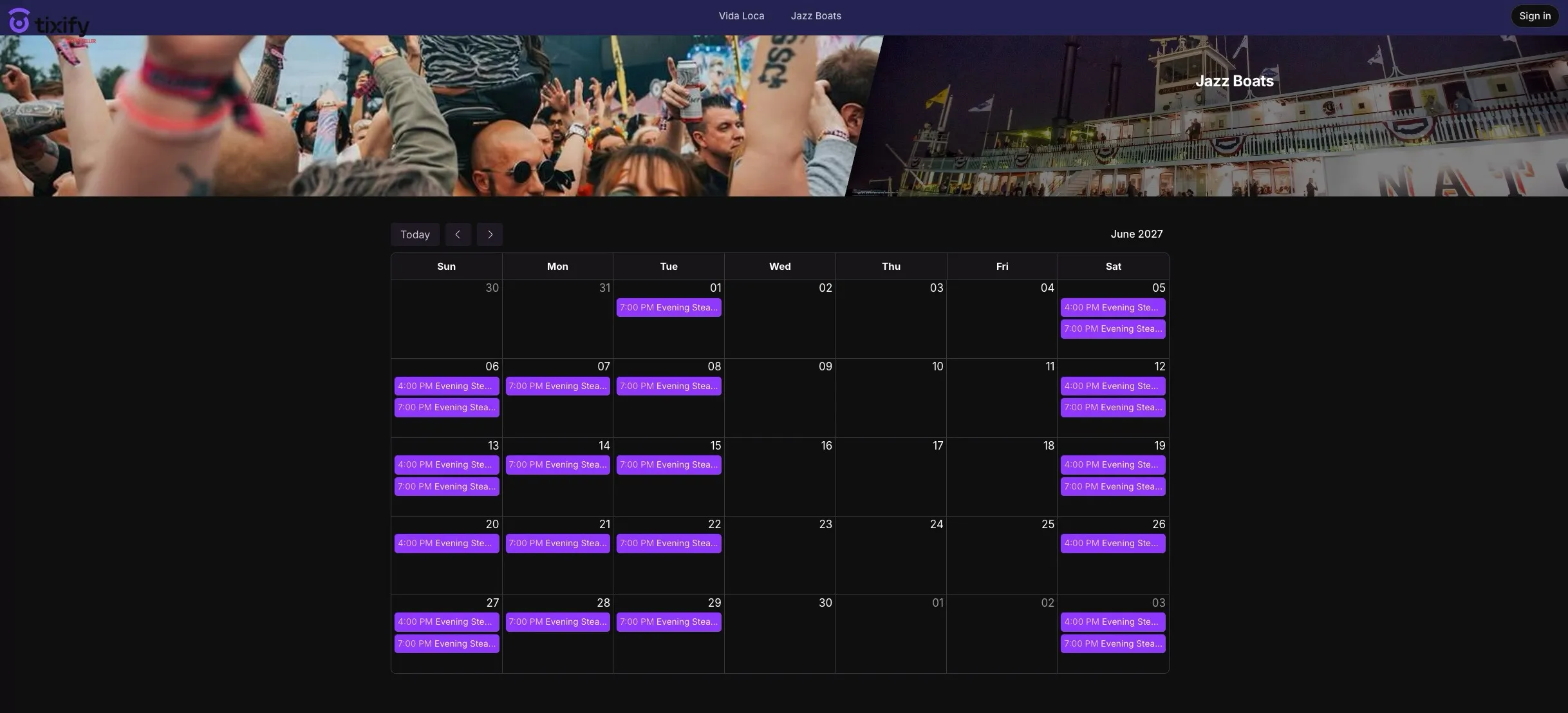
Calendar View
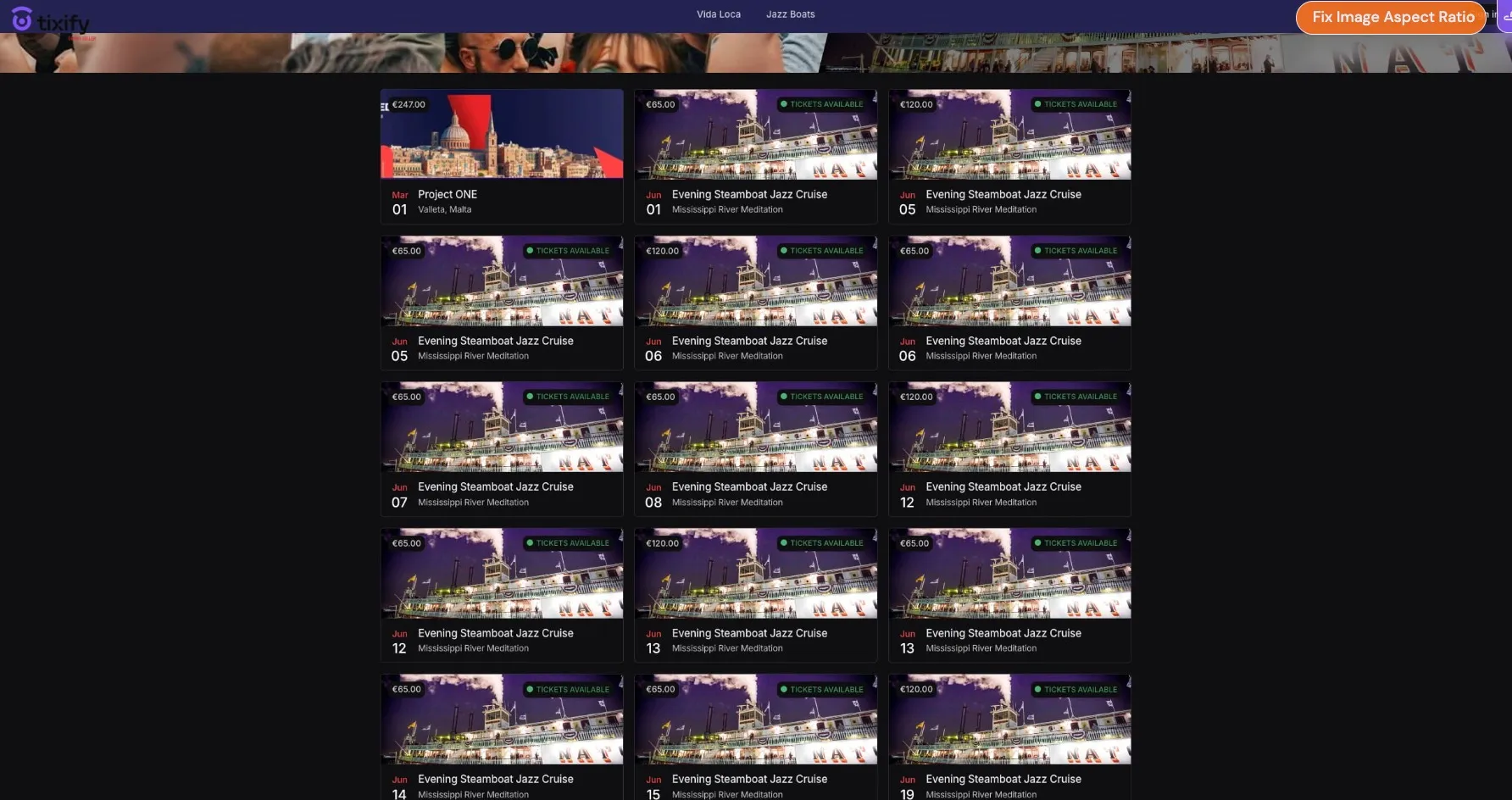
Tile View
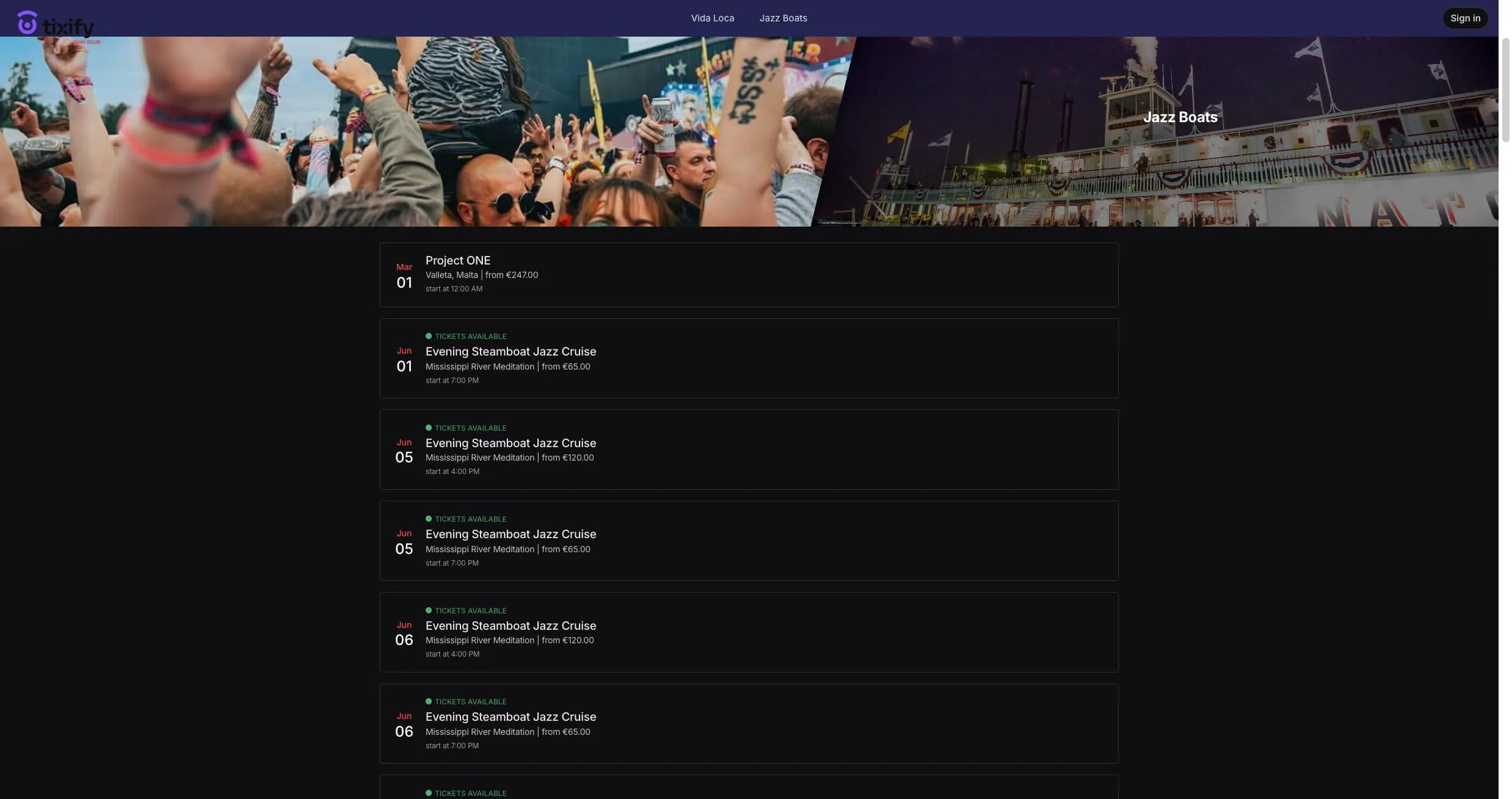
List ViewSections
Sections
Sections let you create additional overview pages where you can feature selected events. You can link these sections to your Hero Shop as needed, or use them to display external links that direct visitors to another URL.
Go to "Sections"
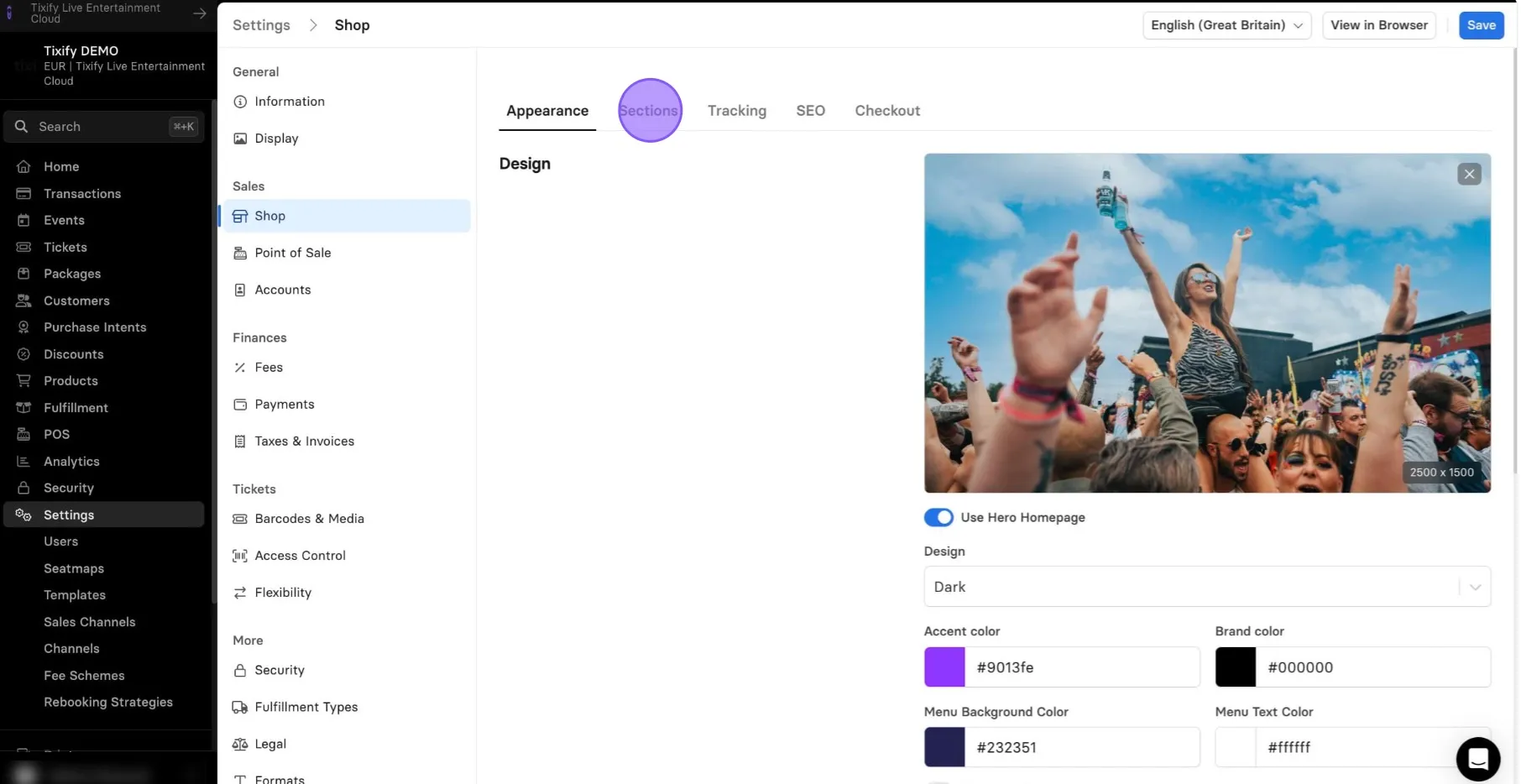
Note: "Sections" are available only when "Use Hero Homepage" is toggled.
You can enable/disable individual sections.
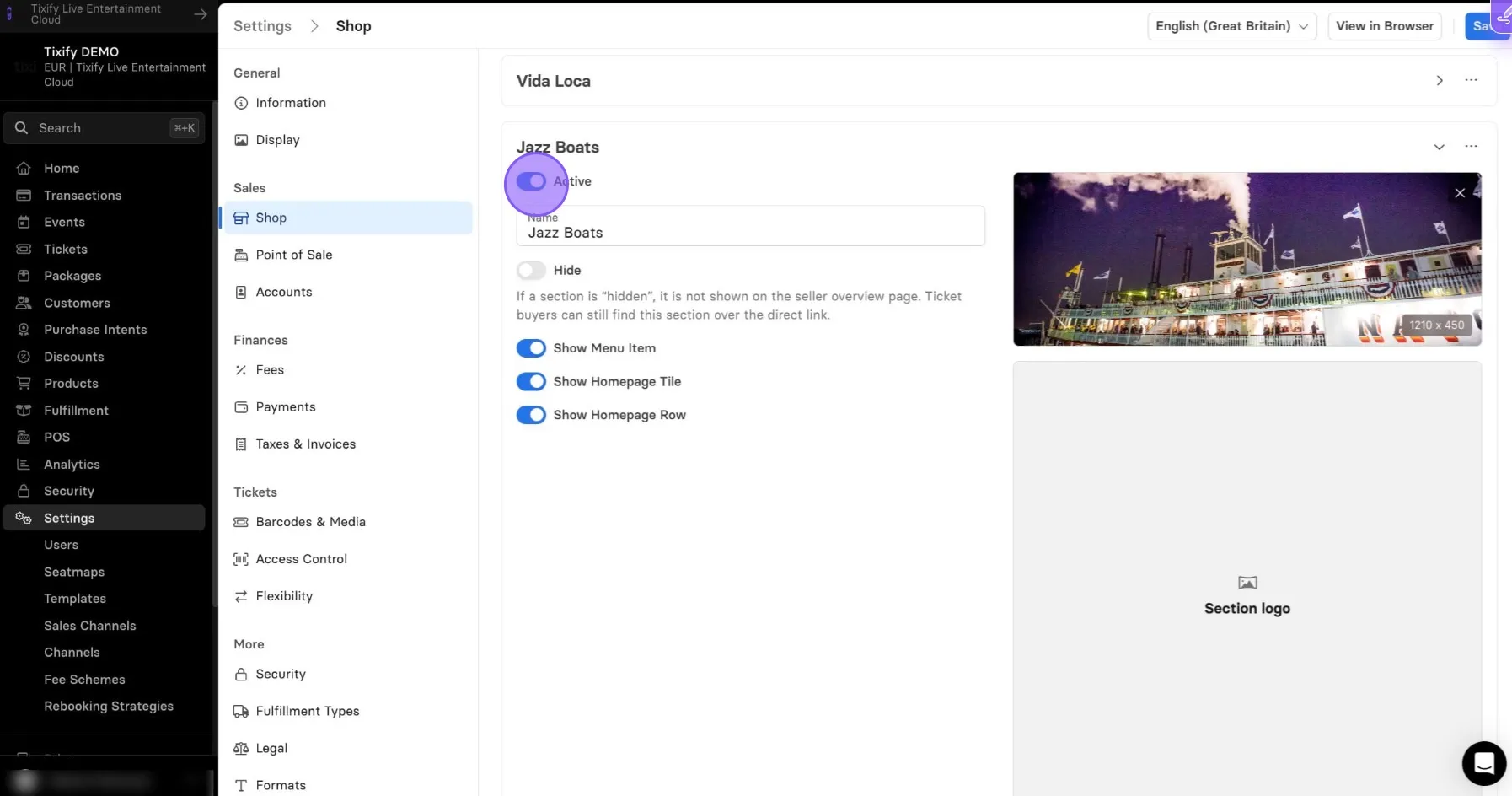
Give your section a proper name.
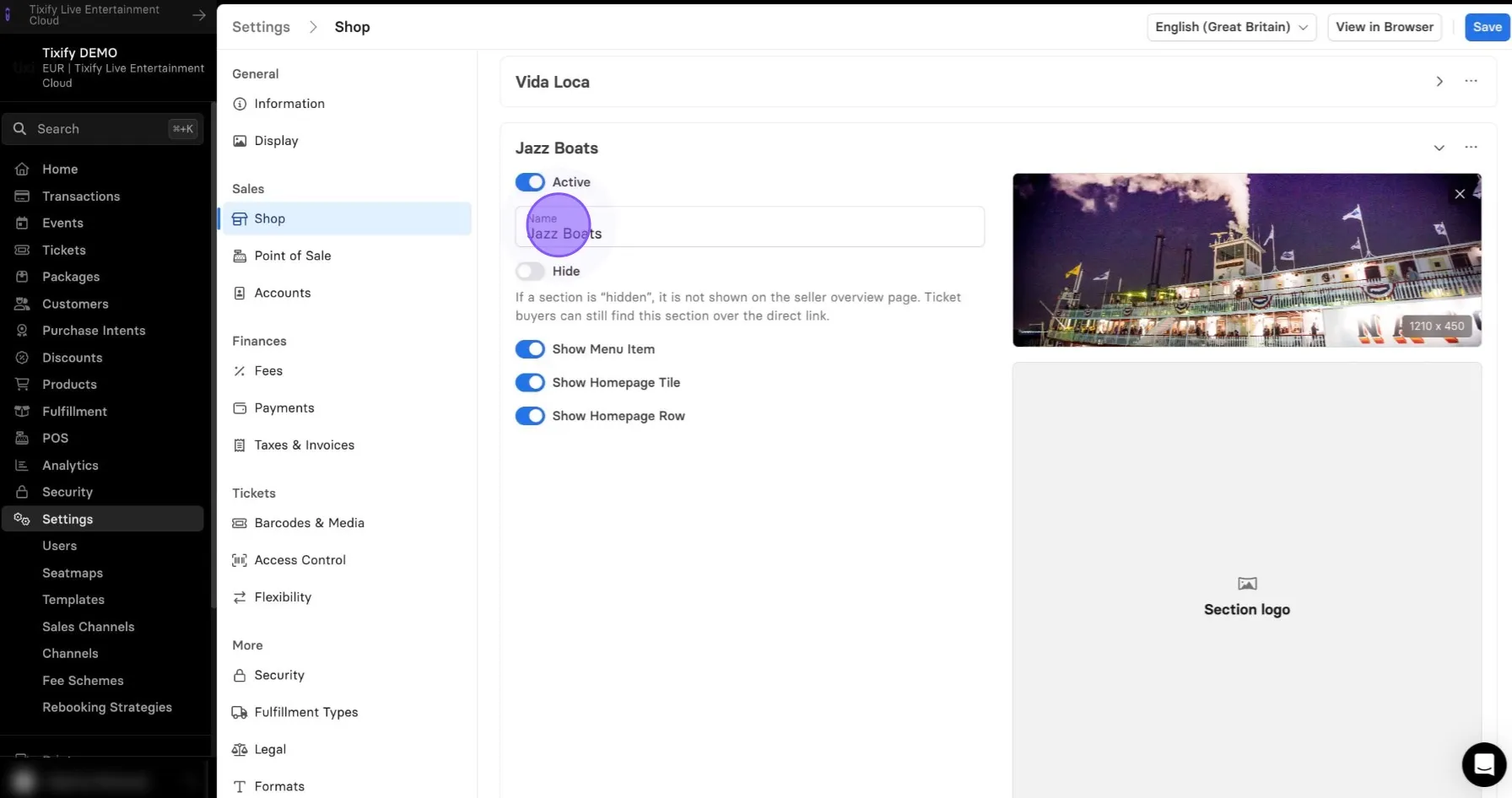
The Name field is optional and can be left blank. However, we recommend filling it in to give your customers a clear understanding of which tickets are available in your shop.
If you hide the section, it will not be shown in the shop. As long as the entire section is active, customers will be able to access the section via direct link.
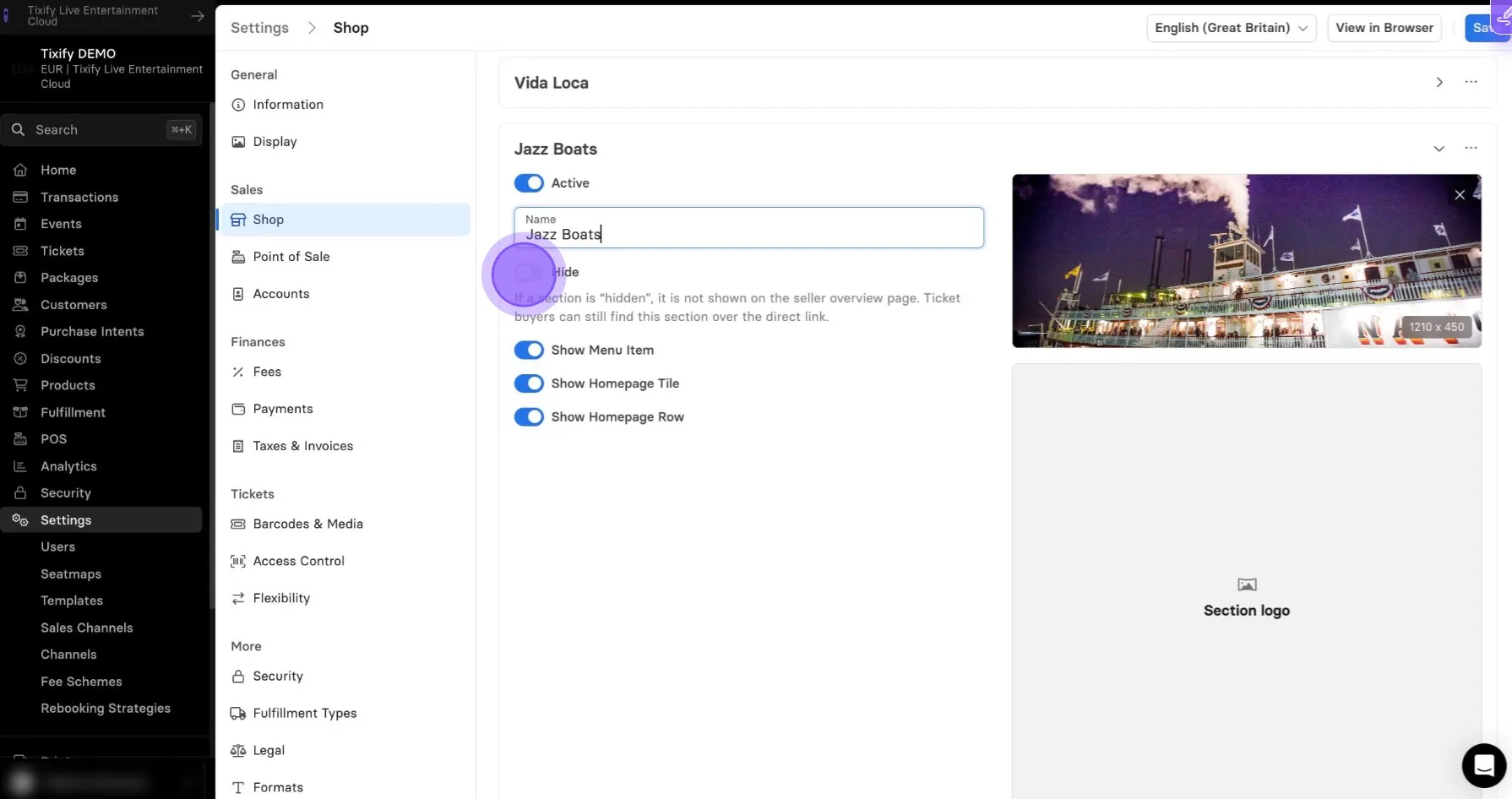
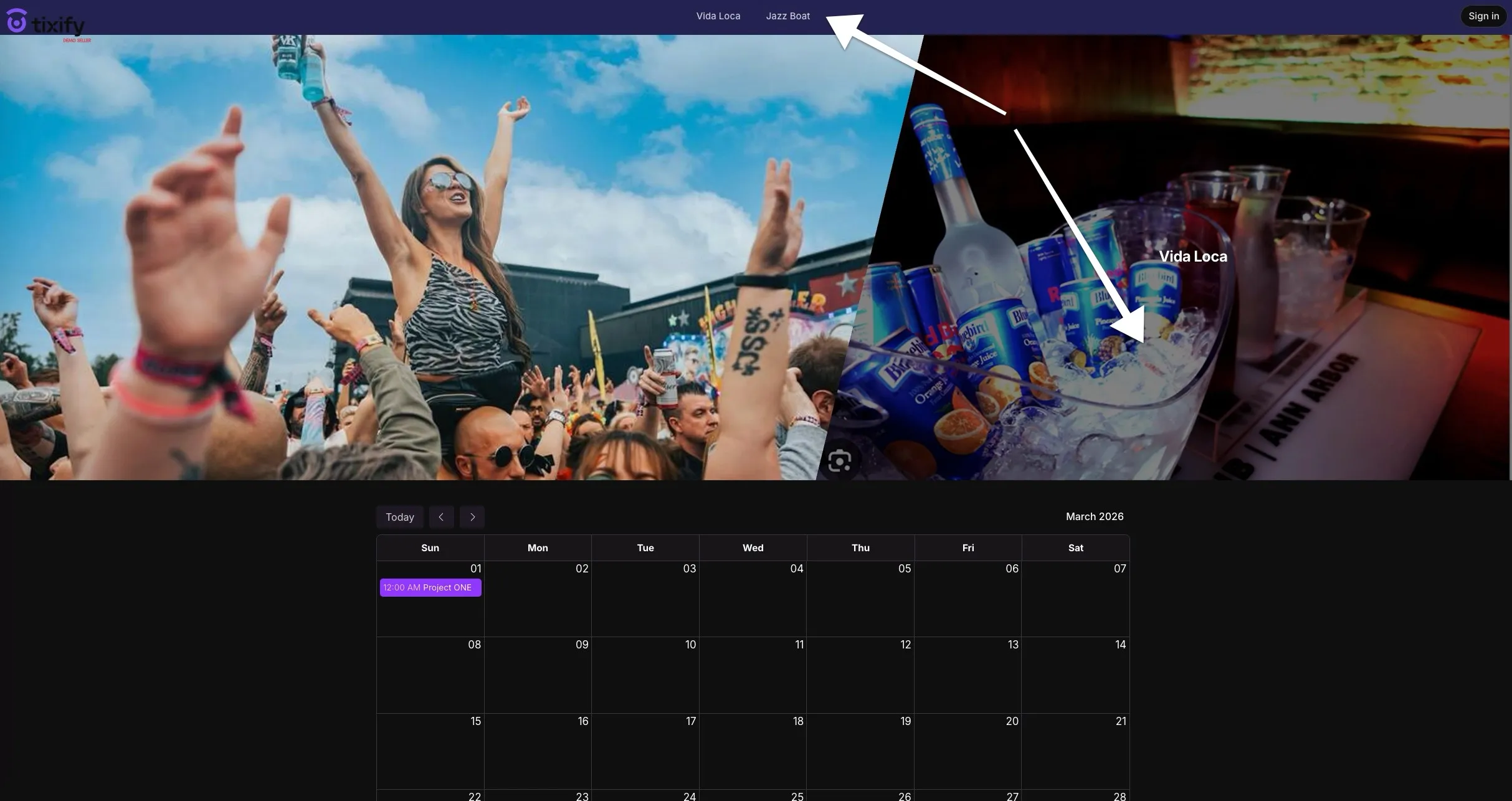
"Show menu items" allows you to enable/disable section name in the top menu.
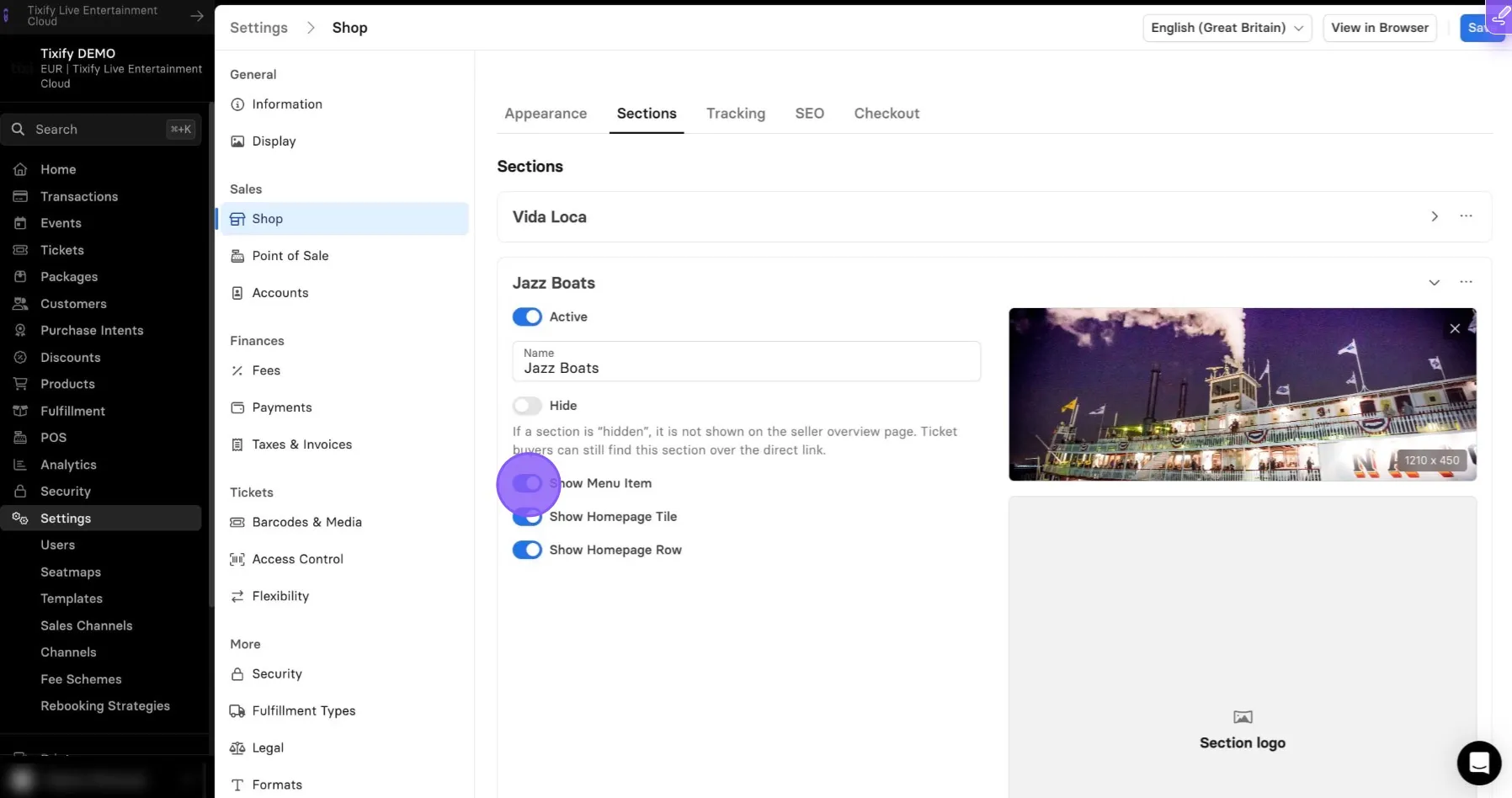
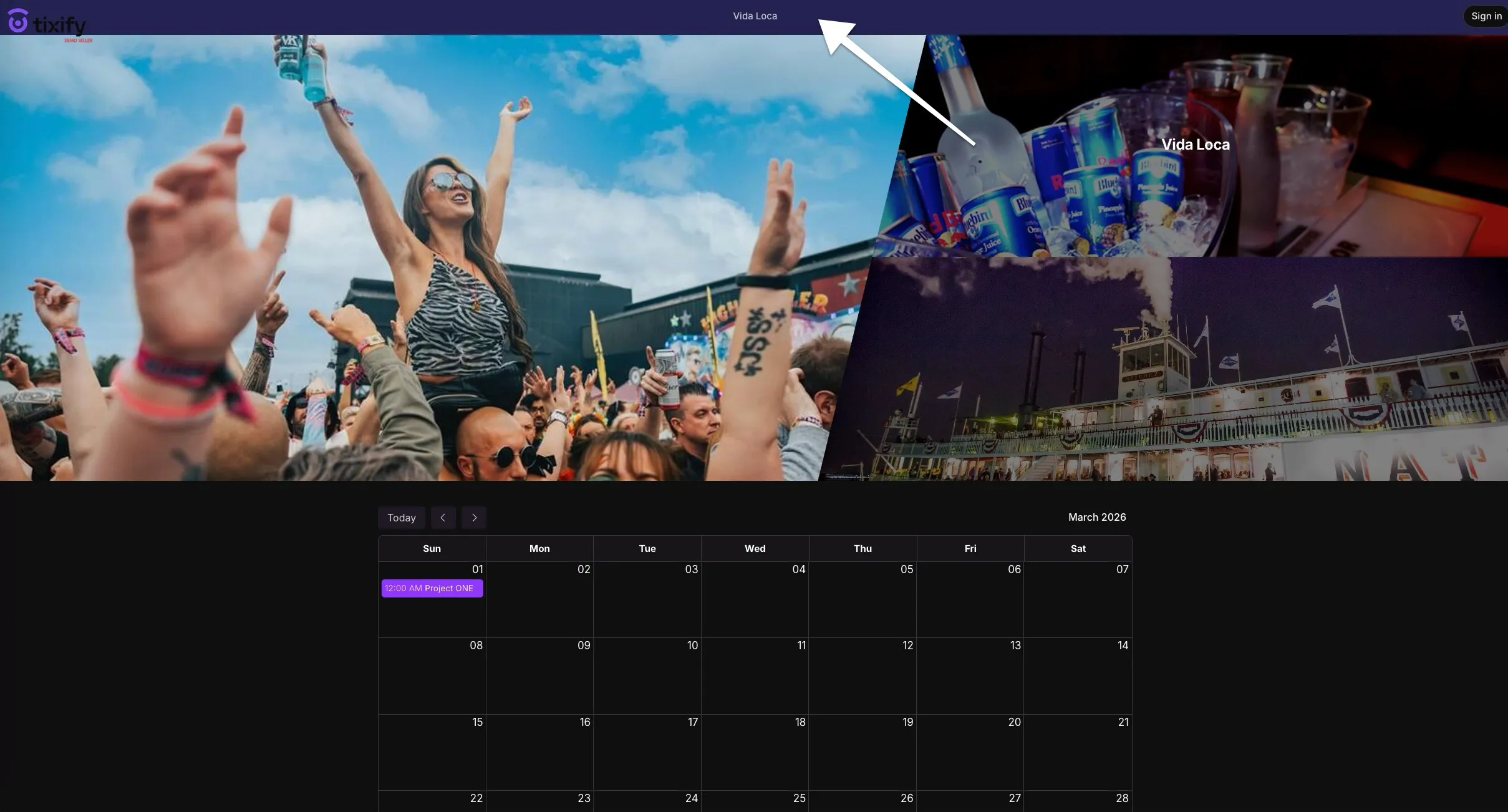
“Show Homepage Tile” lets you show or hide the tile on the homepage, while still keeping the link accessible in the menu.

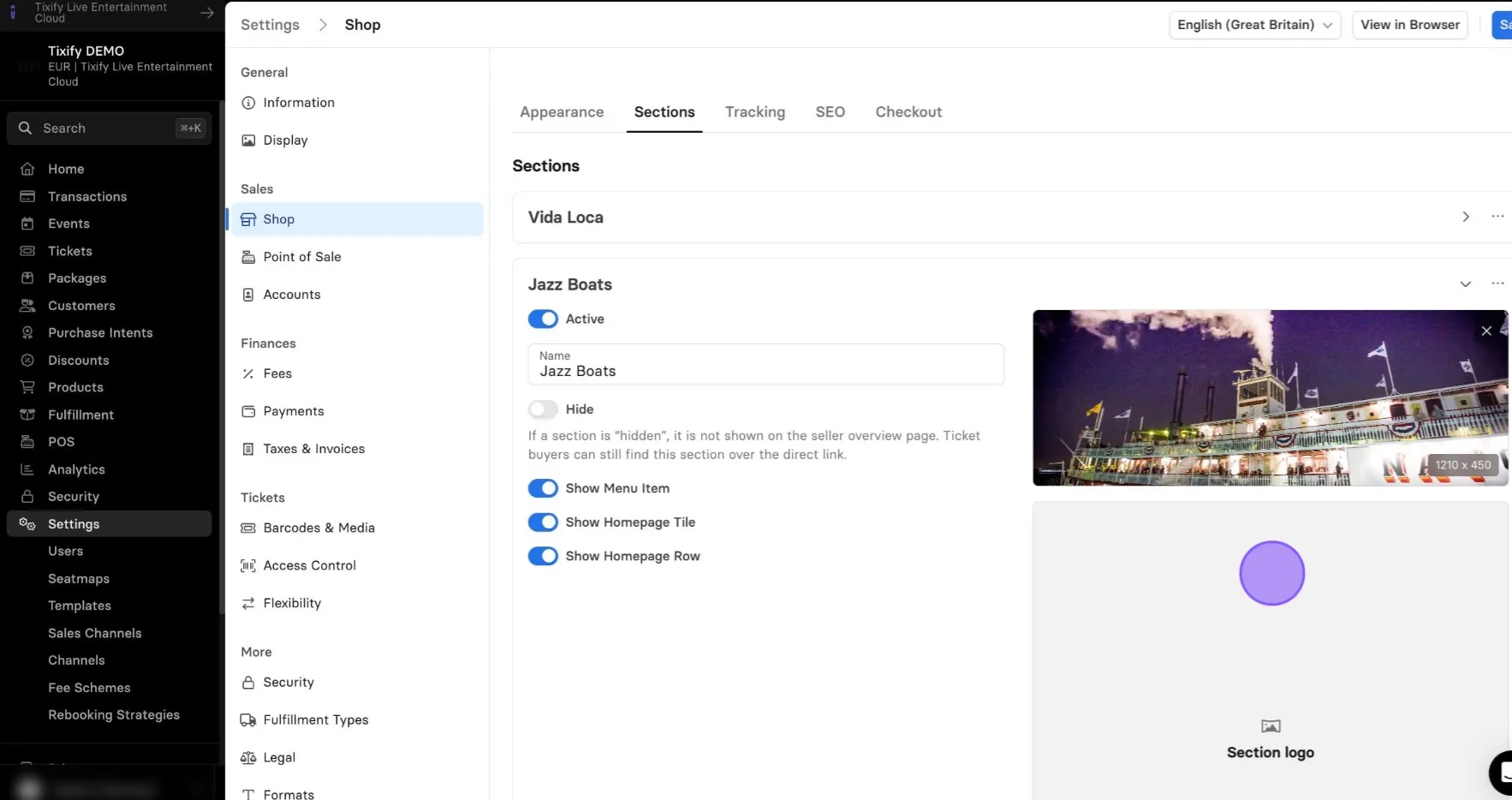
On the right side of your settings, you can configure the background and section logo. The section logo replaces the section name, which is useful if you want the button to appear as an image instead of text.
Next you can setup the destination of your section. You can choose between Events and External URL.
Events will open a new window with overview of selected events.
External URL will forward your customer to the external website.
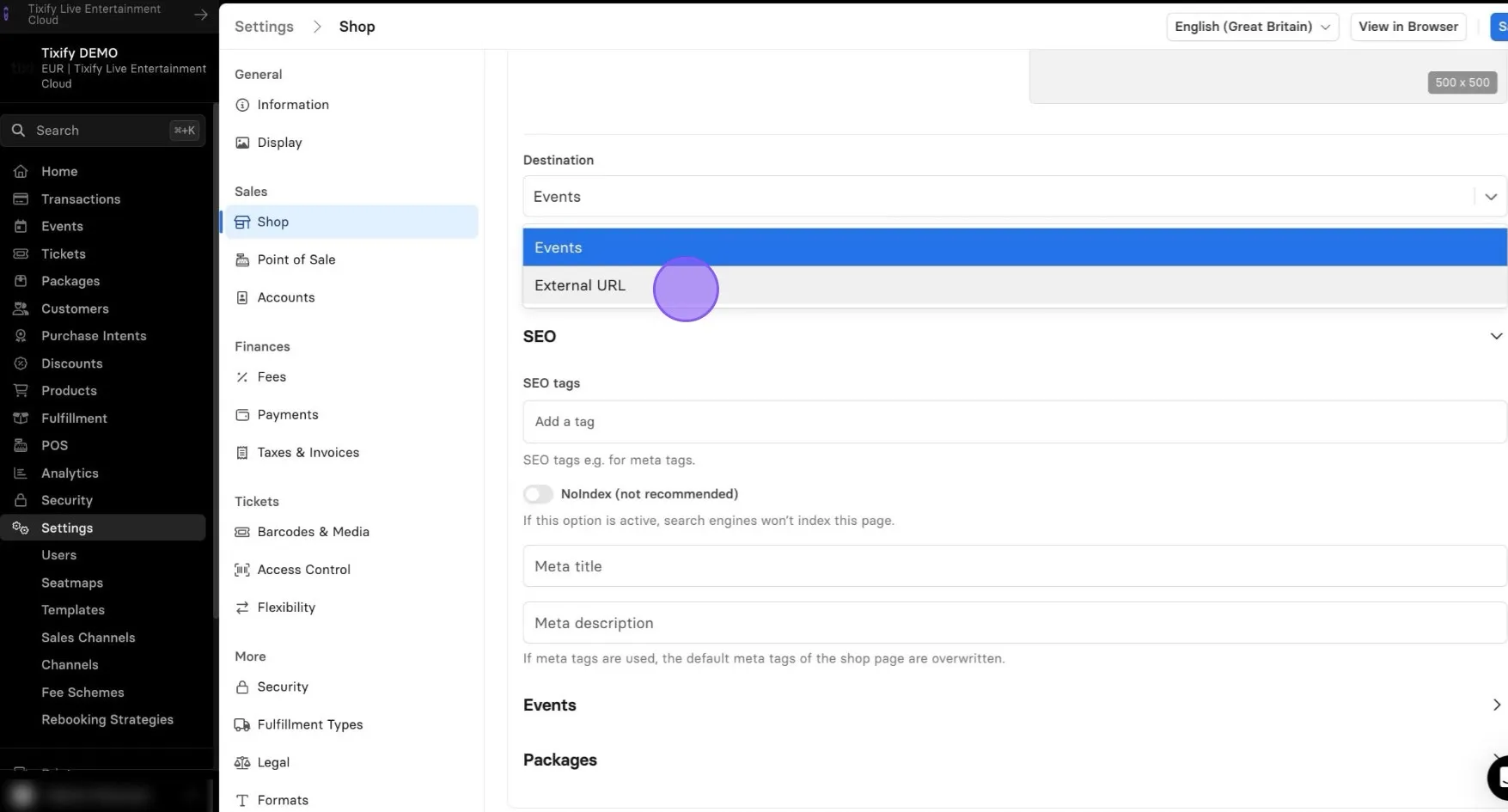
You can choose the Design and the Event display of individual sections.
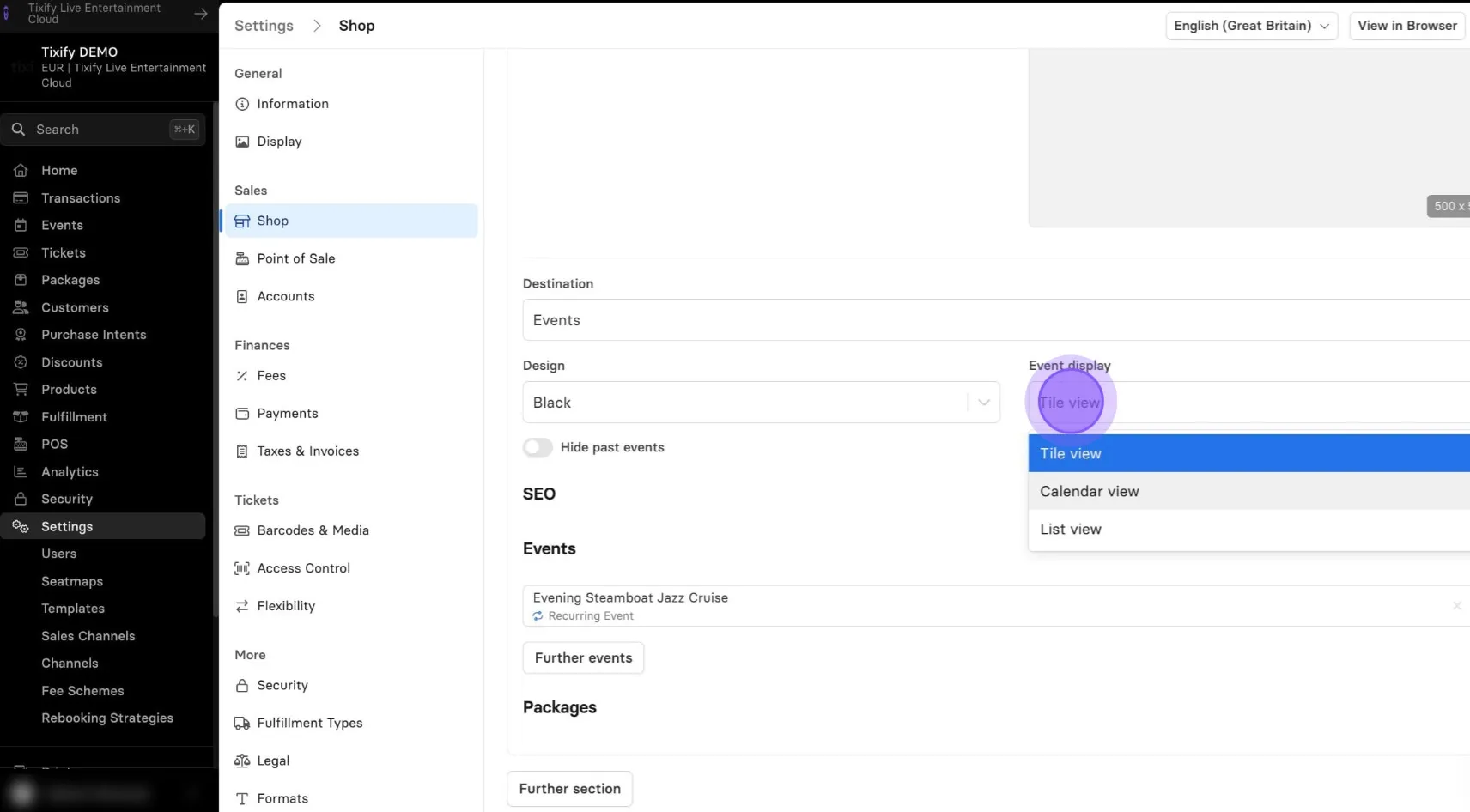
Add the Events to your section.
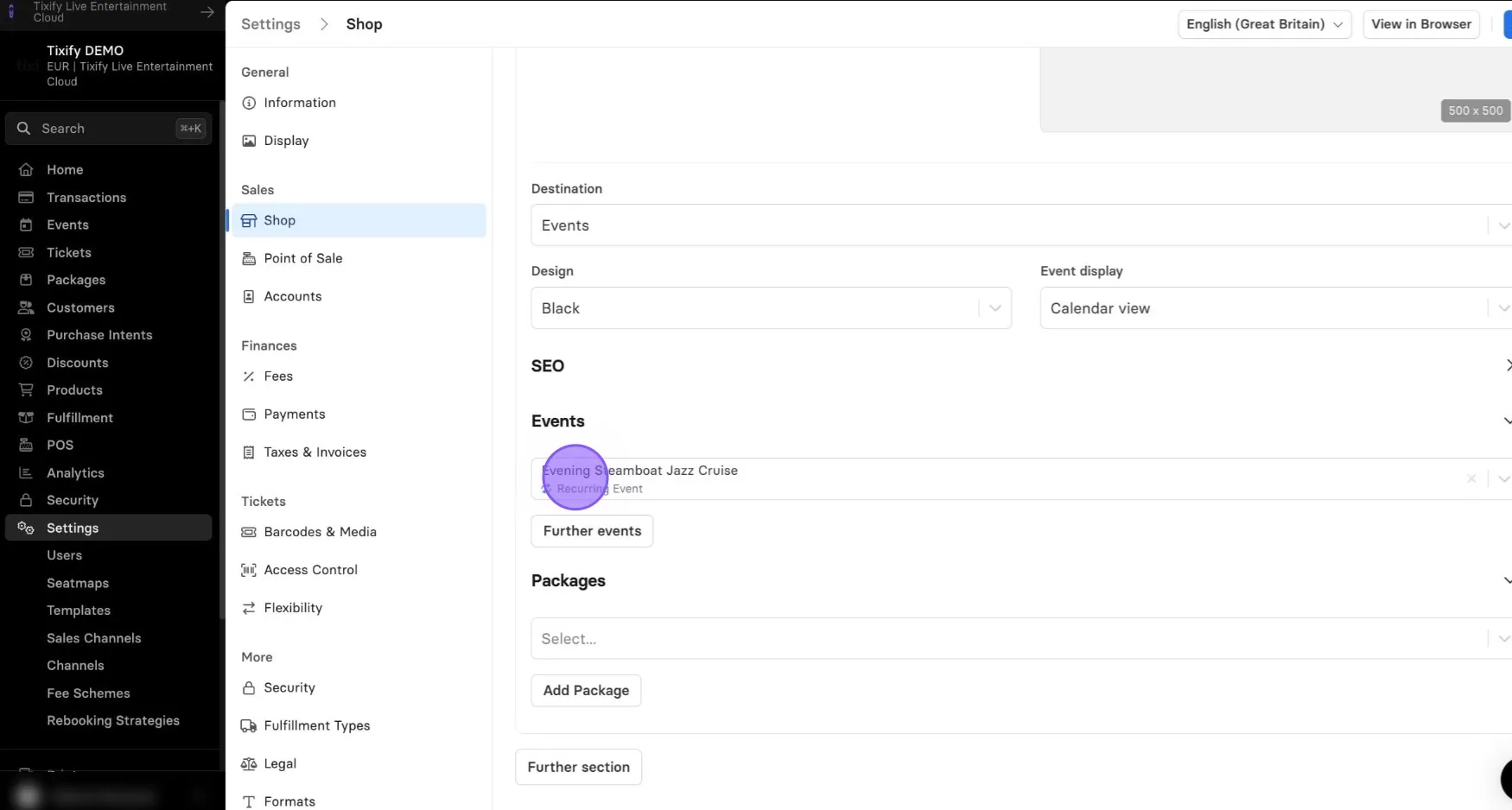
There’s no limit — you can add as many events as you like to a single section.
Your section is ready!
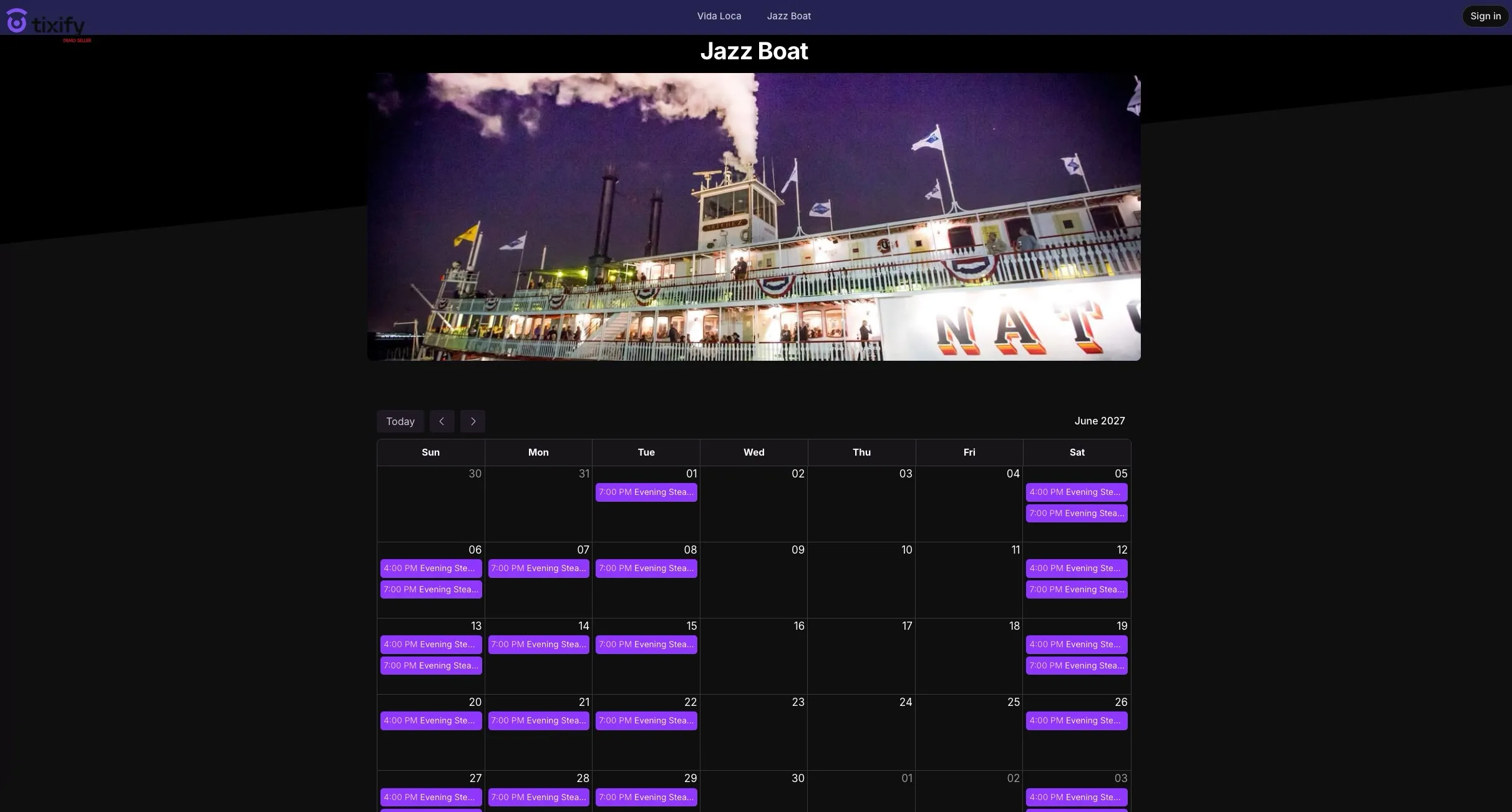
You can continue adding new sections or "Save" your current progress.