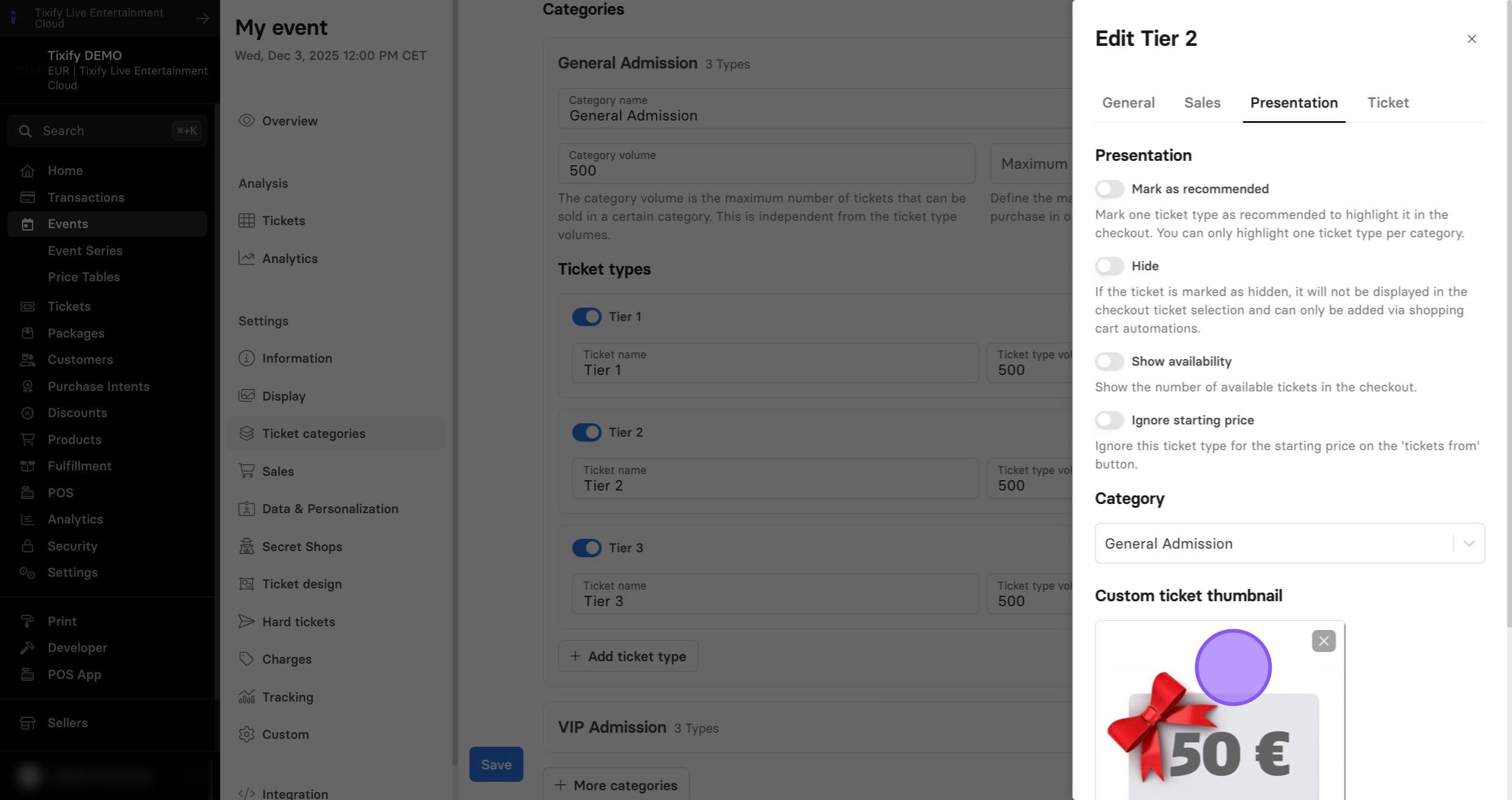
Presentation Settings
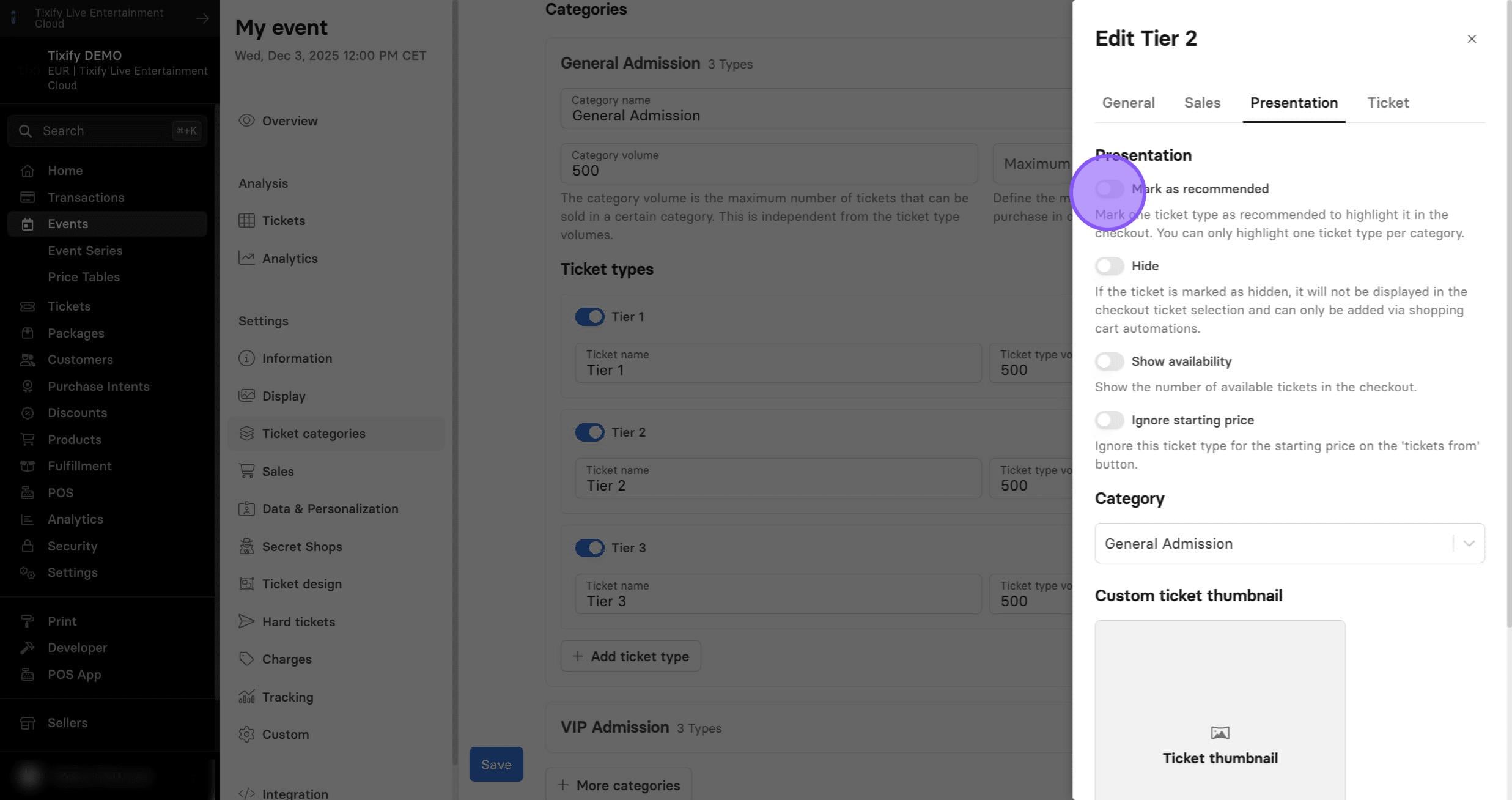
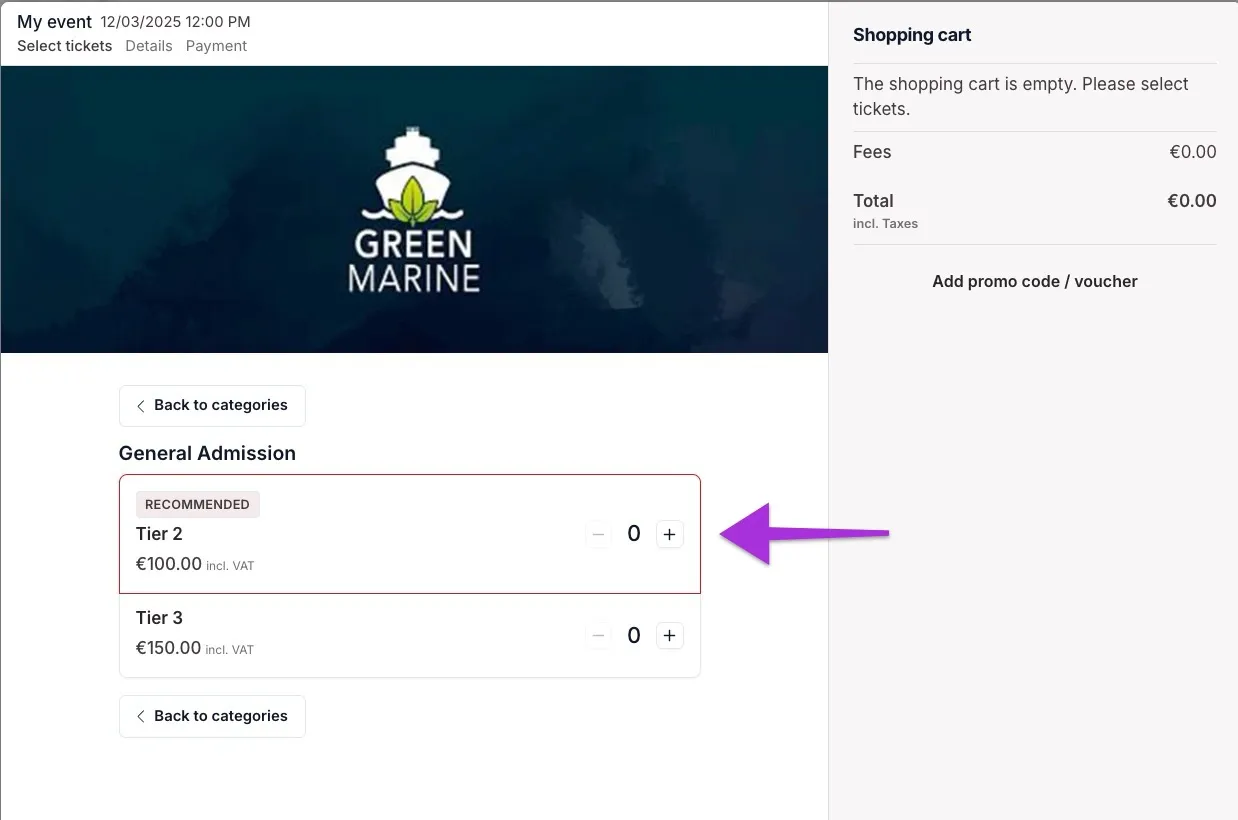
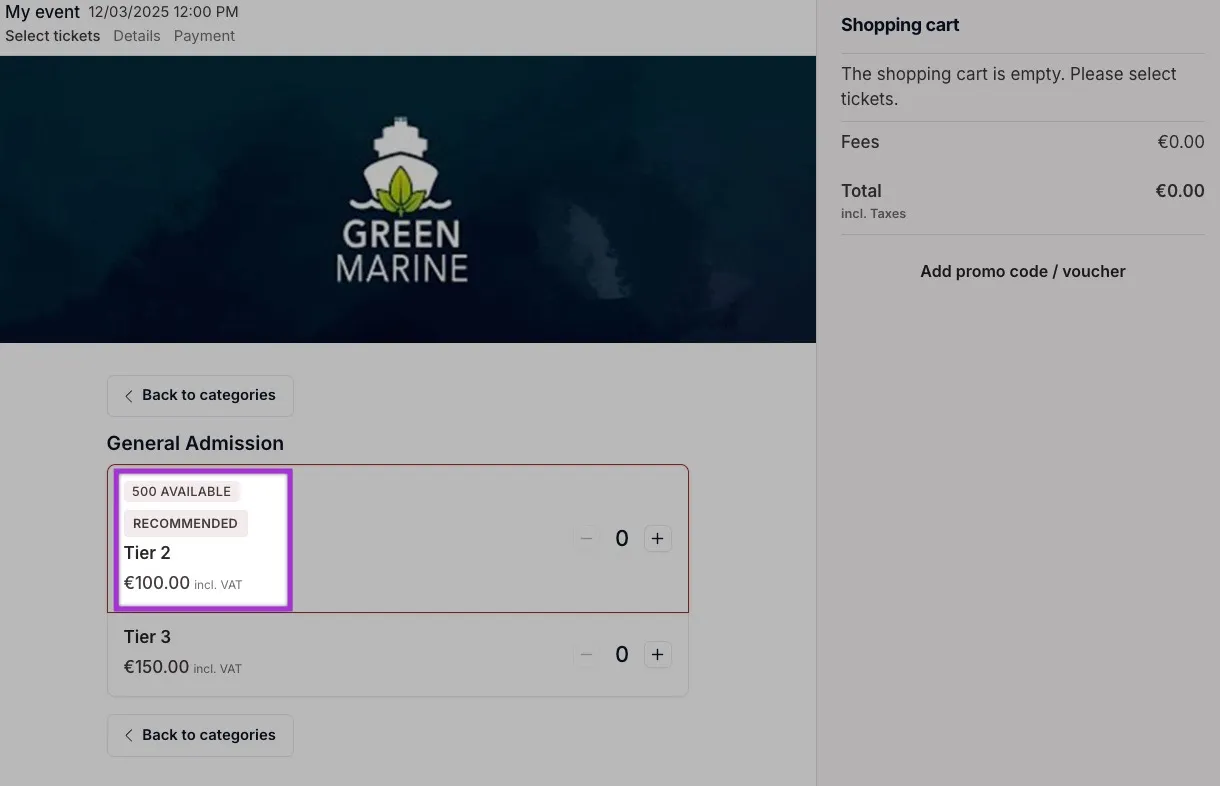
Mark as recommended: Marking a ticket as recommended adds a frame in the accent color around it, making it stand out more prominently in the checkout.
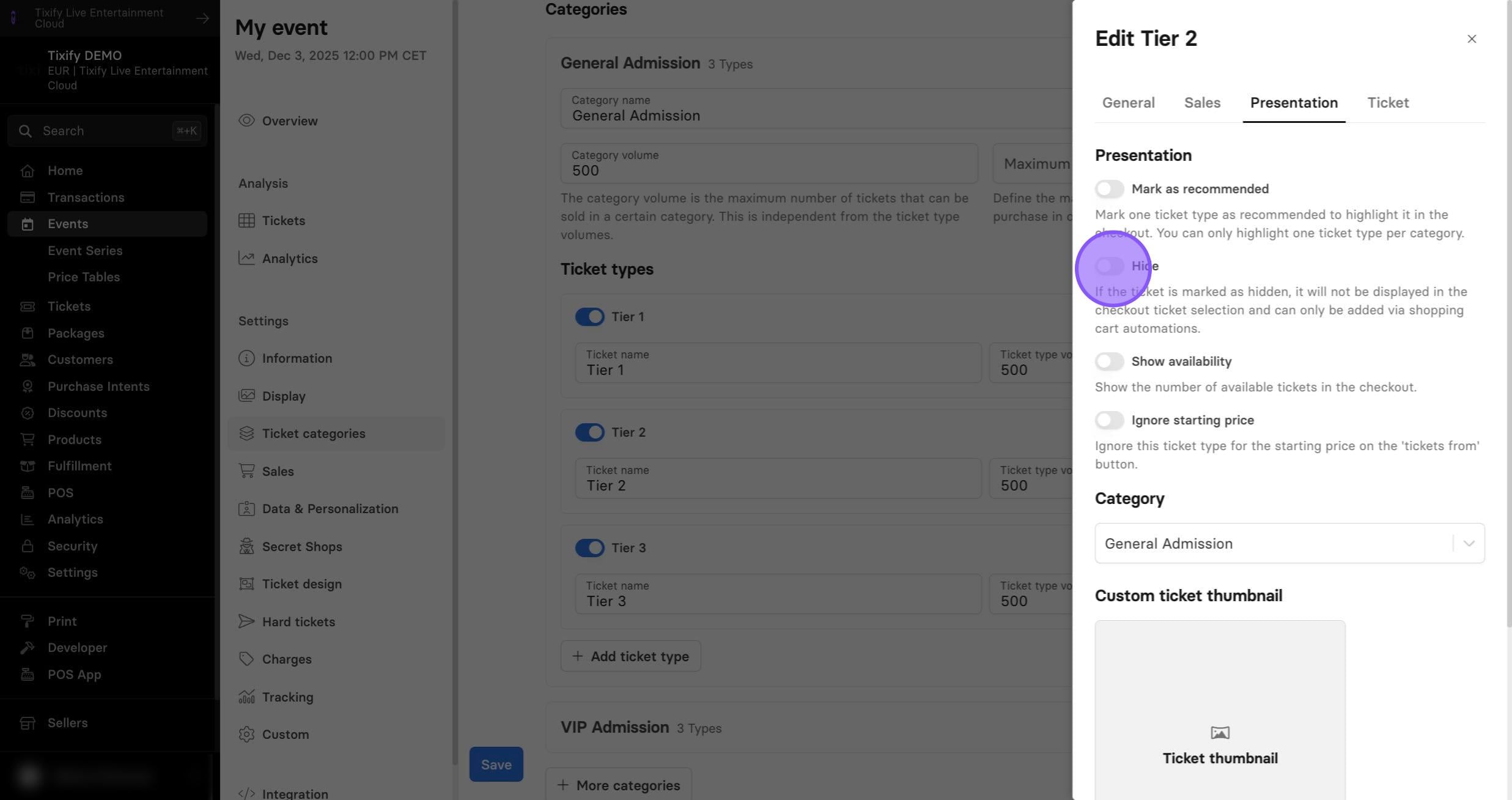
Hide Tickets: If a ticket is hidden, it will not appear in the checkout and can only be added through shopping cart automations. This is useful, for example, when offering tickets via automations that are not otherwise available for sale.
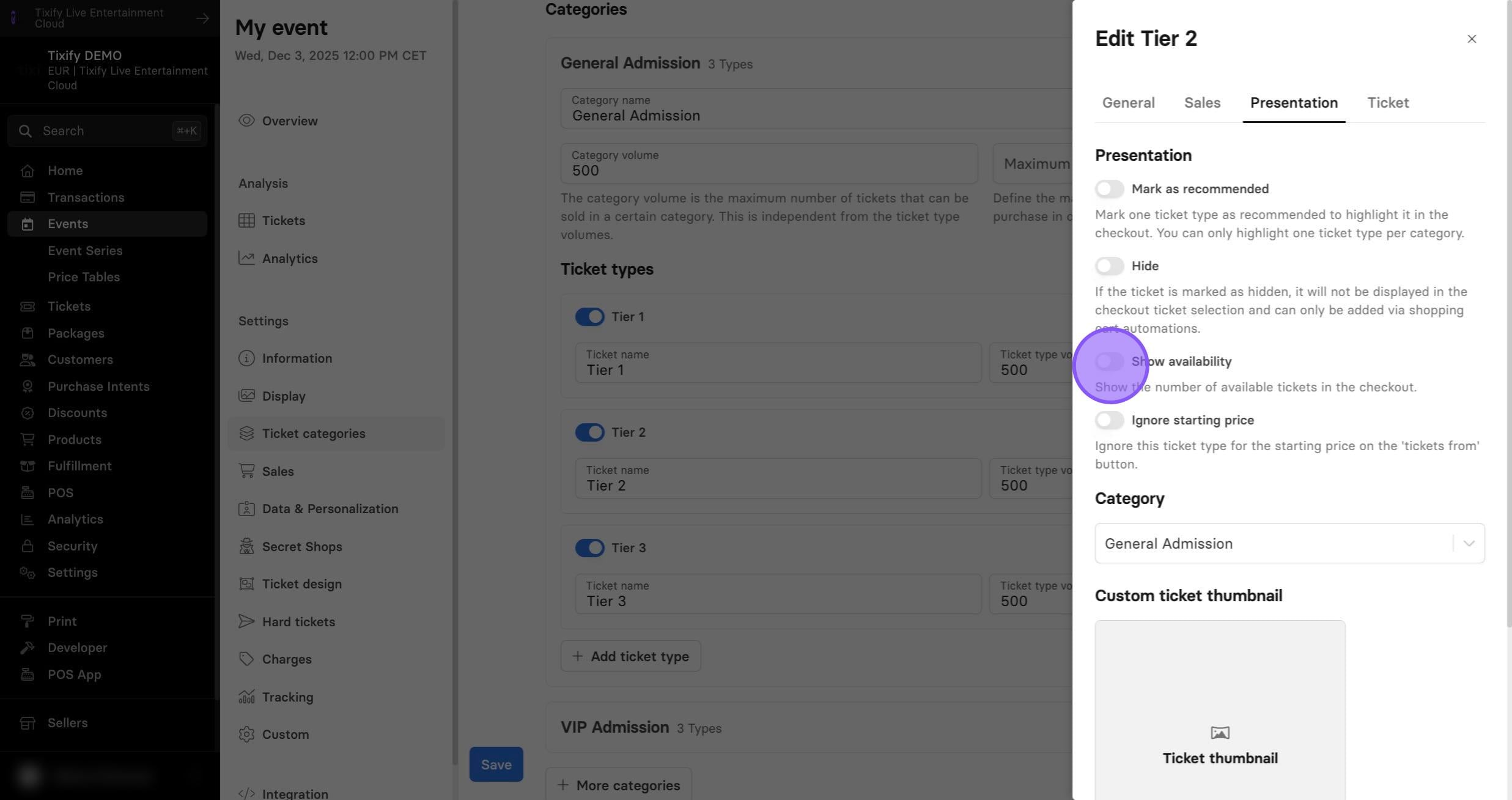
Show availability: Display the exact number of available tickets for a ticket type.
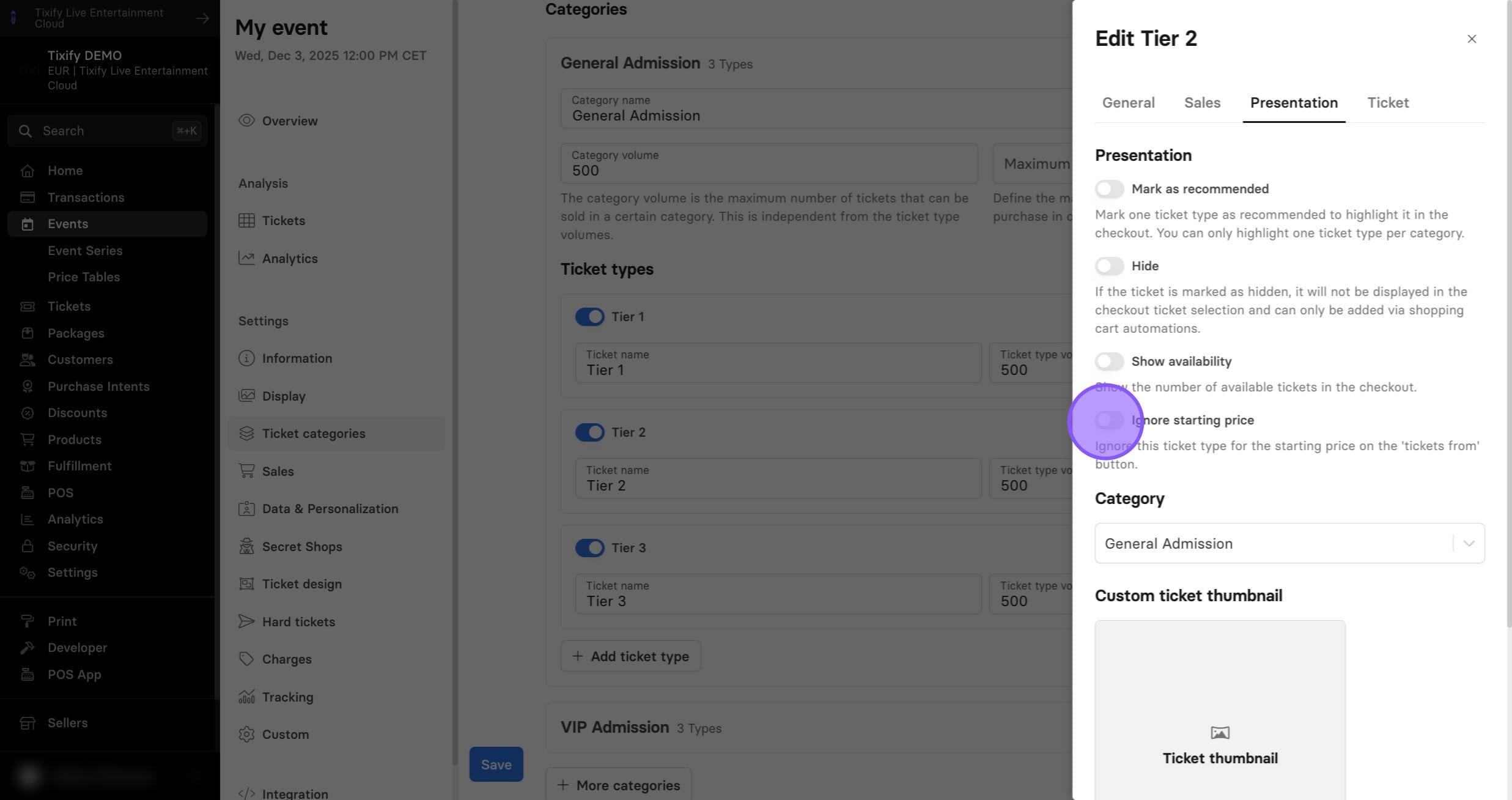
Ignore for start price: If a ticket is excluded from the starting price, it will not be counted in the “Tickets from” amount. For example, free tickets with a 0 EUR value won’t make the event display as “Tickets from 0 EUR" if this option is enabled.
The ticket thumbnail is an image displayed next to the ticket type in the checkout.