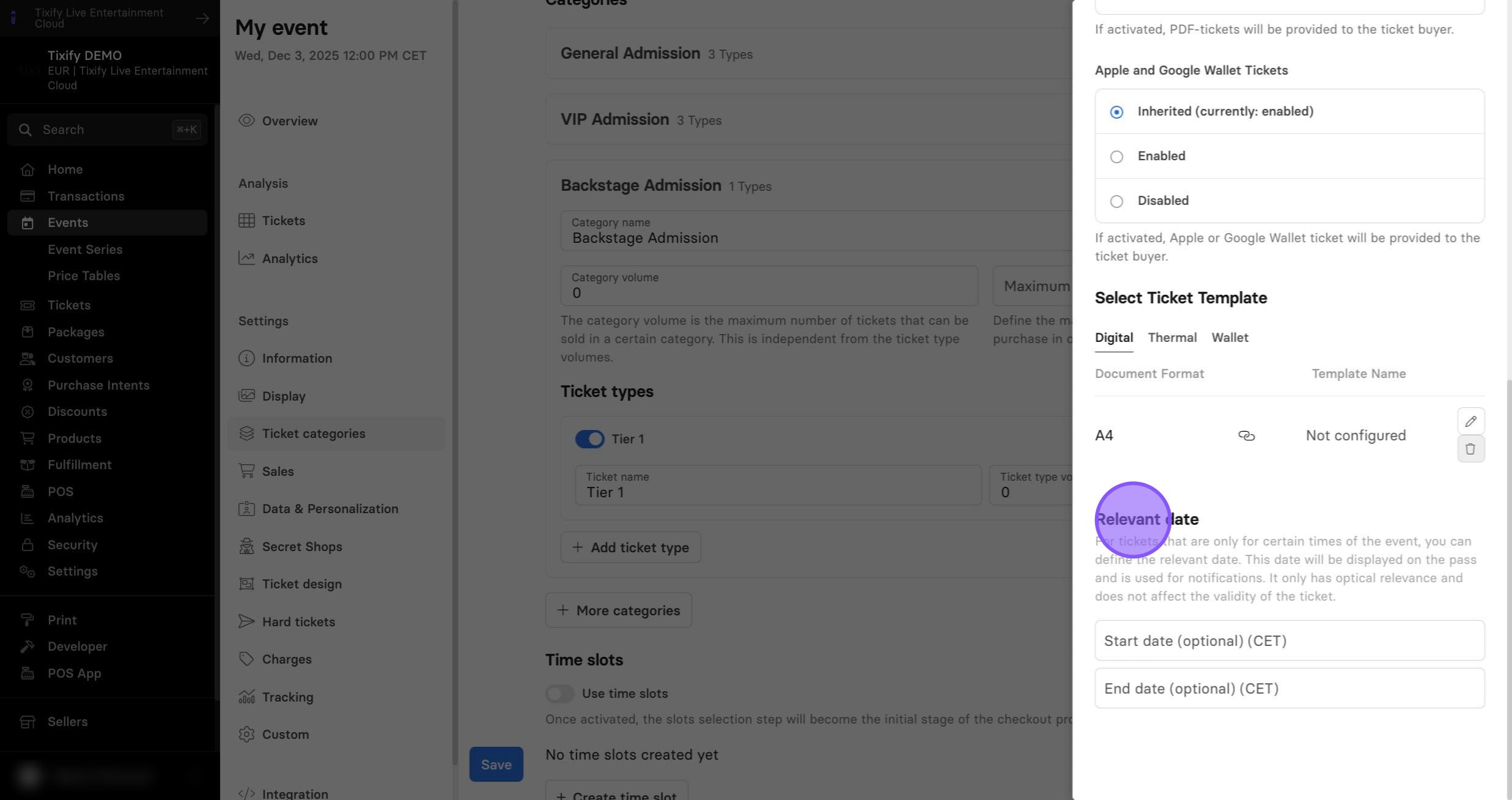
Ticket Settings
3 min
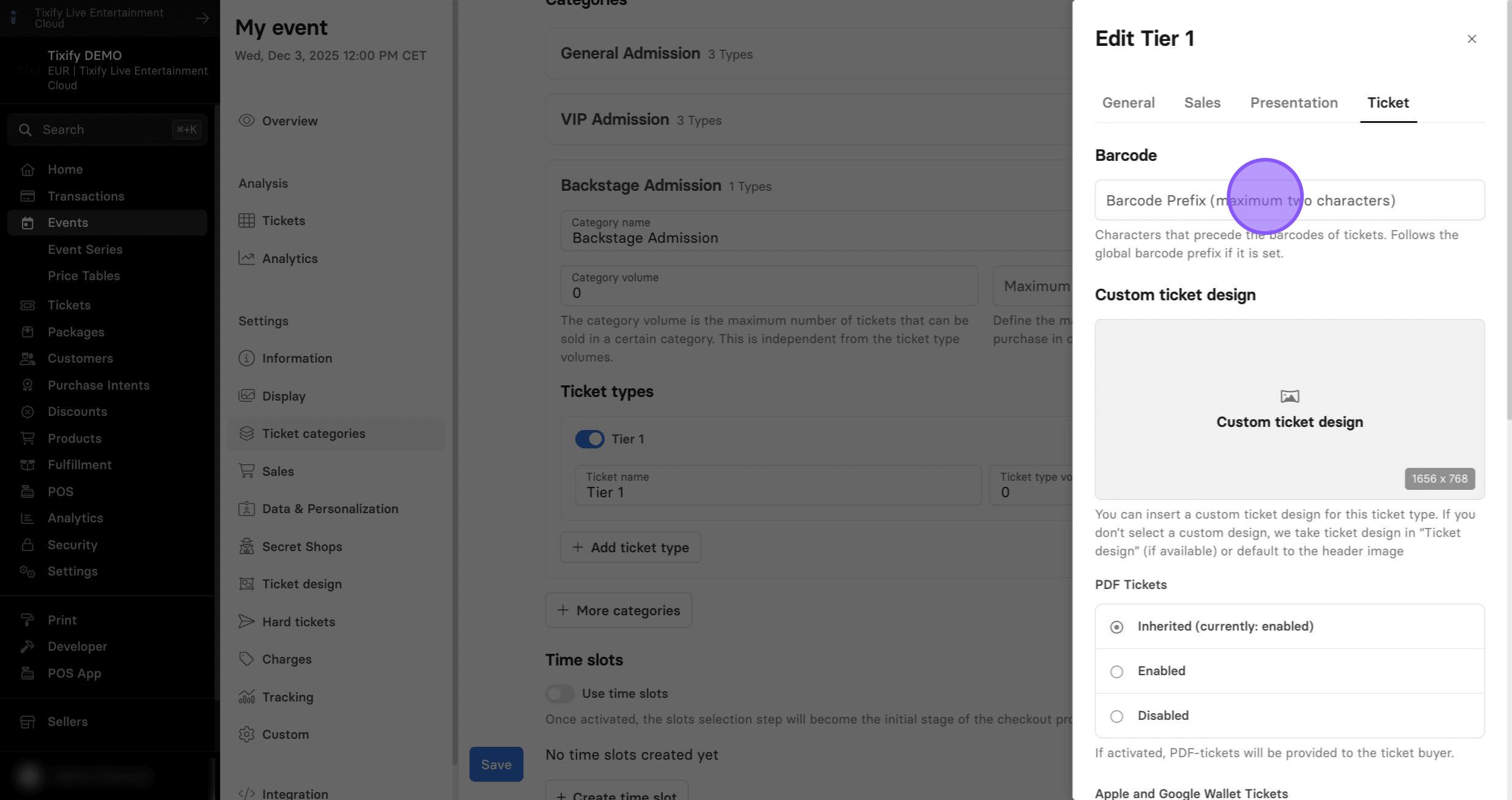
Barcode
1: Characters placed before the ticket barcodes. They follow the global barcode prefix, if one is set.
Custom Ticket Design
1: Allow customers to receive PDF-tickets. This setting is enabled by default.
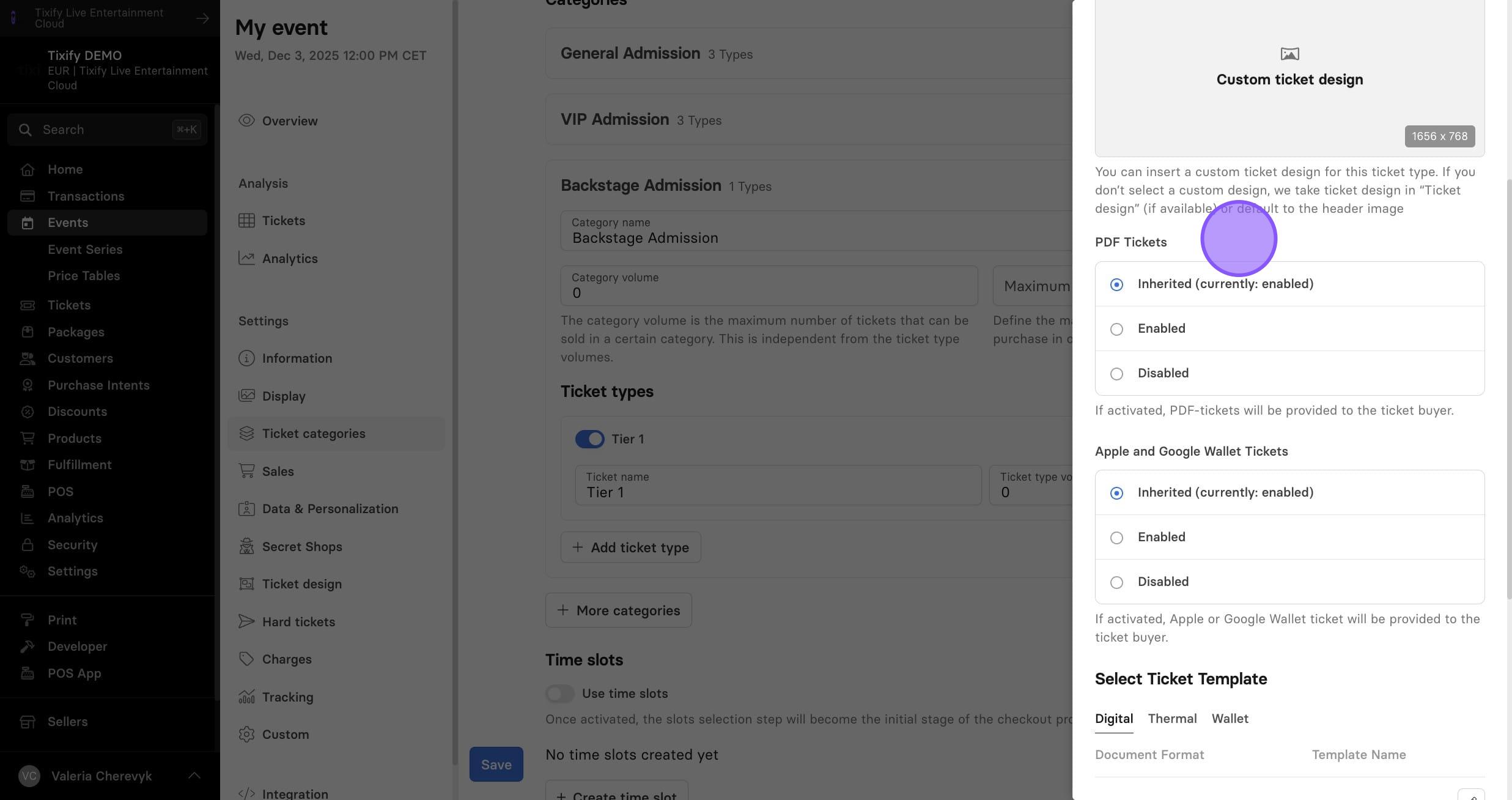
2: Allow customers to add their tickets in Apple or Google wallets. This setting is enabled by default.
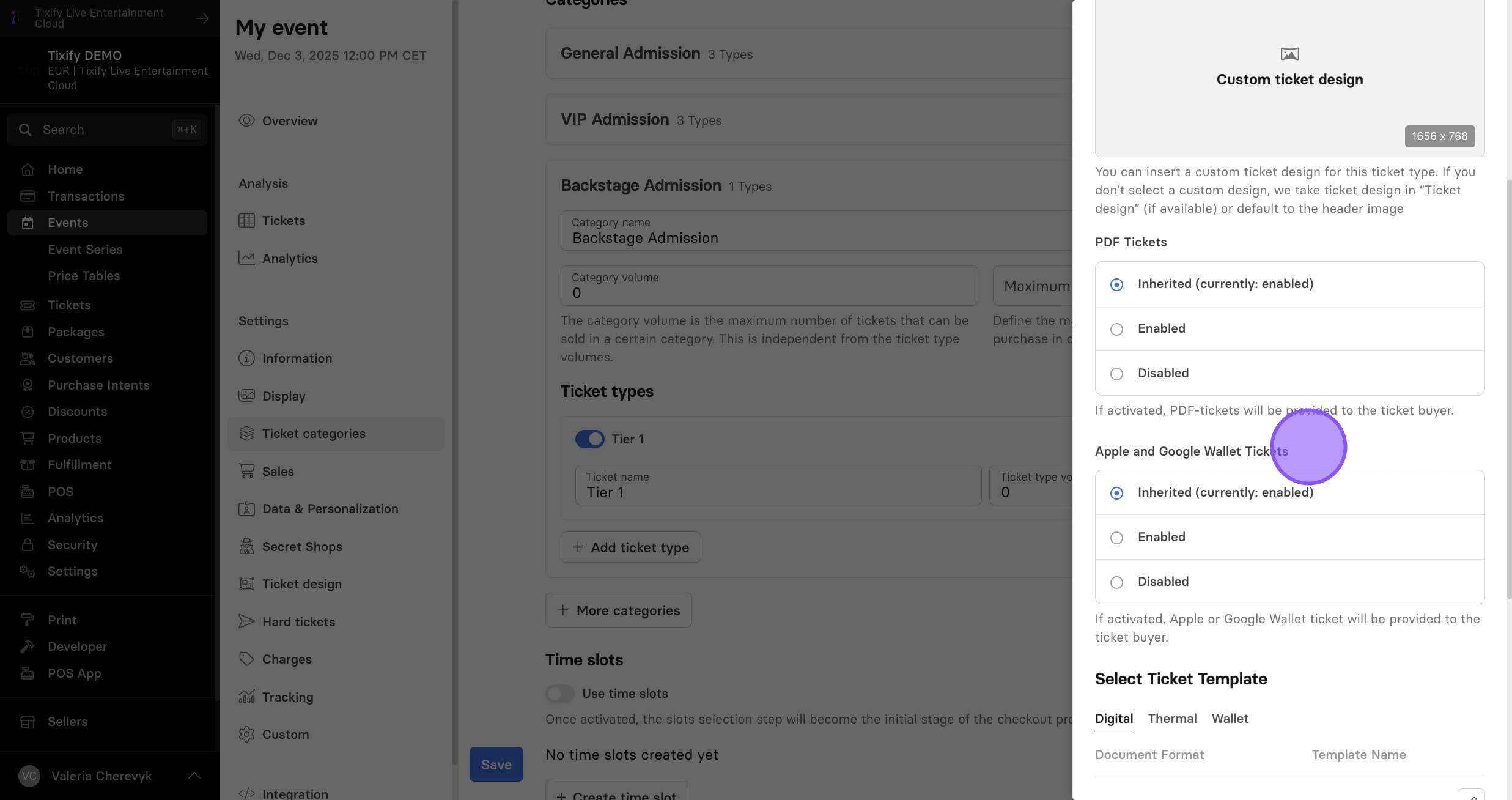
3: Here you can select the ticket template of the individual ticket type. If not defined, the event template will be used.
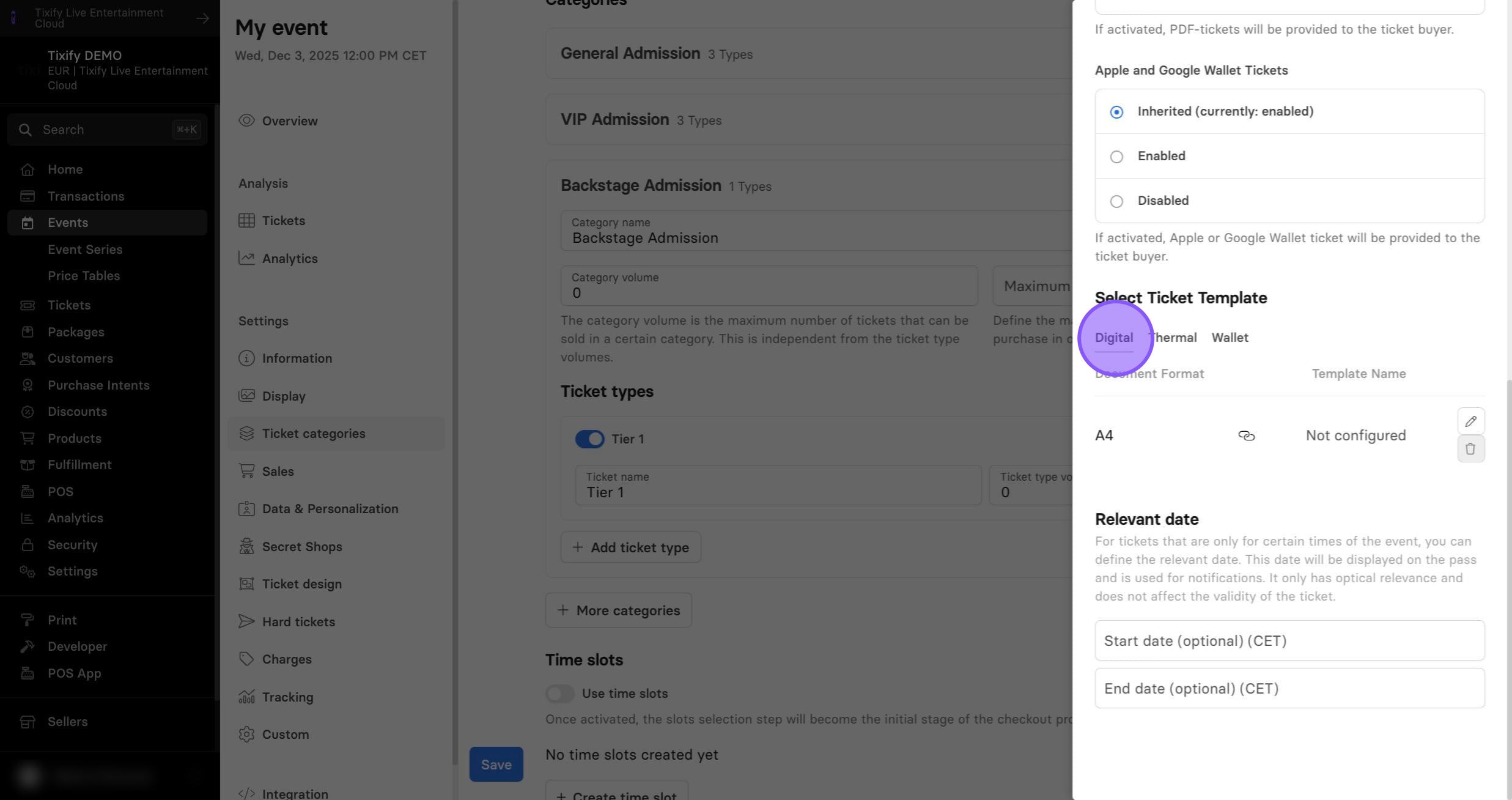
Relevant Date
1: Lastly, you can select the relevant date. This is used for tickets that are valid only during a specific portion of an event—for example, only on Friday/Saturday/Sunday, or only from 5 PM to 6 PM. By defining the date and time here, you ensure that customers receive the correct entry information.