Secret Shops
Secret shops are one of the most flexible features in the Tixify dashboard, giving you extensive customization options for any event you create. They can share settings with your main event shop, differ slightly, or use completely unique configurations—giving you full control over how you present and manage your ticket offerings.
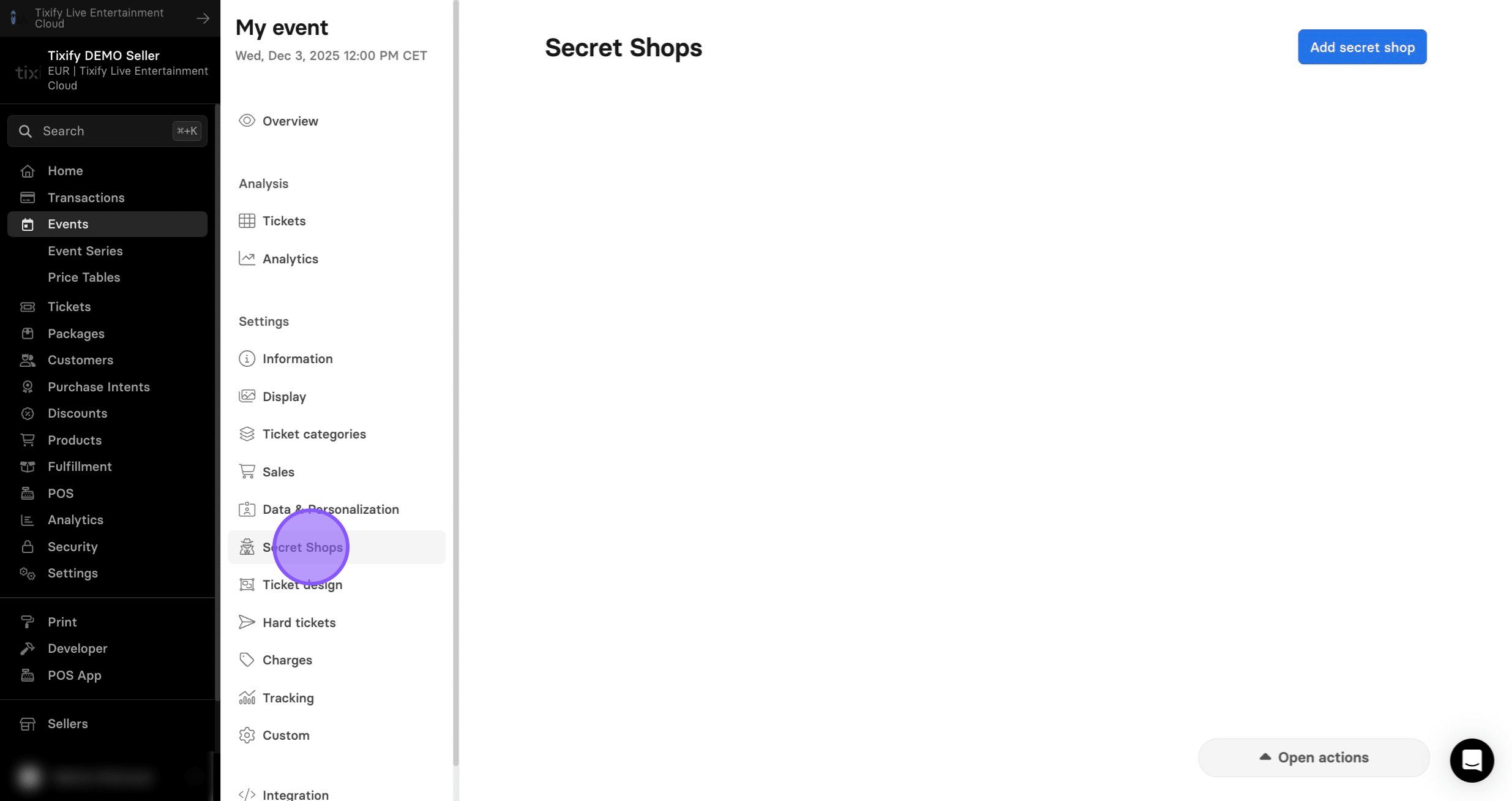
1: In the event settings go to "Secret Shops"
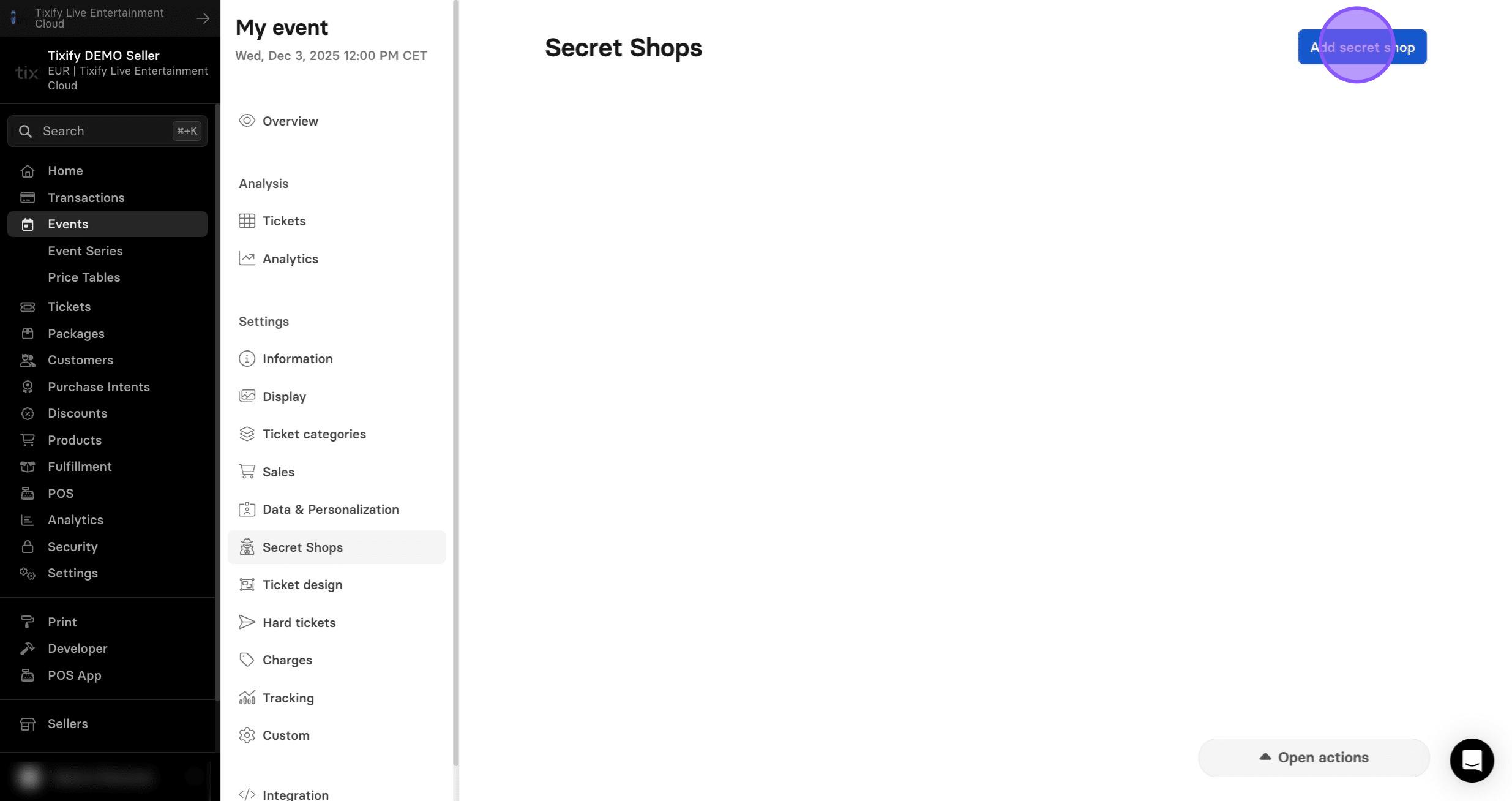
2: Click on "Add secret shop"
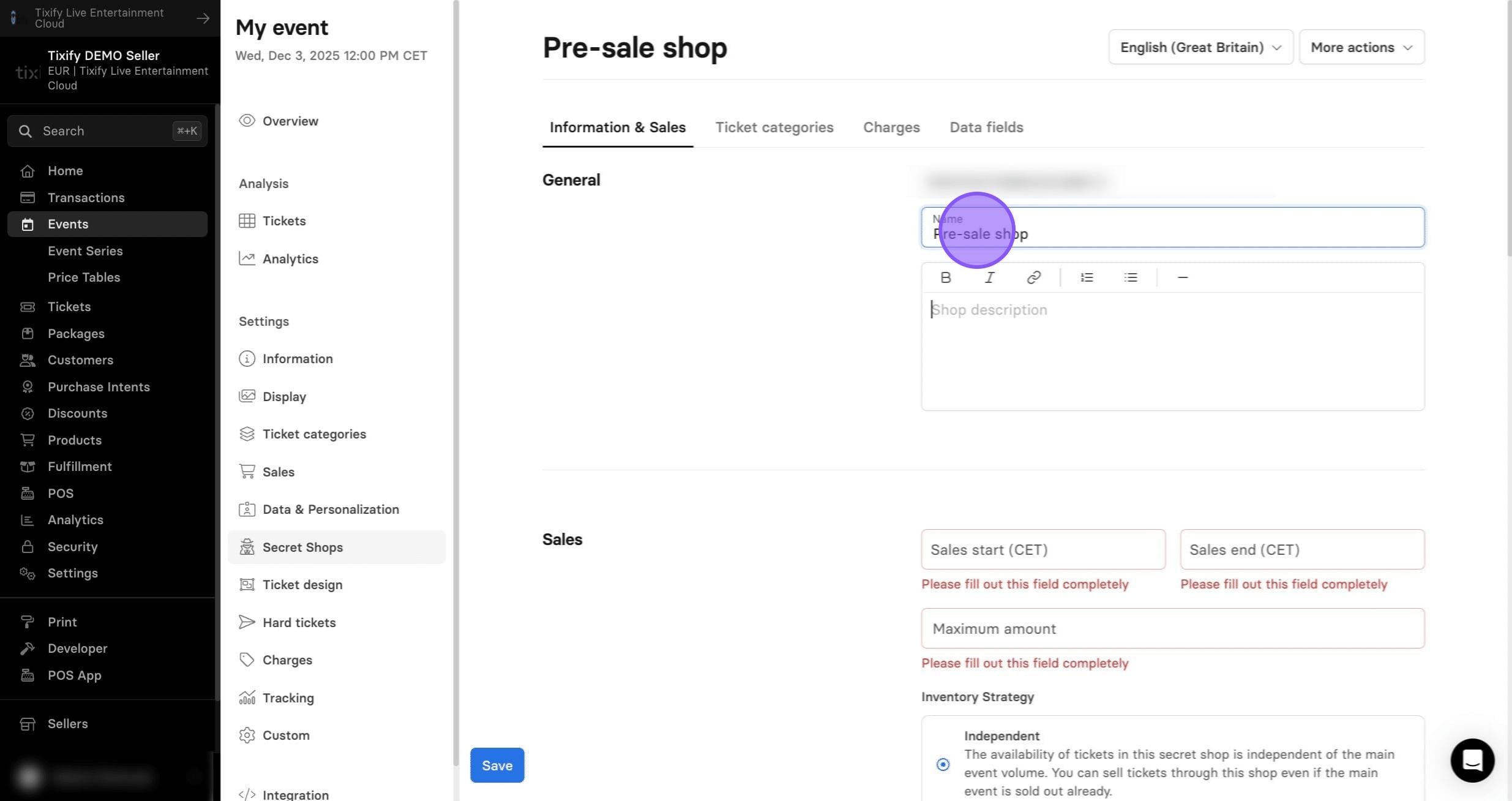
Information & Sales
1: Give your shop a proper name.
2: The section allows you to set independent sales dates and capacities for the secret shop.
These settings can differ entirely from your main event, giving you the flexibility to create dedicated shops for pre-sales, internal sales, free ticket distribution, or private event shops accessible only to a selected group of people.
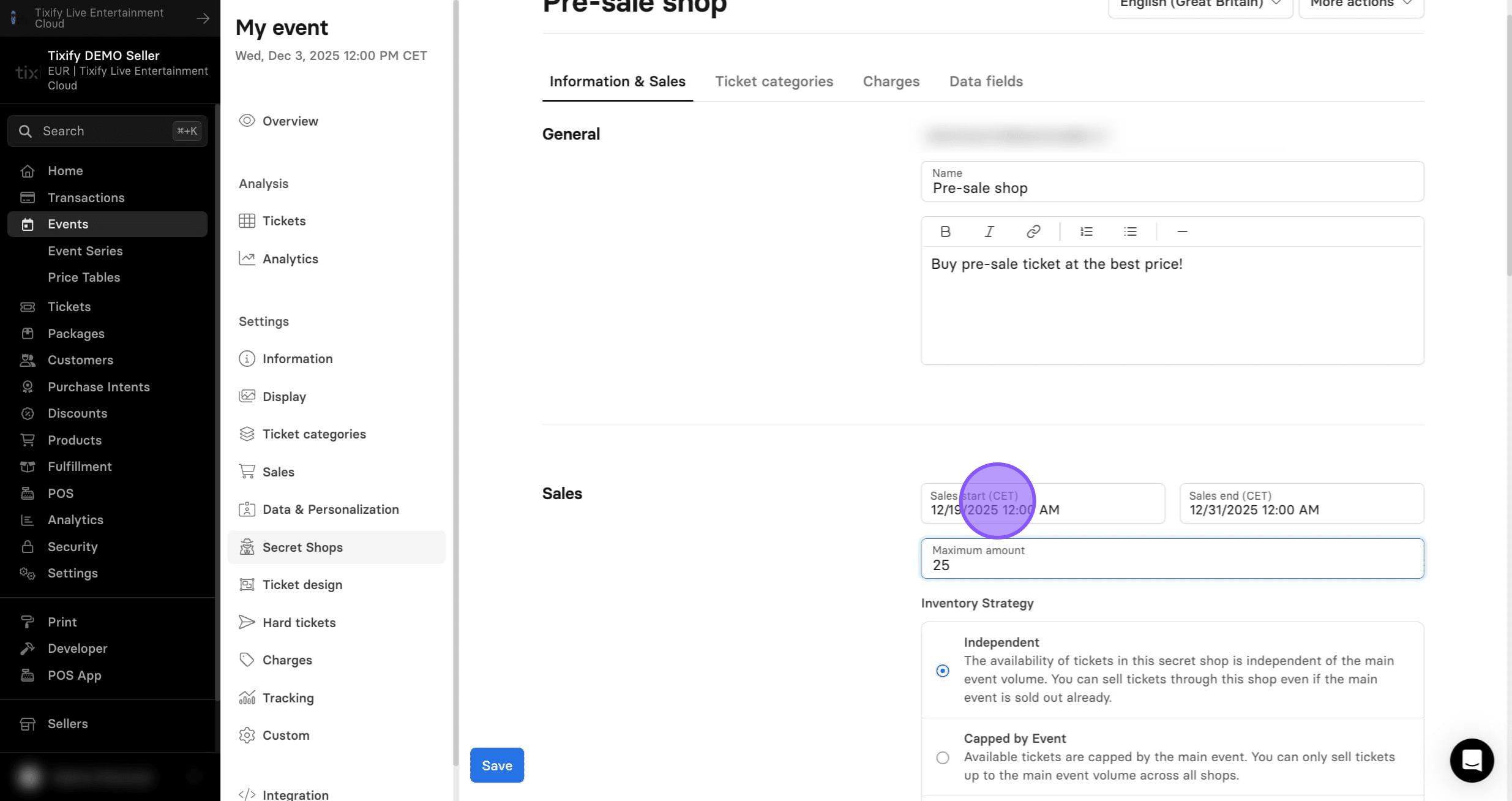
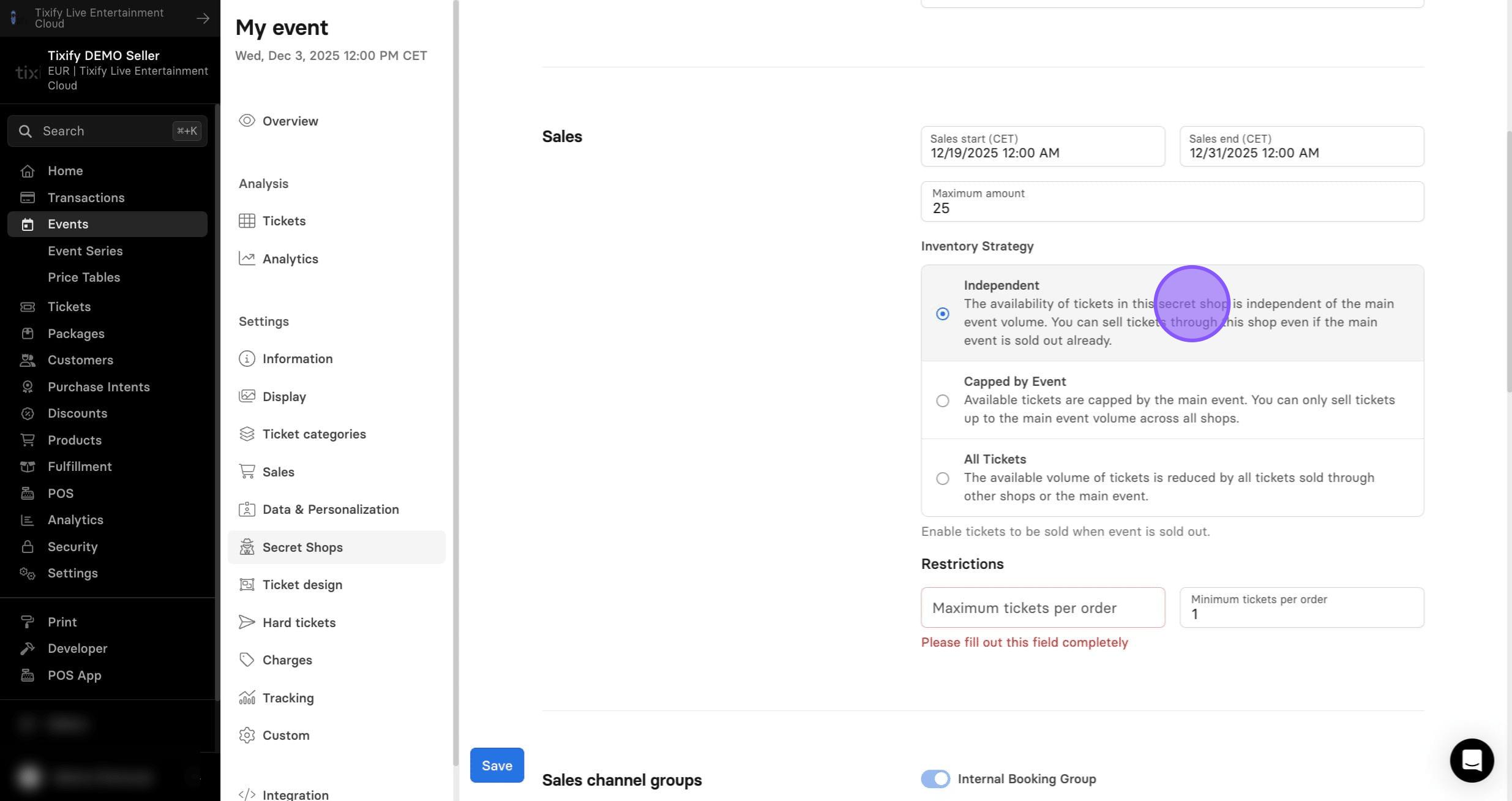
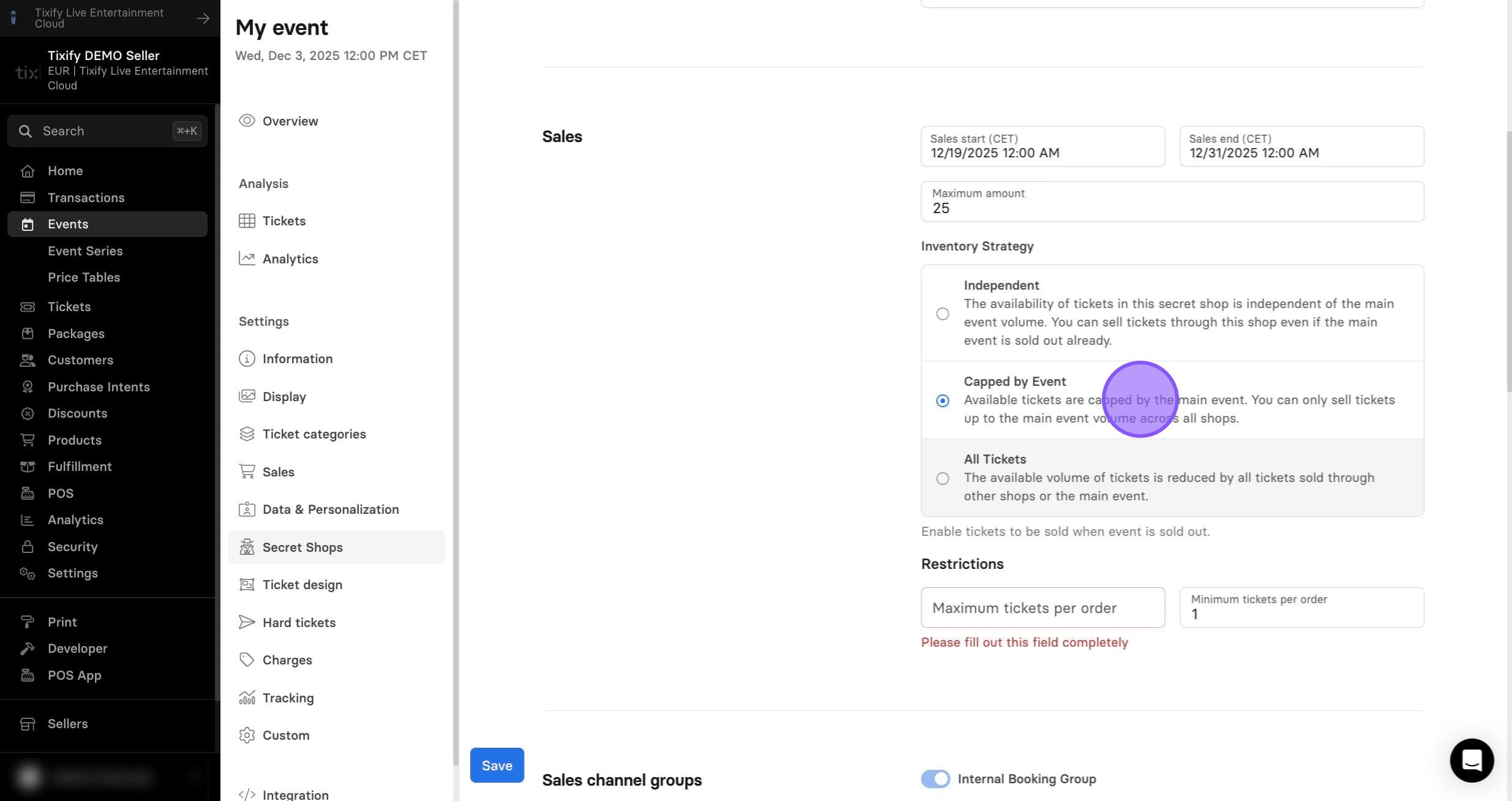
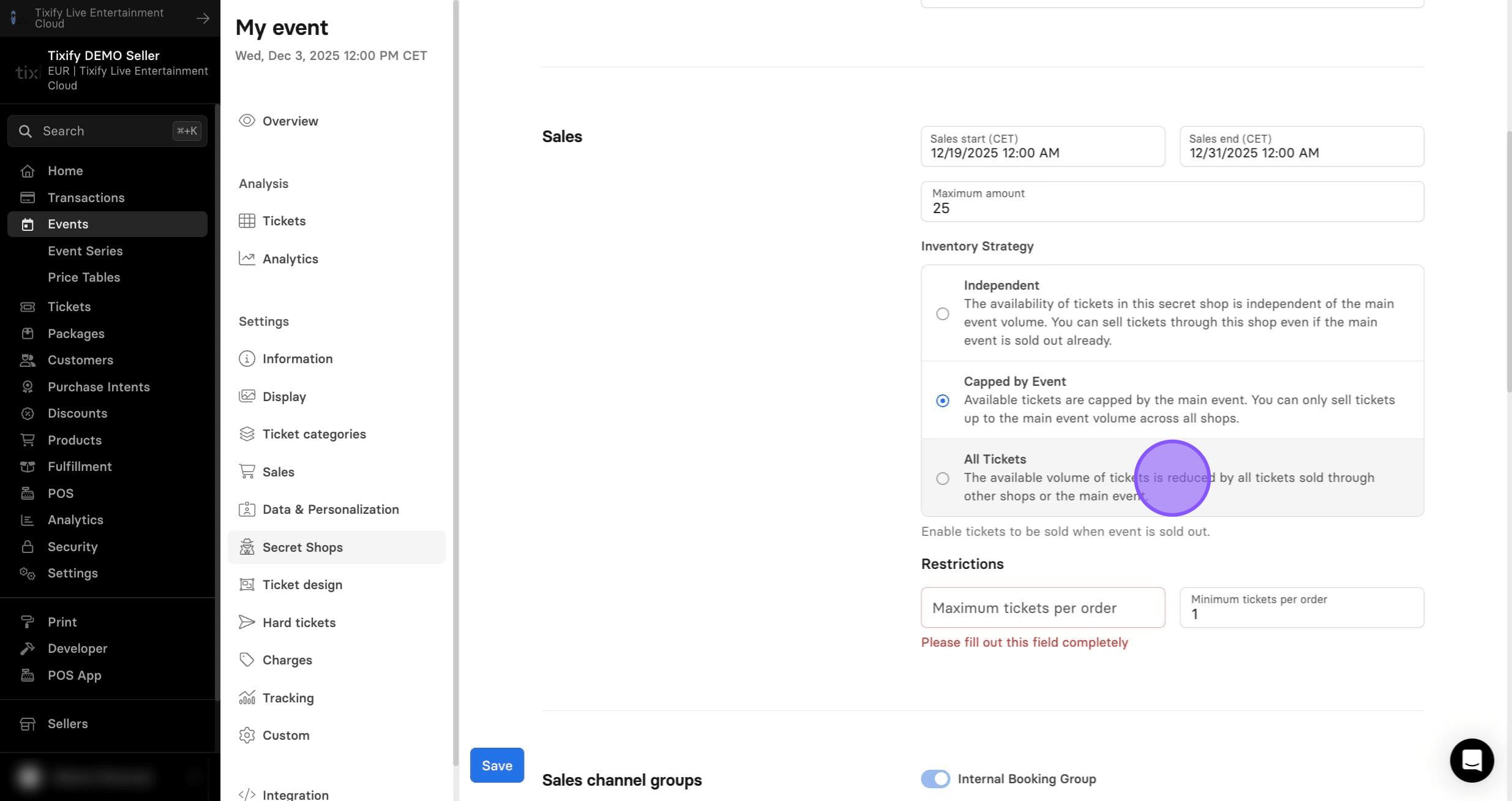
3: Choose an inventory strategy:
Independent – Tickets sold through the secret shop use a separate capacity from the main event. Even if the main event reaches its full capacity, tickets in the secret shop will remain available until the secret shop’s own capacity is reached.
Capped by event – Tickets in the secret shop share the same capacity as the main shop. Once the main event reaches its full capacity, the secret shop will also show as sold out.
All tickets – The capacity of the tickets in the main shop is reduced by the number of tickets allocated to the secret shop.
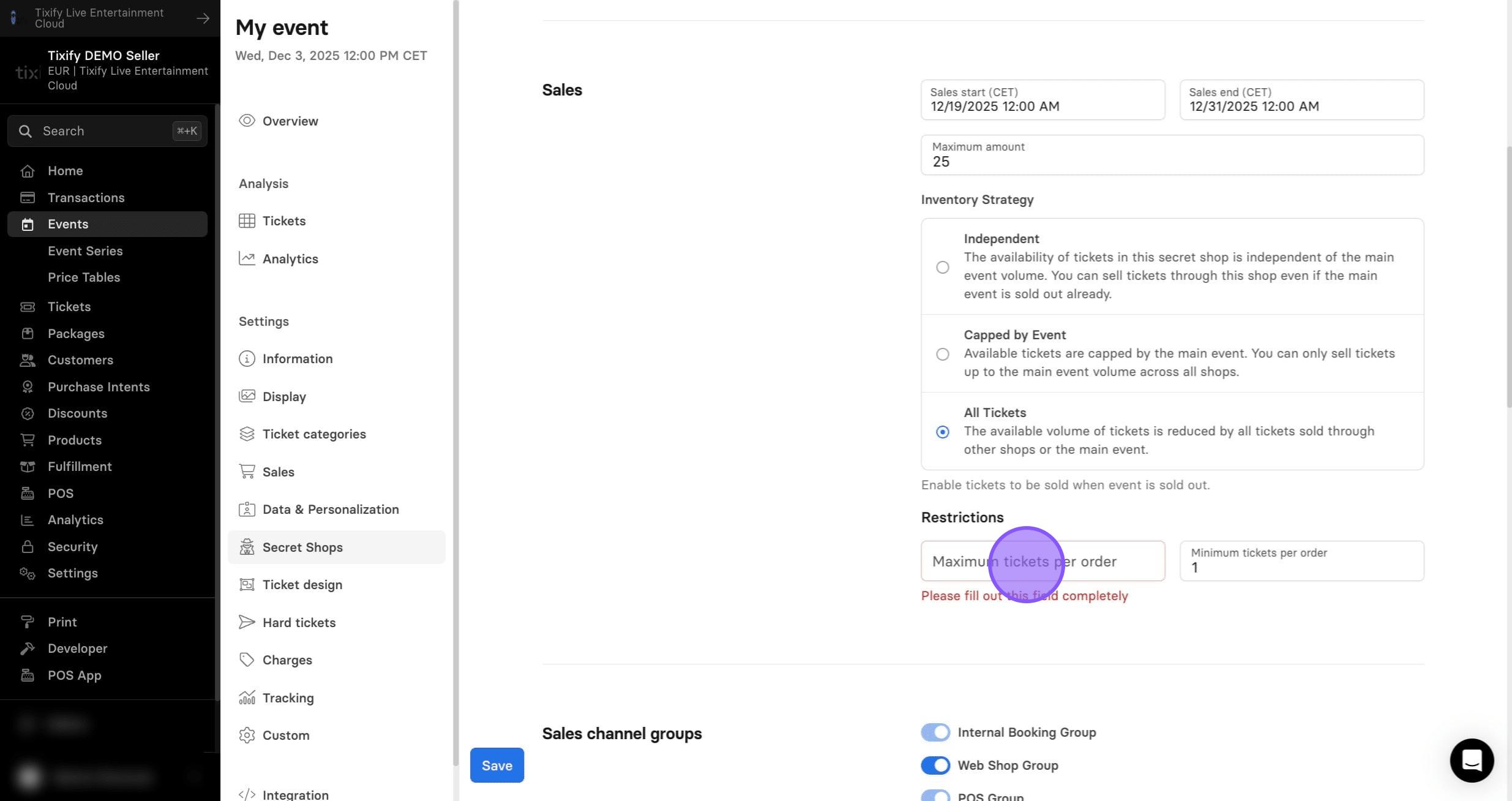
4: Select the maximum number of tickets that can be purchased in a single transaction.
5: Select a payment strategy. This does not need to match the main shop, allowing you to create additional rules for the same ticket types. For example, you can enable installment payments not available in the main shop, or offer a payment method exclusive to the secret shop.
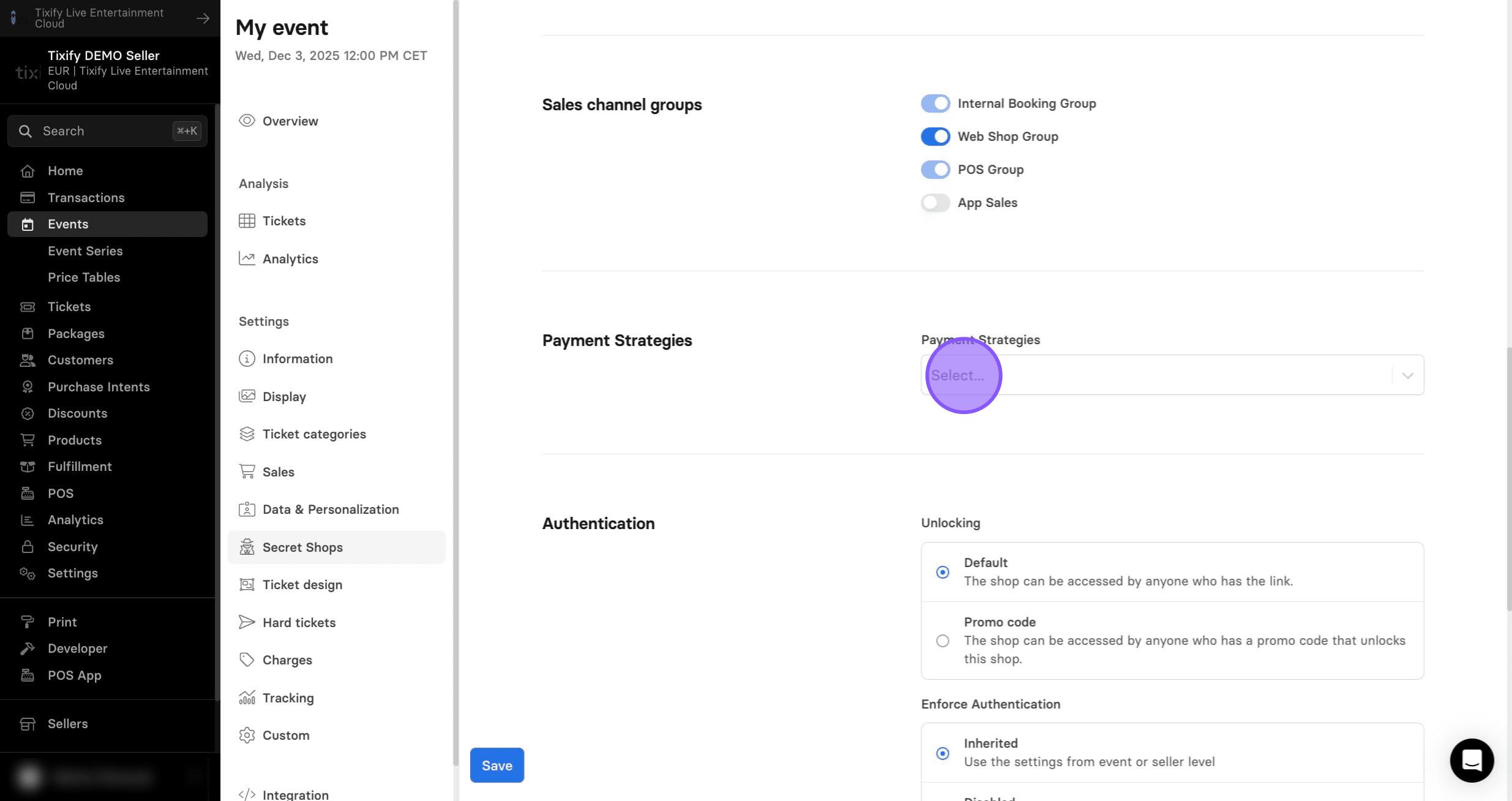
6: The authentication section lets you control who can access the shop. You can use a promo code or require users to sign in to allowed accounts.
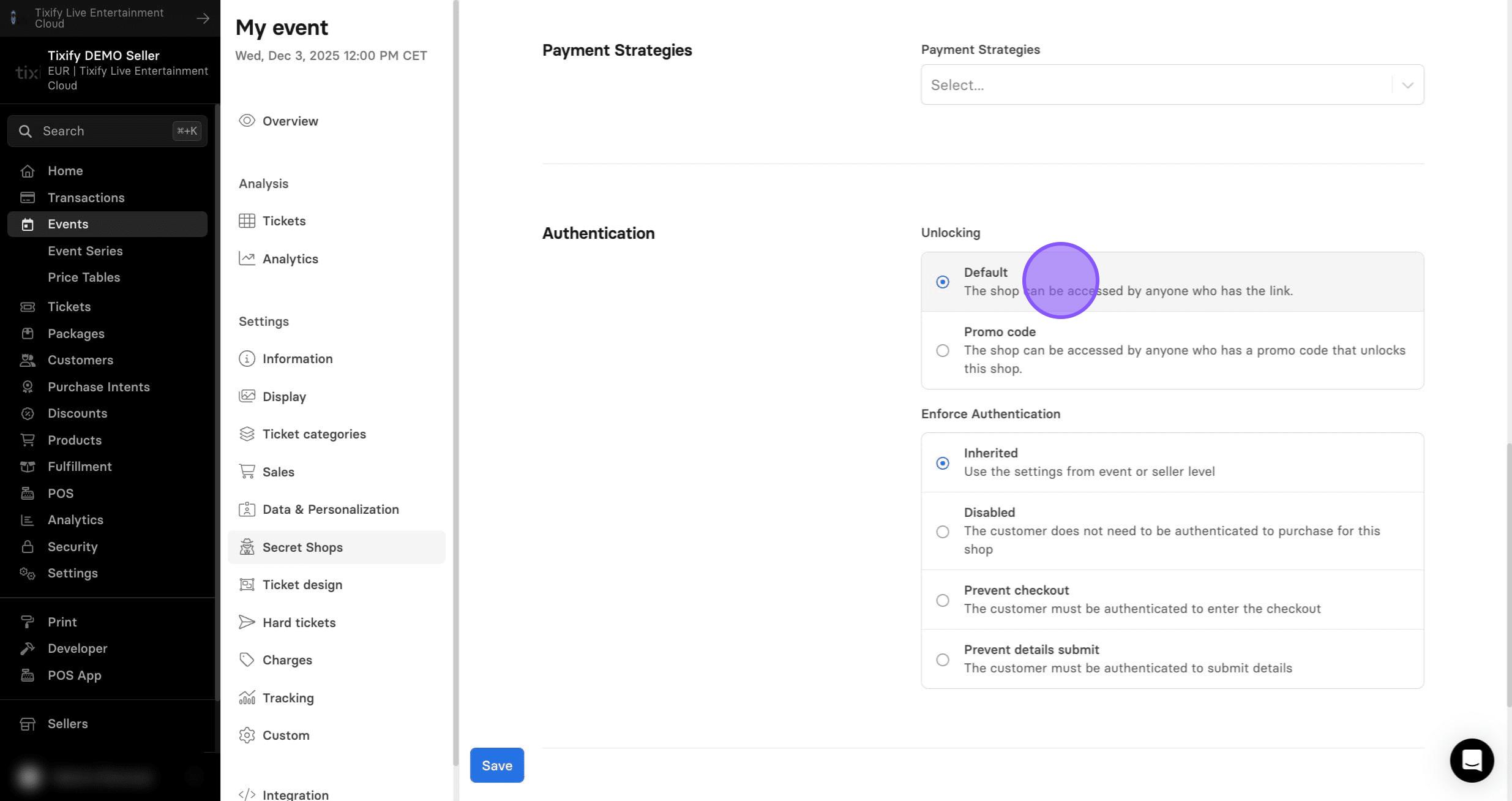
7: Selecting "Prevent checkout" opens a new set of settings.
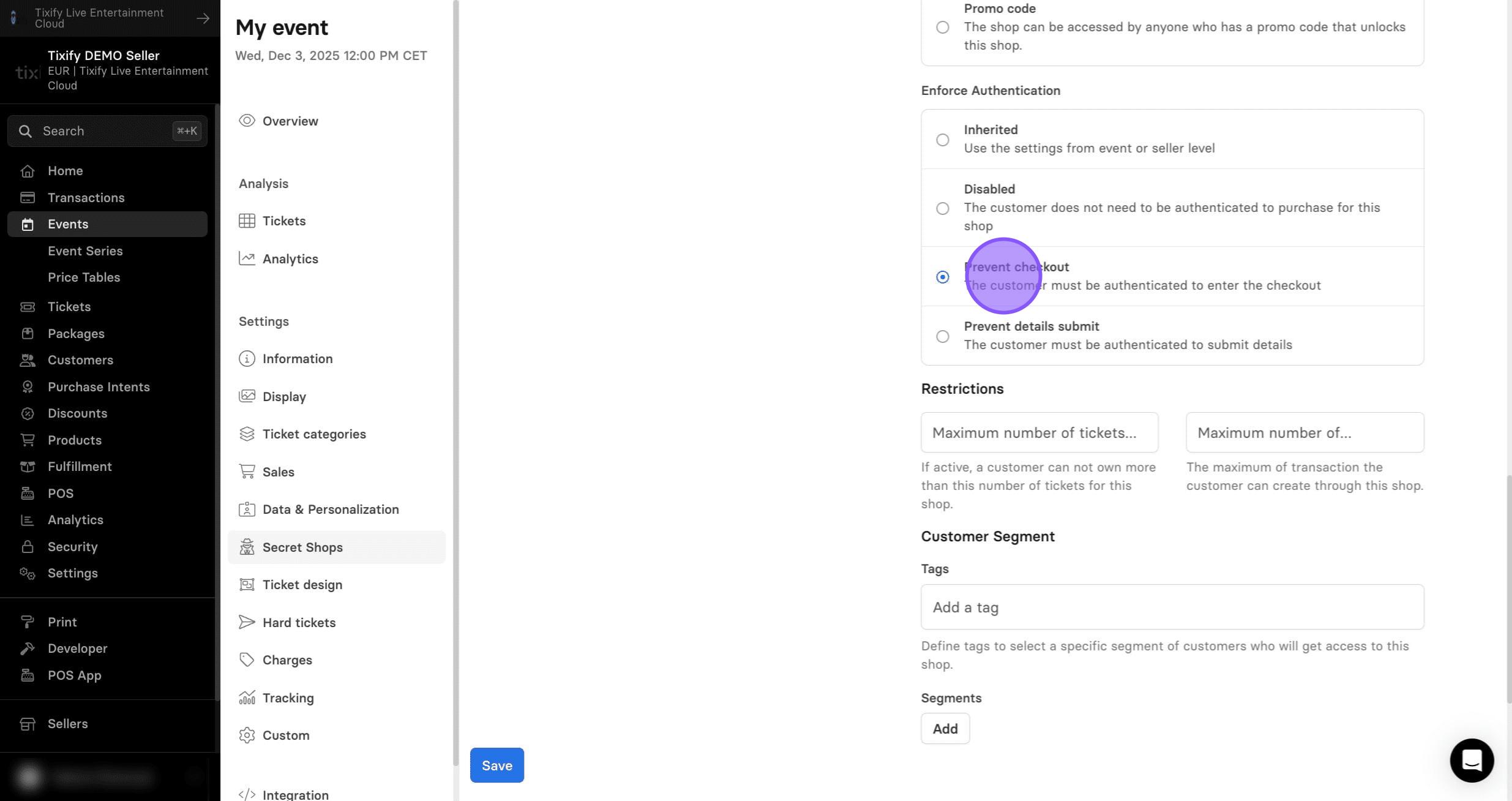
Decide how many tickets one customer can purchase under one account.
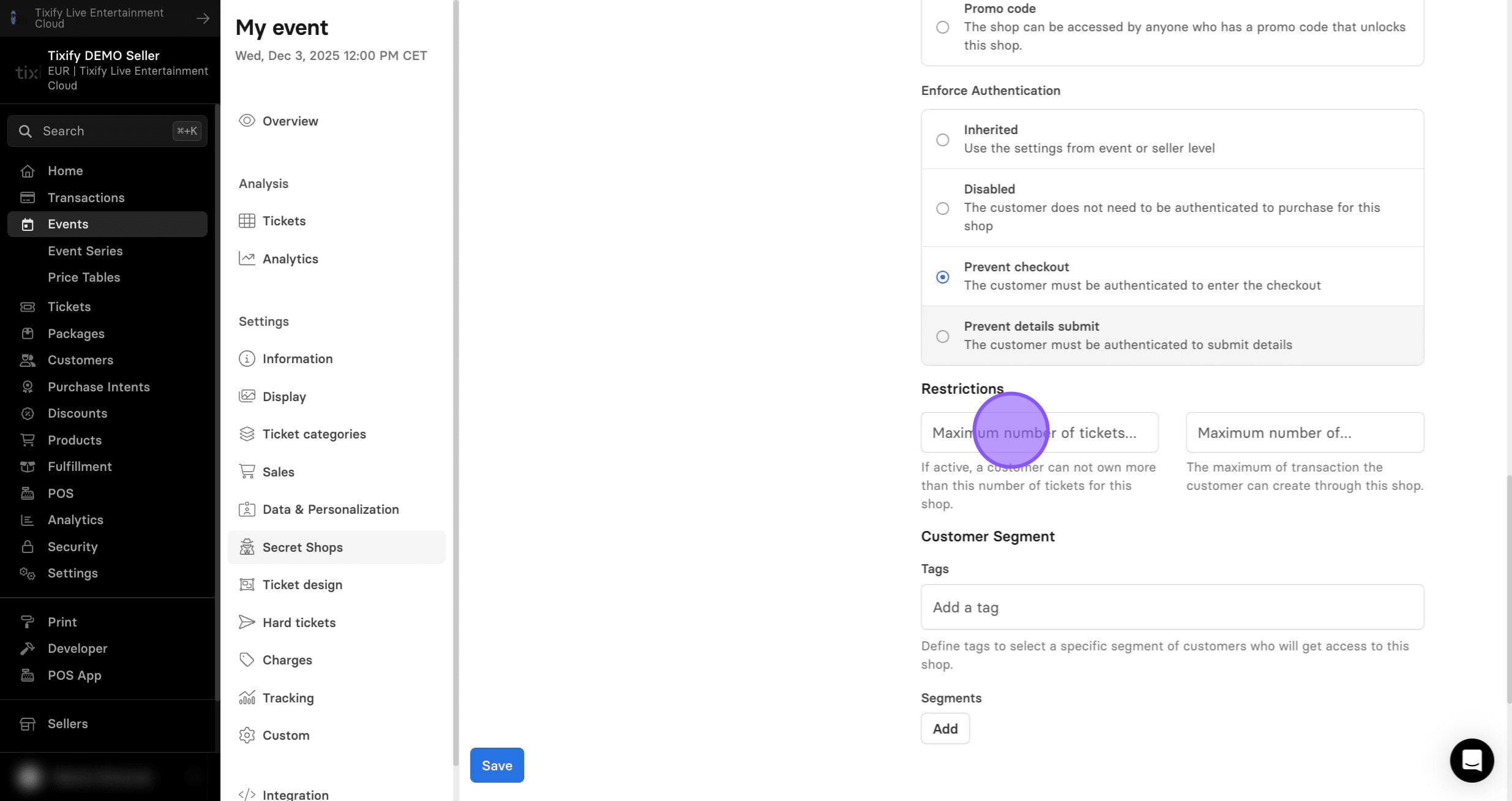
Decide how many orders one customer can purchase under one account.
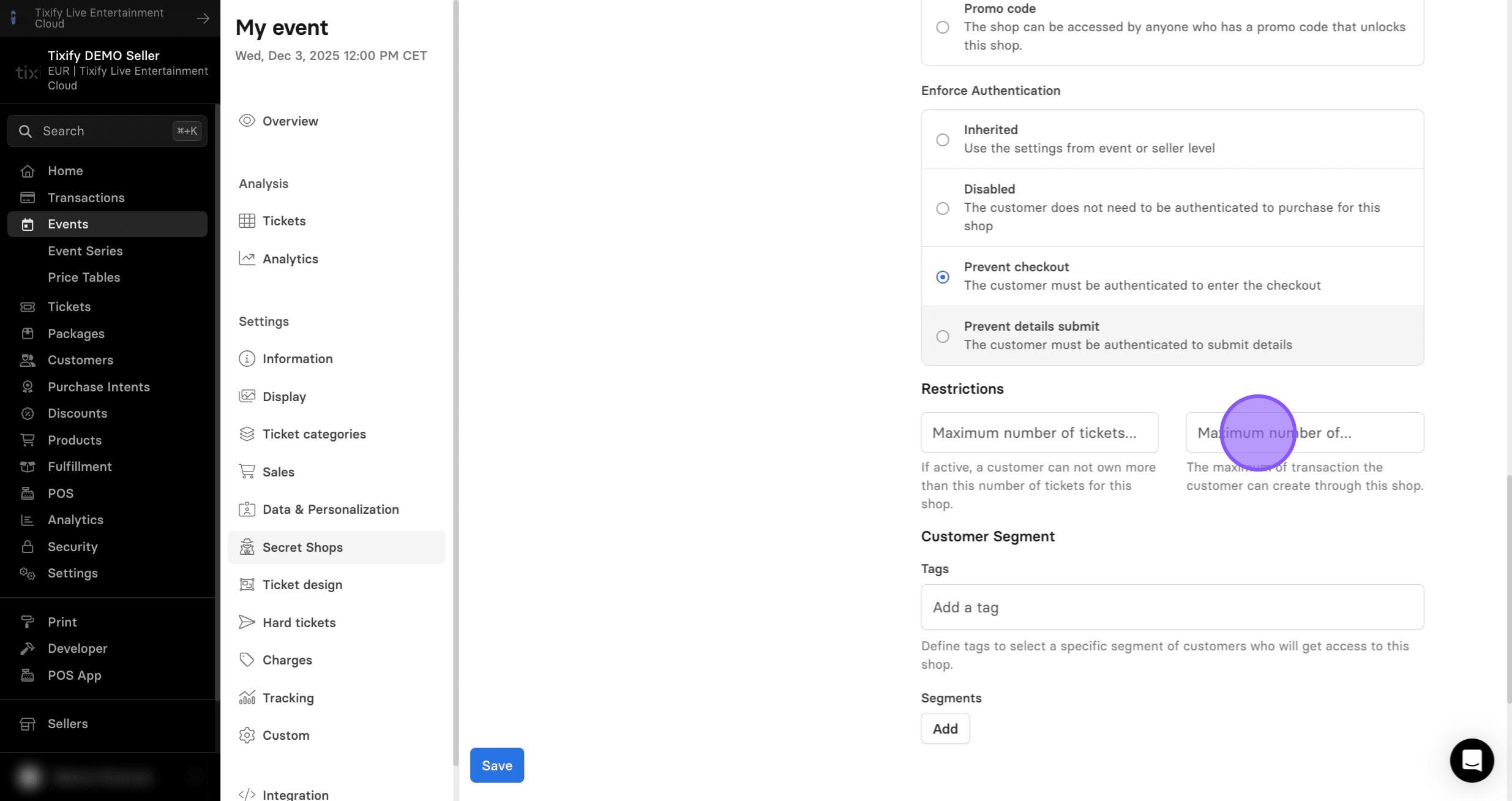
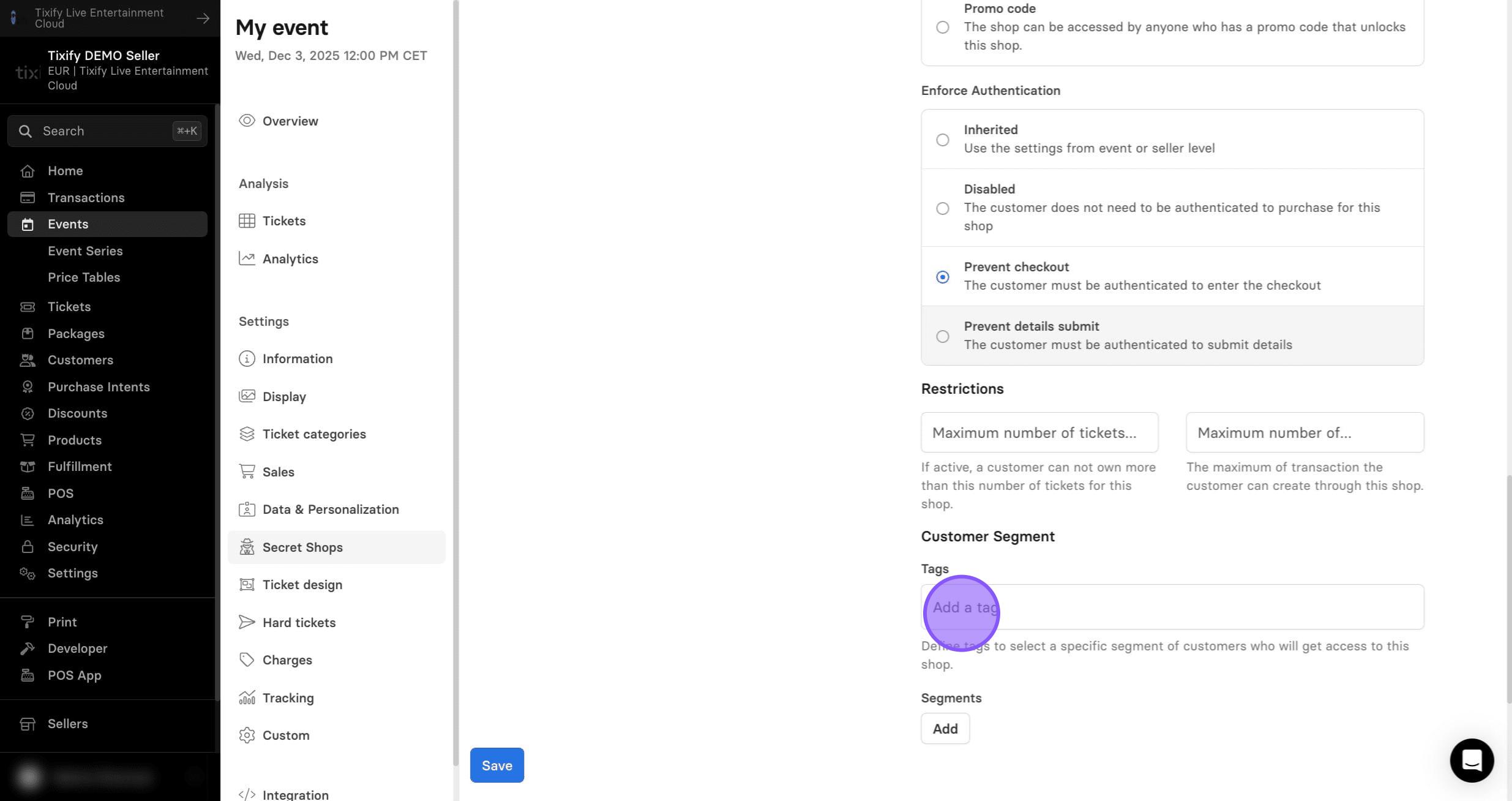
8: Enable tags to give access to a specific group of customers. To use this, customers must have a purchase history and tags assigned to their account.
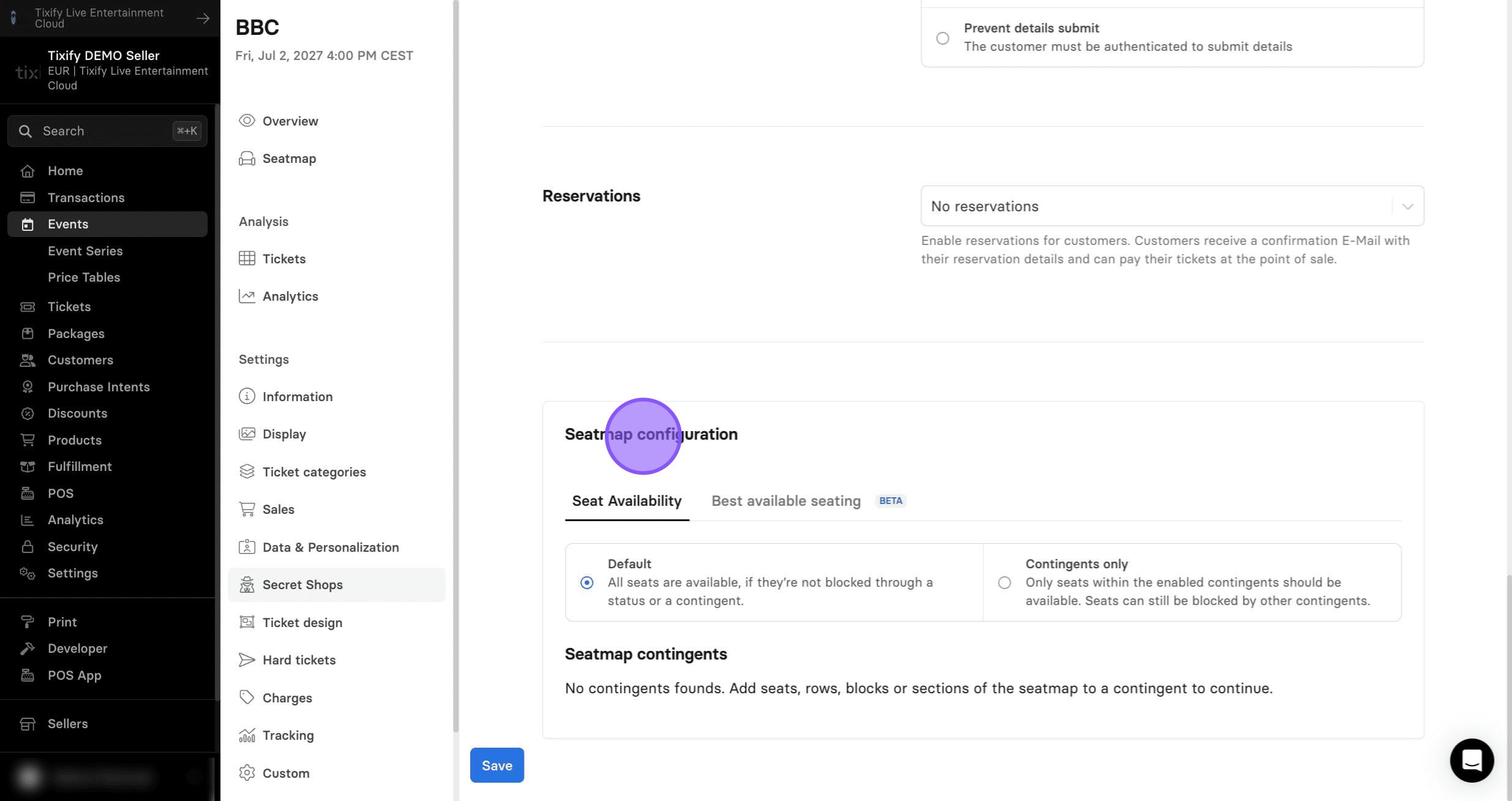
9: If your event uses a seatmap, it will let you choose specific contingents of seats that you have saved to be sold only through this secret shop. This section is only available for use when a seat map is utilized.
Ticket Categories
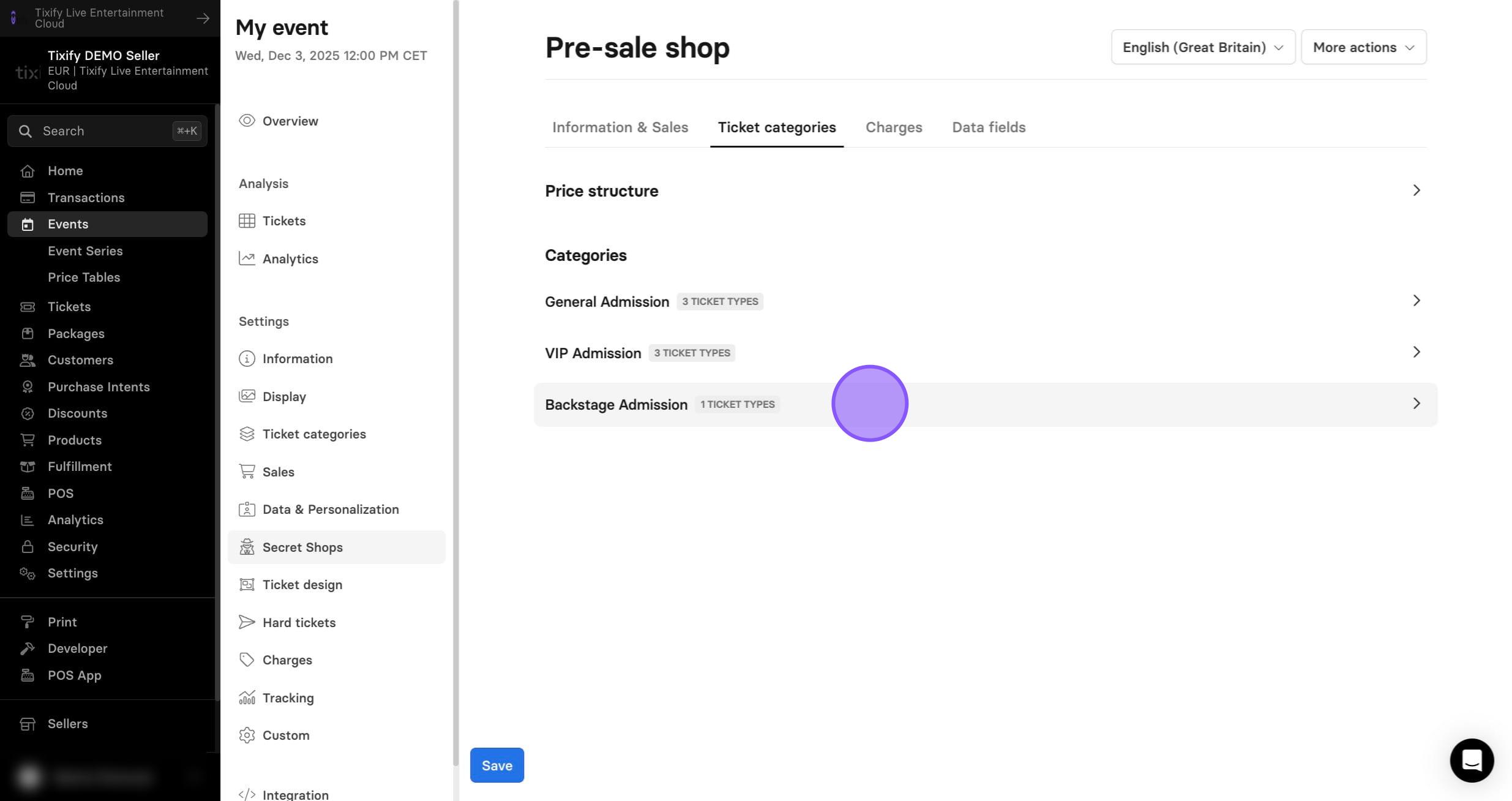
Now we can select which ticket types will be sold in the secret shop.
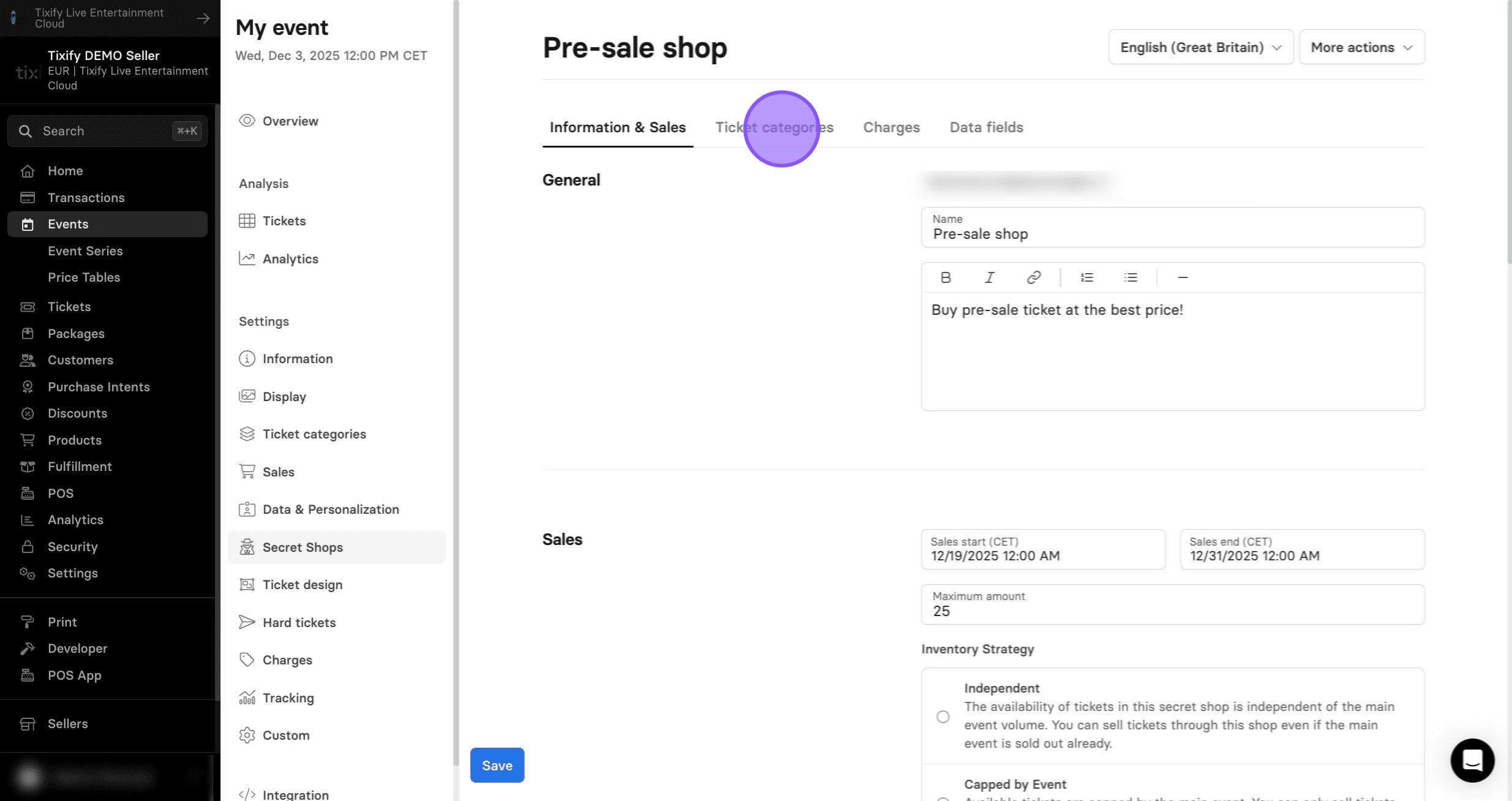
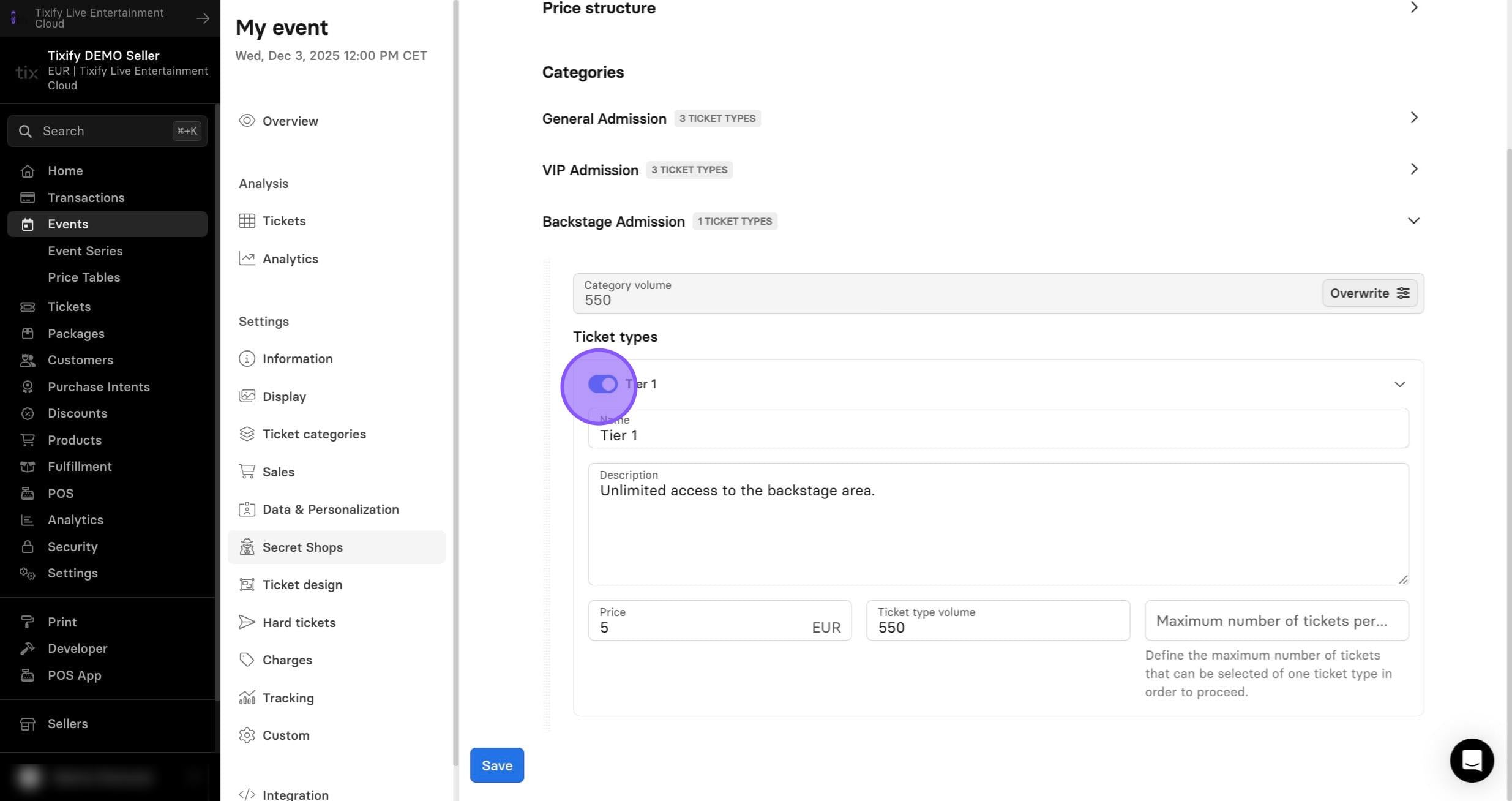
1: The Ticket Categories section lets you select which tickets are available in this shop and adjust their pricing and quantity.
You can even sell tickets through the secret shop that aren’t offered in the main event shop.
2: Toggle off tickets that you do not wish to sell in the secret shop.
Charges
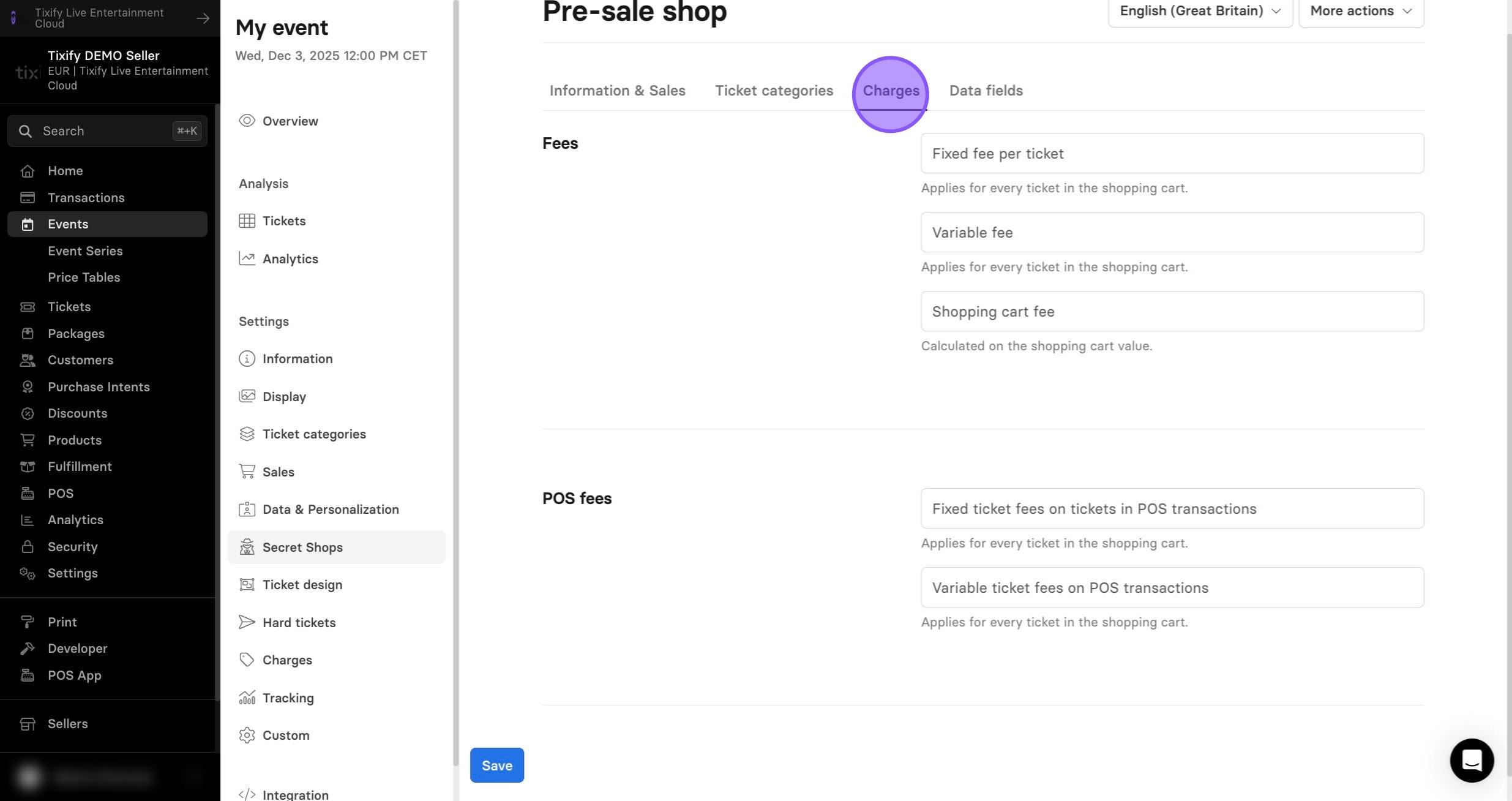
1: The Charges section lets you set fees specifically for this secret shop.
If you don’t set any, the shop will use the fees from the main event or your seller account.
Data Fields
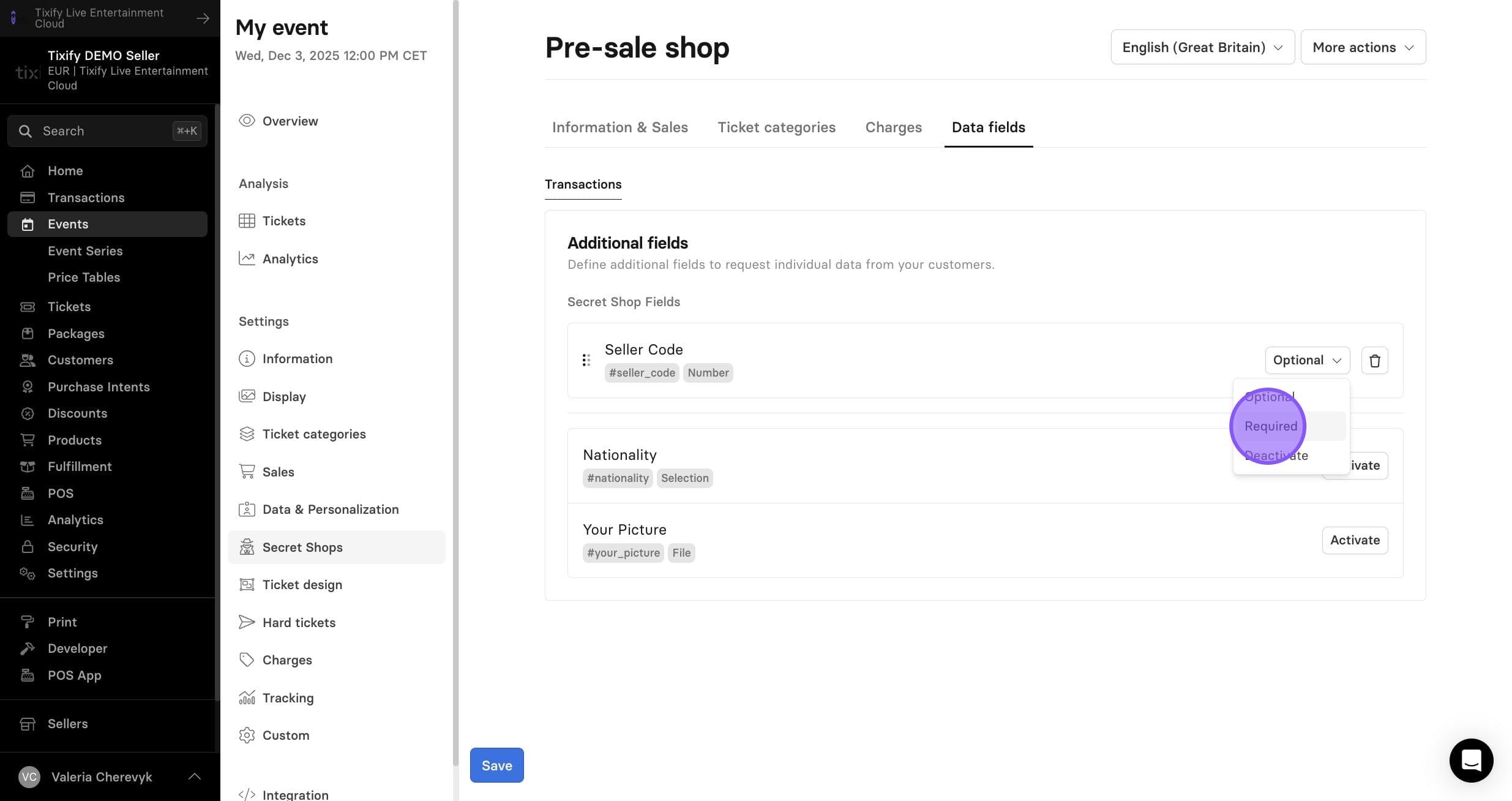
1: The Data Fields section will allow you to choose specific question fields to be required for any transactions made from your secret shop.
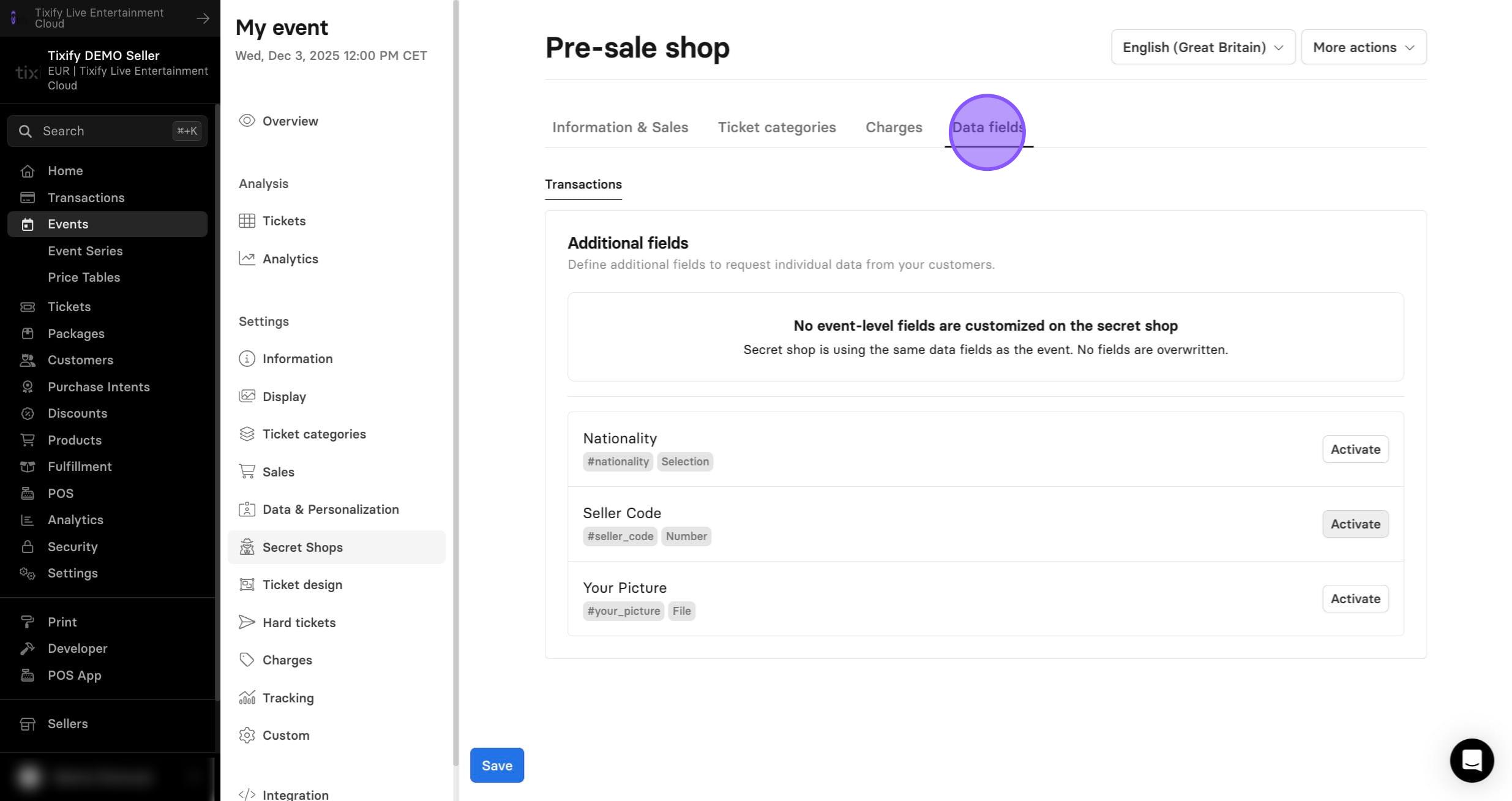
2: You can add as many additional fields as you like and choose whether each one is required.
Access
A secret shop is not indexed, so ticket buyers cannot find it through regular searches. Initially, it can only be accessed via a generated URL. You can also apply additional access restrictions.
The following access options are available: