Fee Schemes
Fee schemas let you configure complex fees with precision. They allow you to define and apply specific fees to certain tickets or events.
Use Cases
- Individual Fee Labels: Display different fees with their own labels.
- Variable Tax Rates: Apply different tax rates to different fees.
- Fees Included in Ticket Price: Include fees in the ticket price so they aren’t shown separately to customers.
- Differentiated Fee Structures: Use different fee structures for different tickets or events.
- And more…
Fee schemas are made up of individually defined fees, and the number of fees can be set flexibly for each schema. Once defined, a fee schema can be applied to organizer settings, specific events, or individual ticket types.
A fee schema does not replace standard fees. Standard fees are still added on top of any fees defined in the schema.
Fee Schemes
1: In seller settings click on "Fee Schemes"
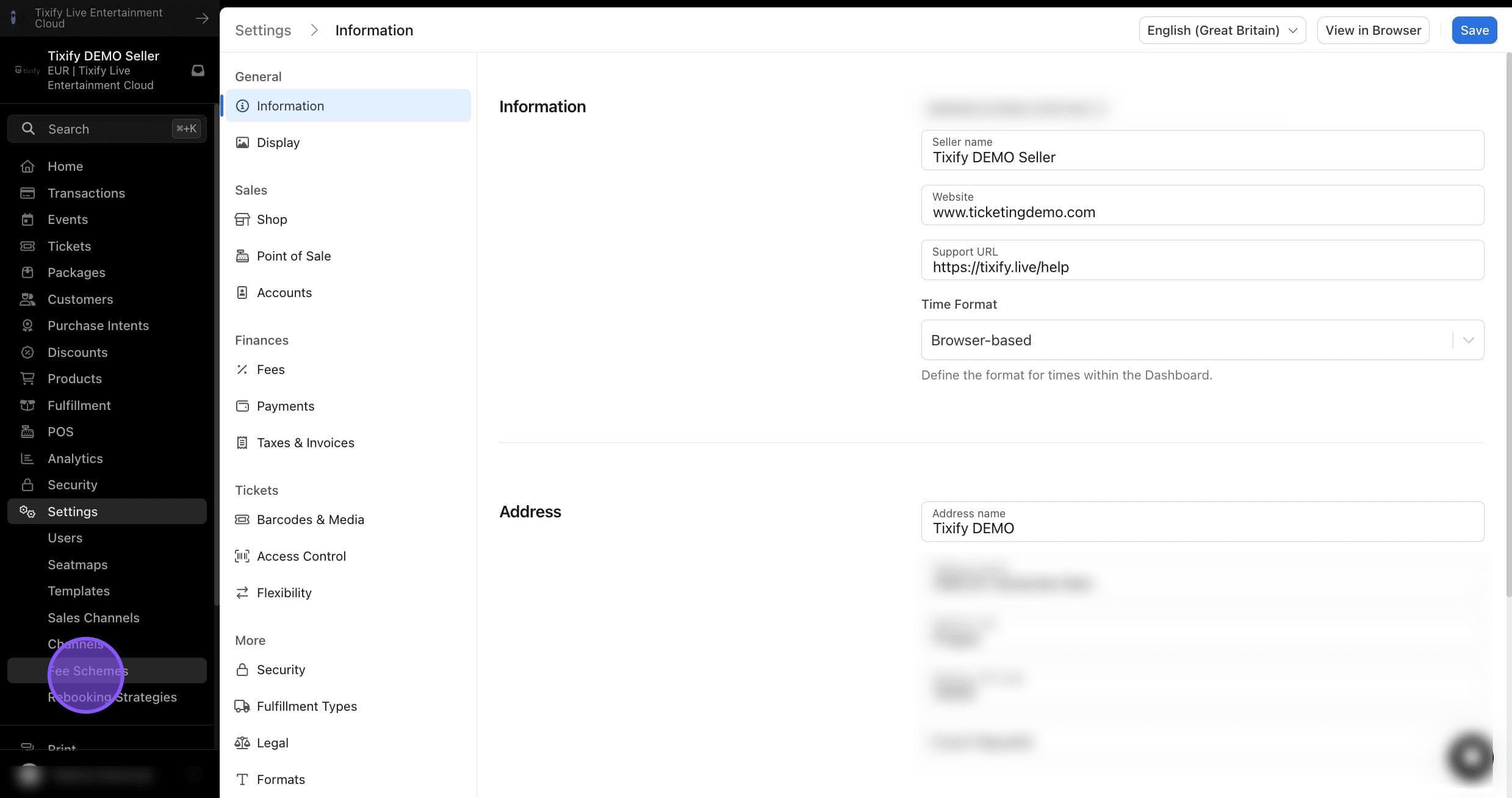
2: List of already created schemes can be found on the left.
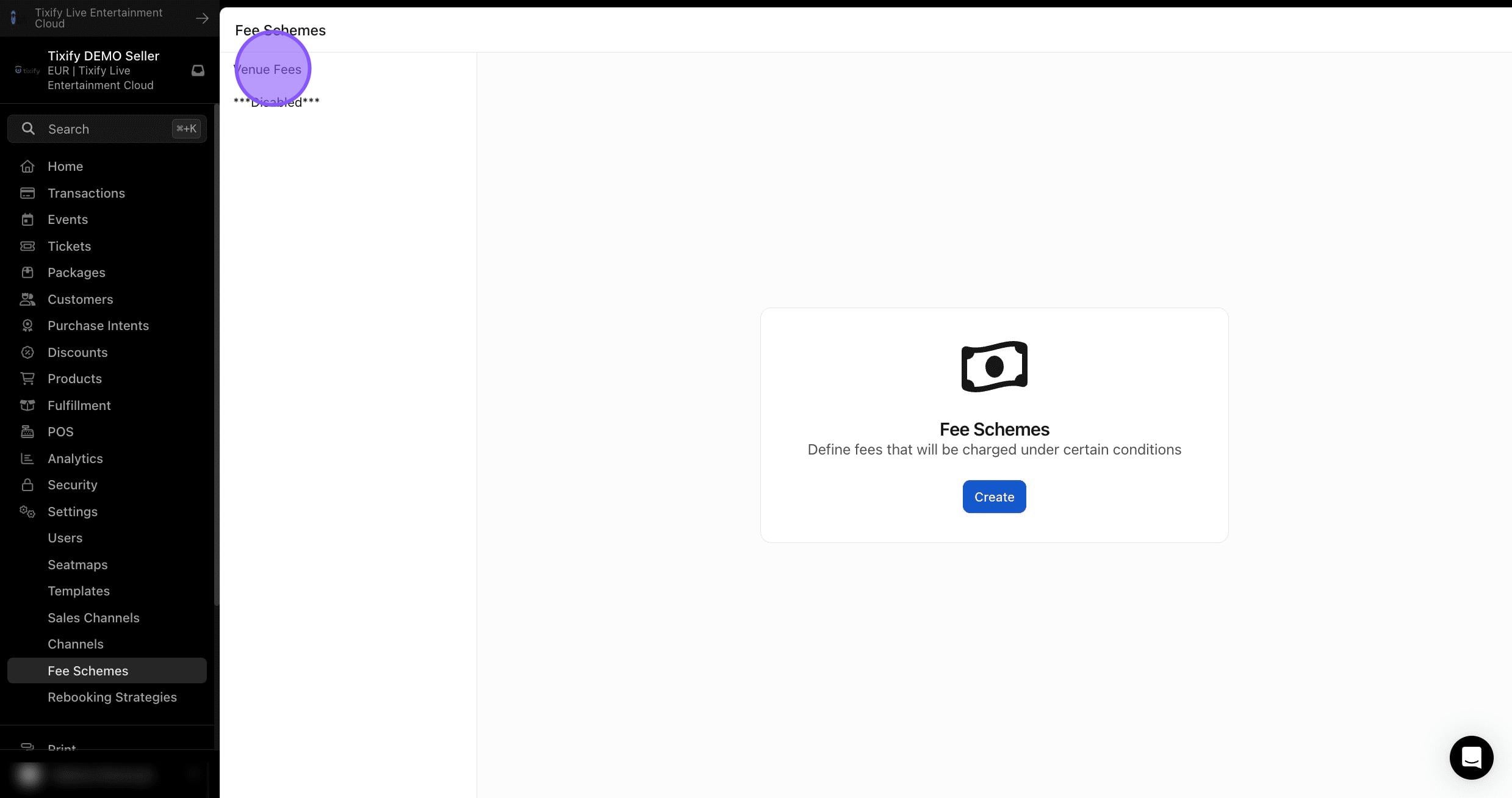
3: Click on "Create"
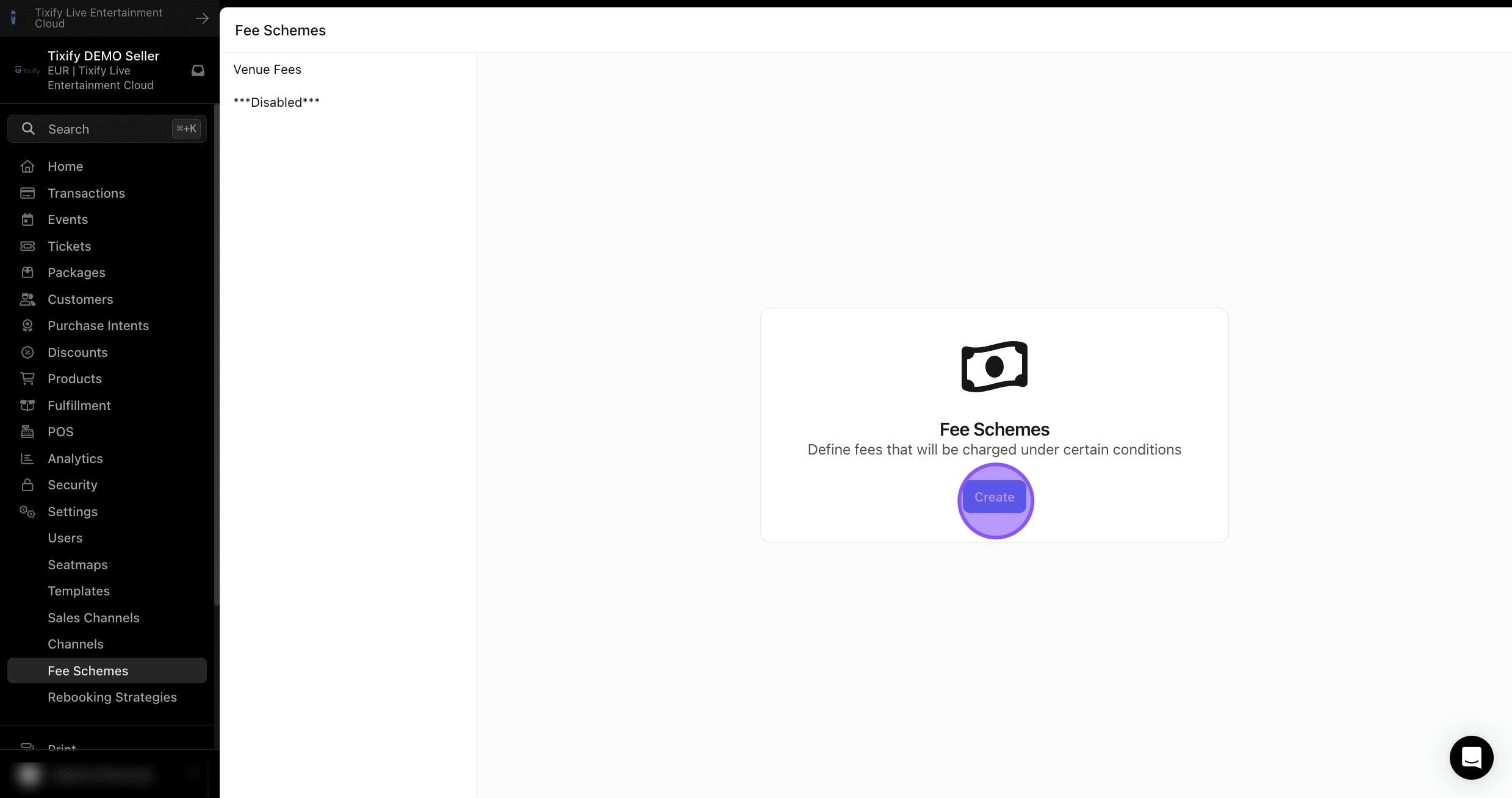
4: Choose a name for the schema. This name is used solely for internal purposes and is not visible to the ticket purchaser.
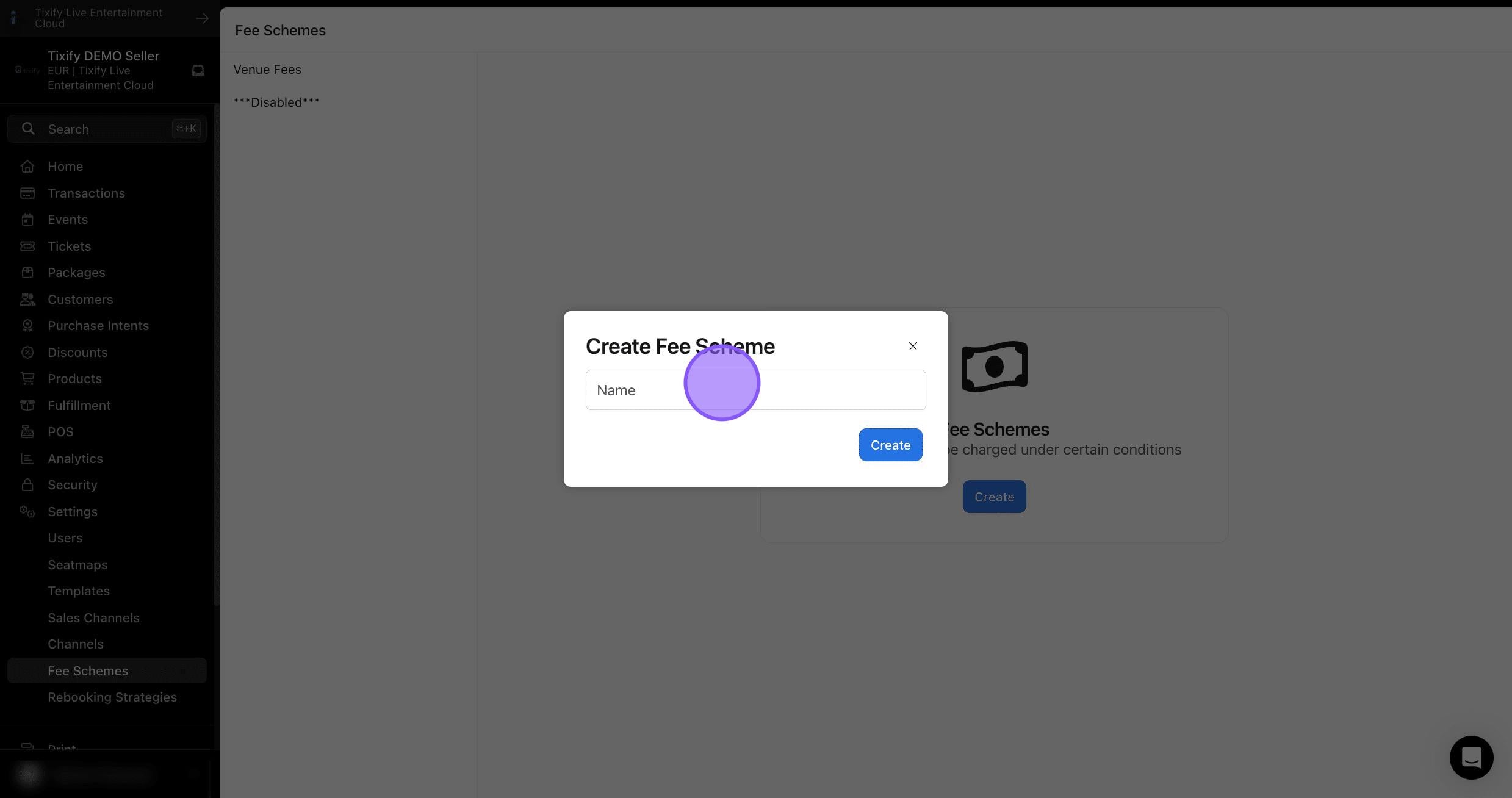
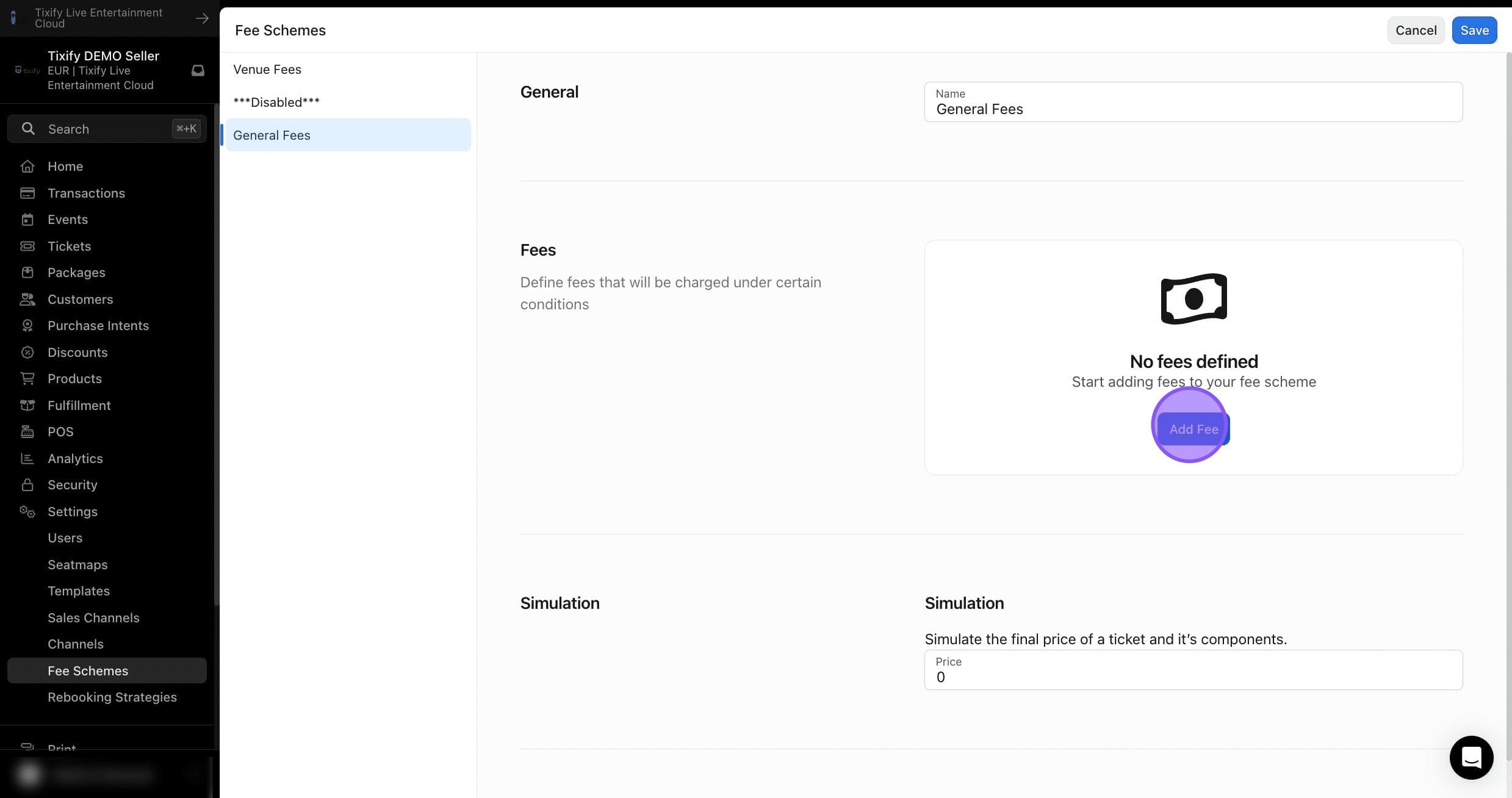
5: Click on "Add Fee"
Excluded fees
Excluded fees are fees that are displayed separately to the customer and added to the ticket price. These fees appear in the checkout cart.
The following settings can be configured for excluded fees:
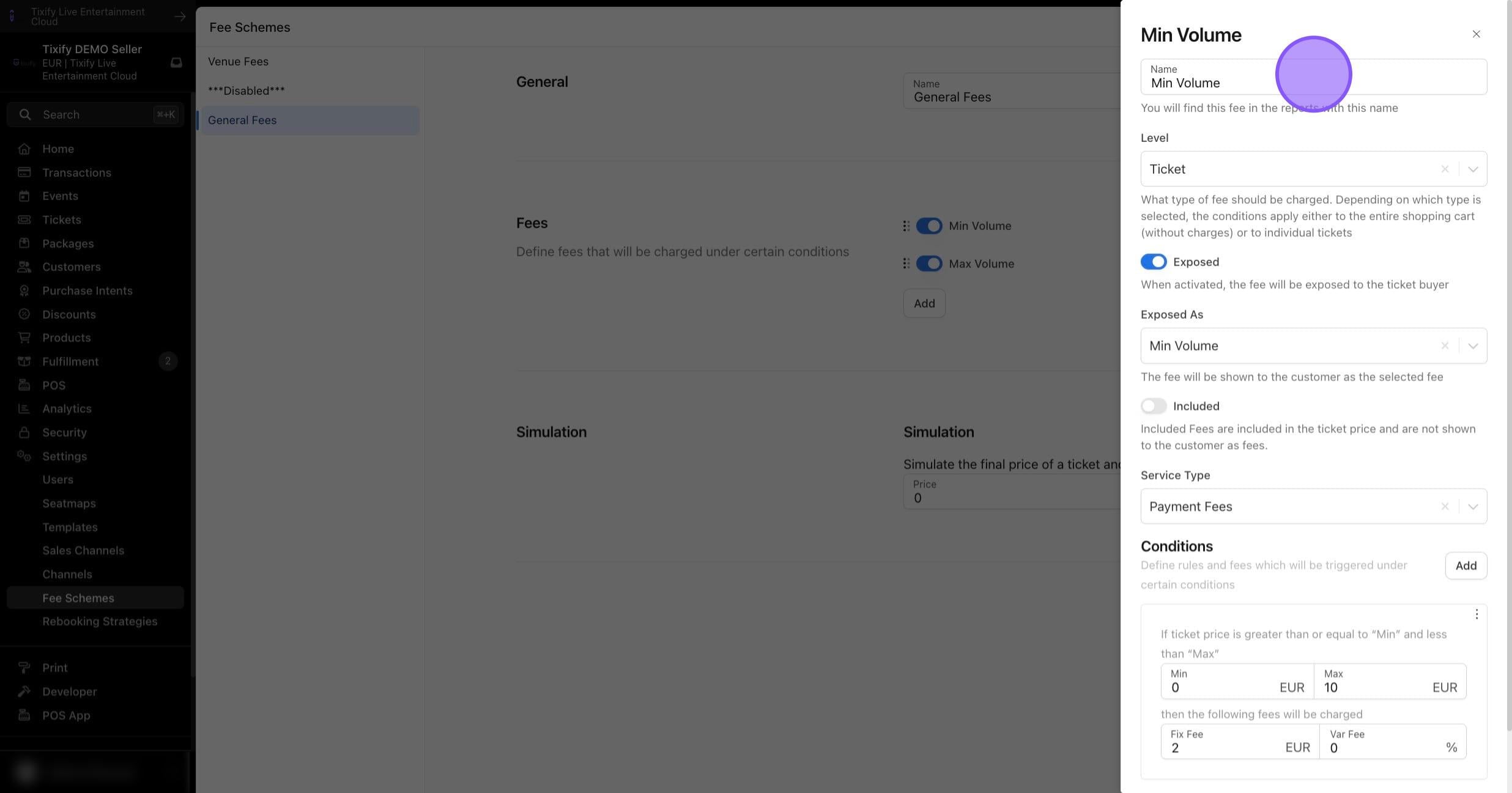
Name: Set a name for your fee. This can optionally be shown to the ticket purchaser or be visible only for internal use.
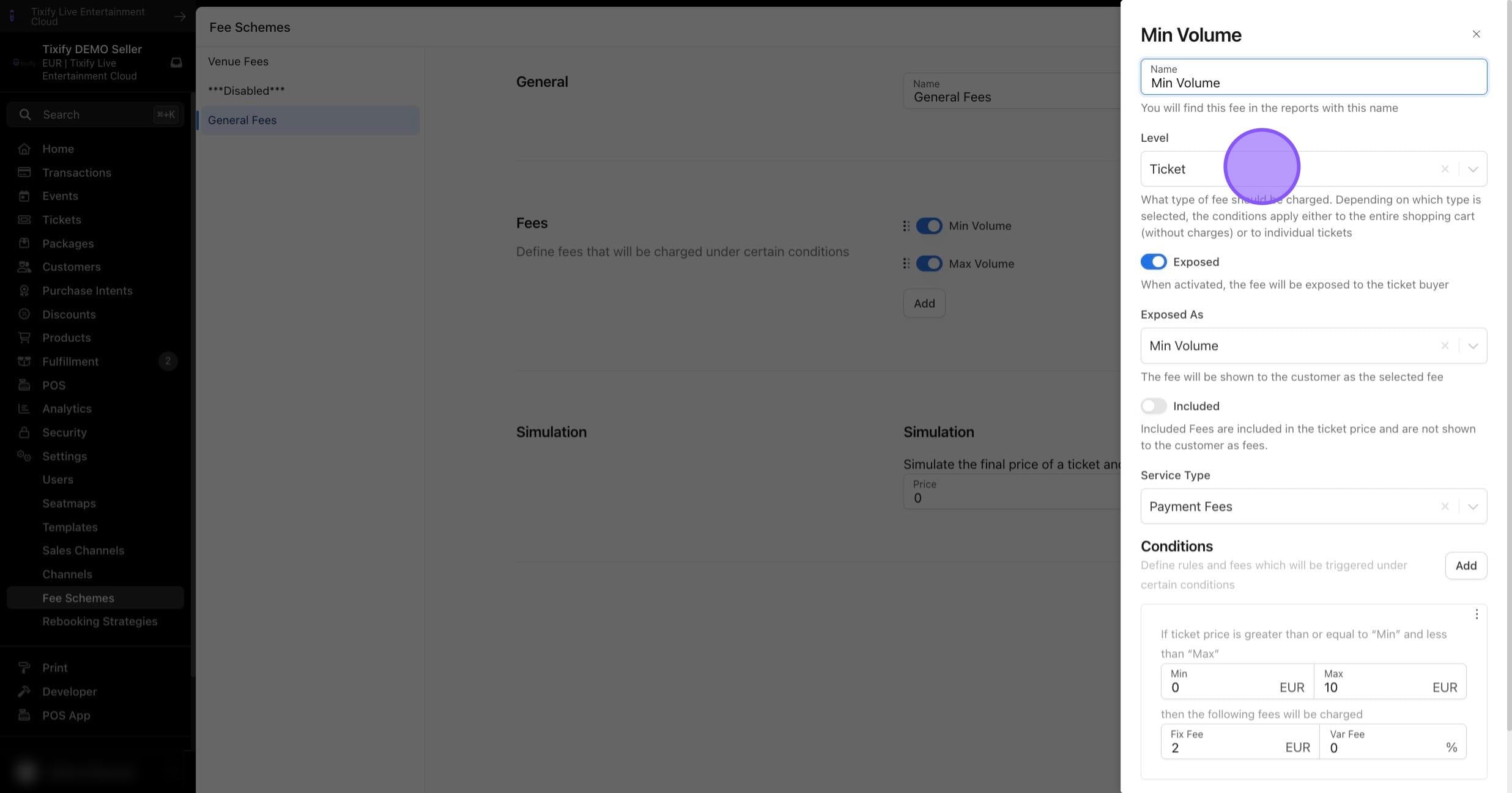
Level: Determine whether this fee should be changed per ticket, per cart or per hard ticket.
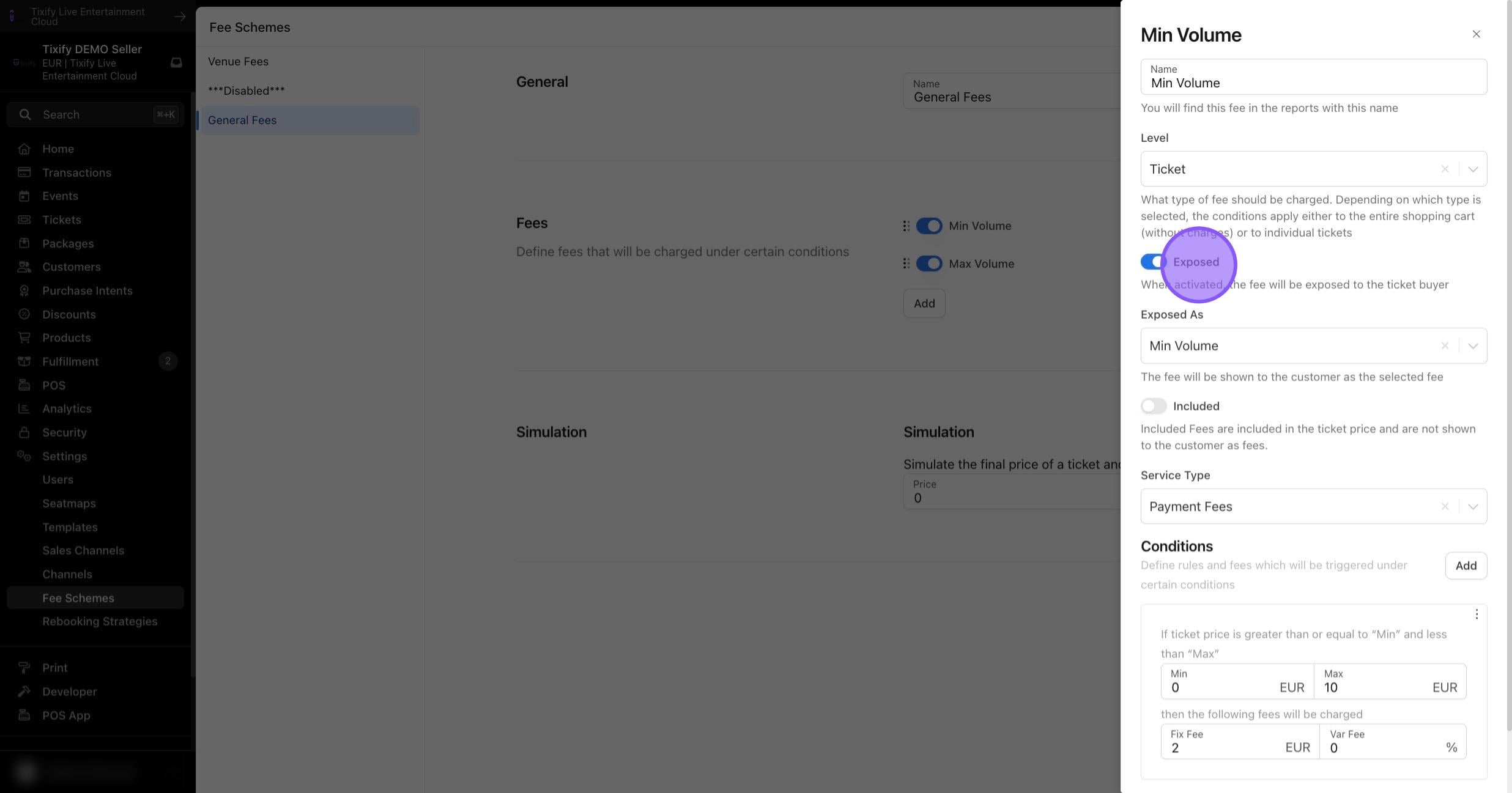
Exposed: Enable this switch to show the fee name to the ticket purchaser. If this option is not active, the fee will only be shown under the "Fees" without specific labeling.
Included: Disable this switch to use exclusive fees.
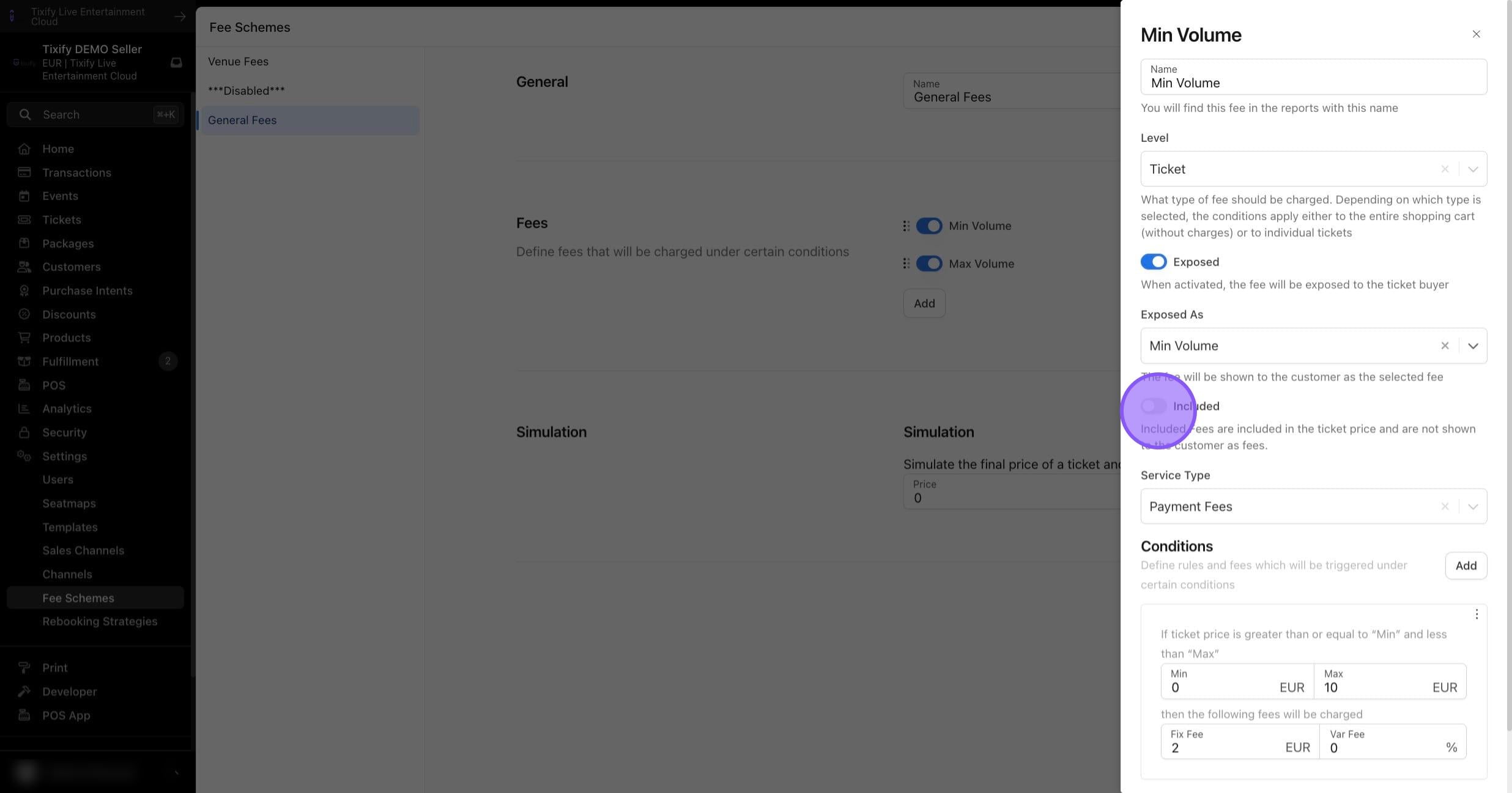
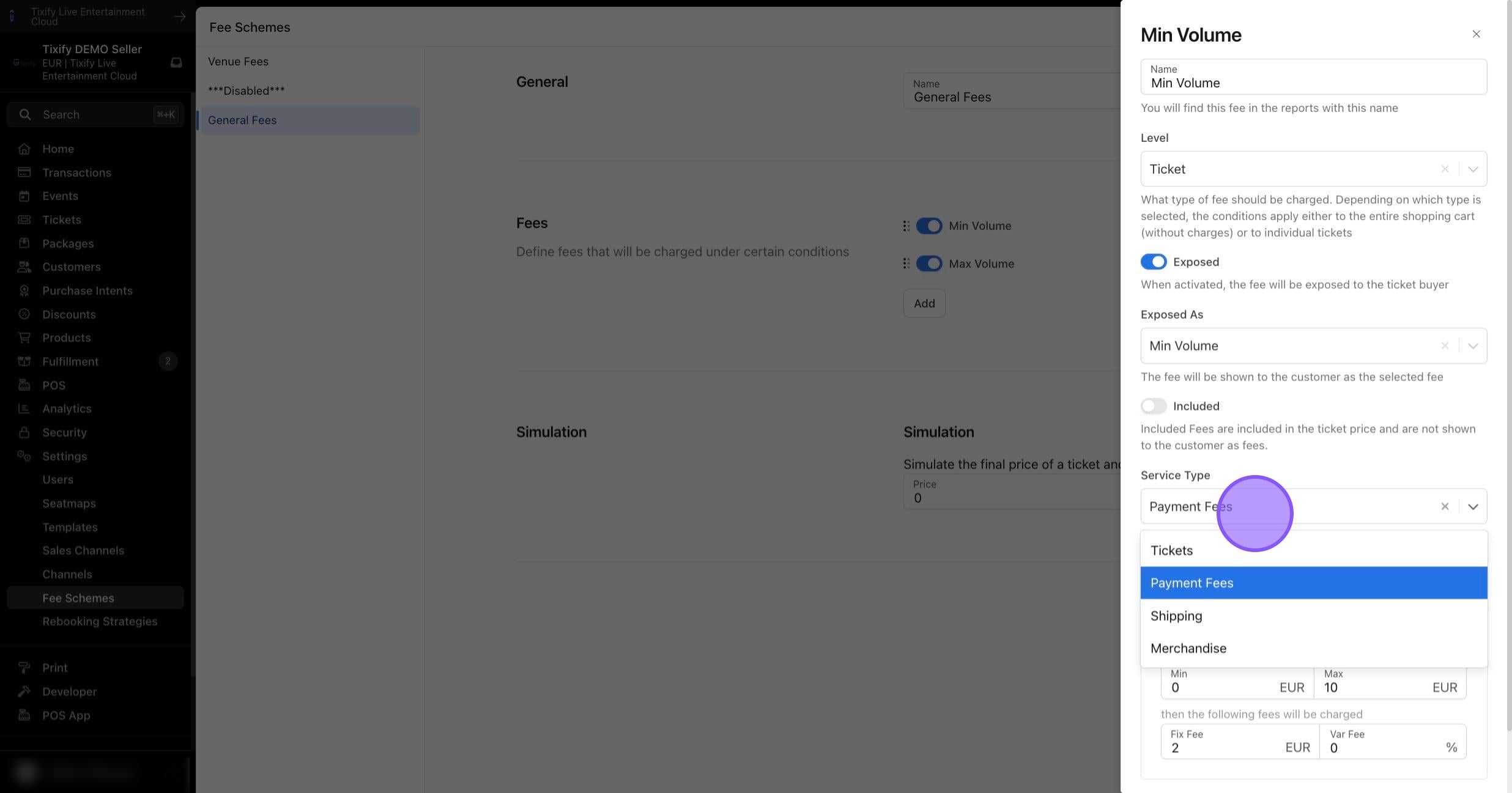
Service Type: Optionally, set a service type for specific tax calculations.
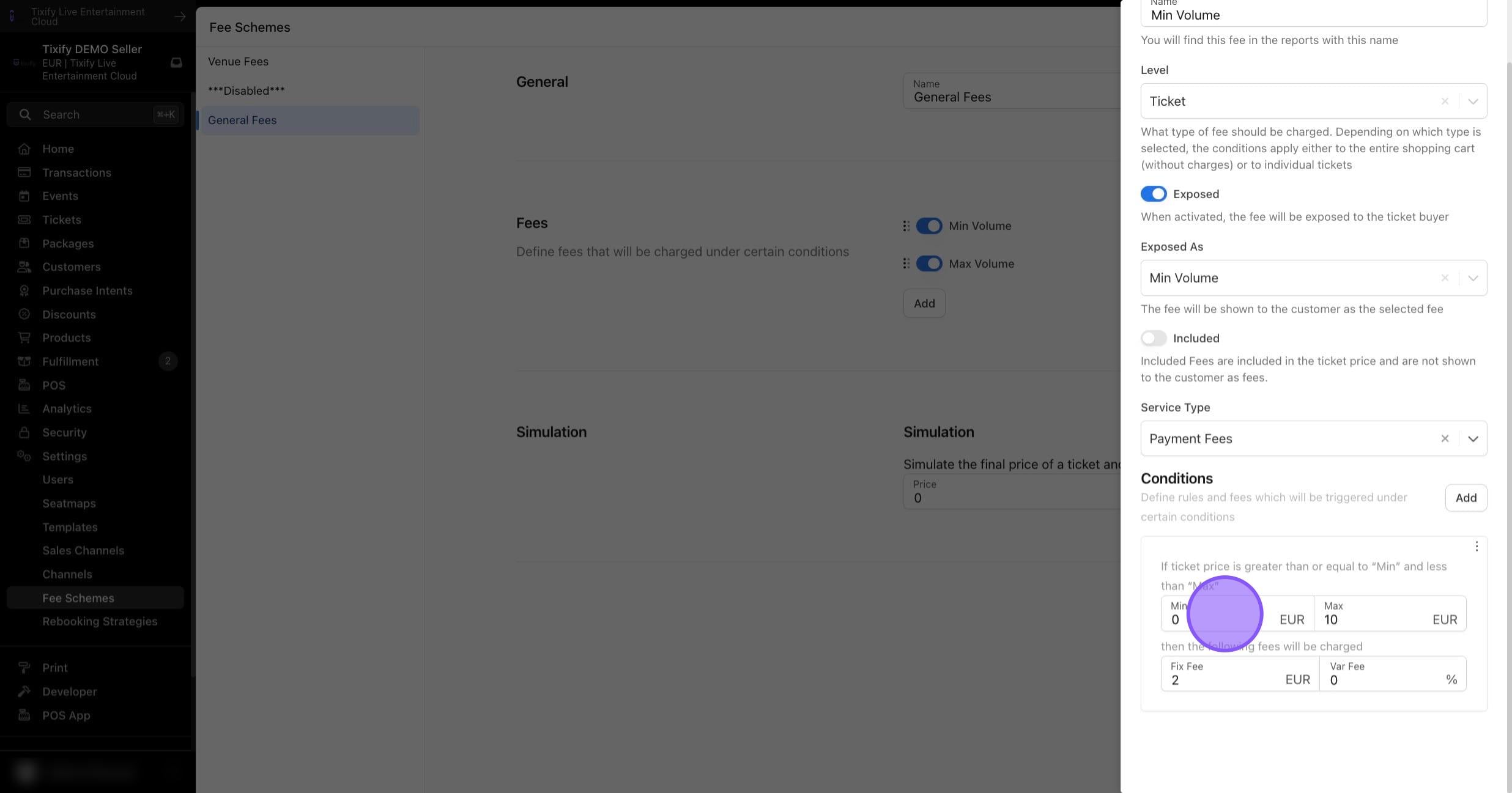
Conditions: Specify at which ticket or cart value a certain fee amount is applied. Note that setting a minimum of 0 will apply the fee to 0EUR tickets or 0EUR carts. An unlimited number of conditions can be added.
Included Fees
Included fees are not listed separately in the checkout but are already included in the ticket price. These fees are not visible to the customer and are primarily used for internal accounting purposes.
The following settings can be configured for included fees:
Name: Set a name for your fee. This name will only be visible internally.
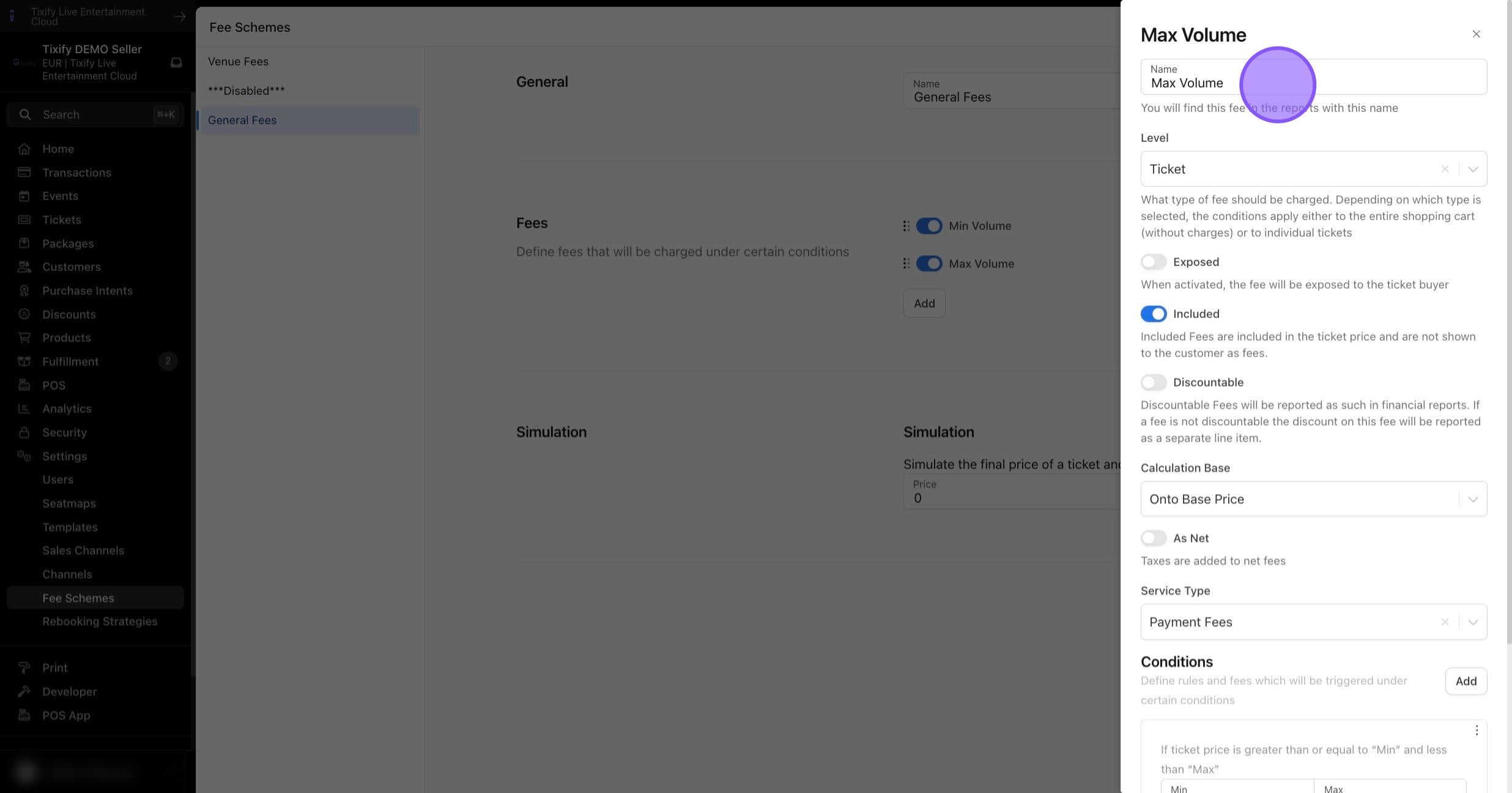
Level: Determine whether this fee should be charged per ticket, per cart or per hard ticket.
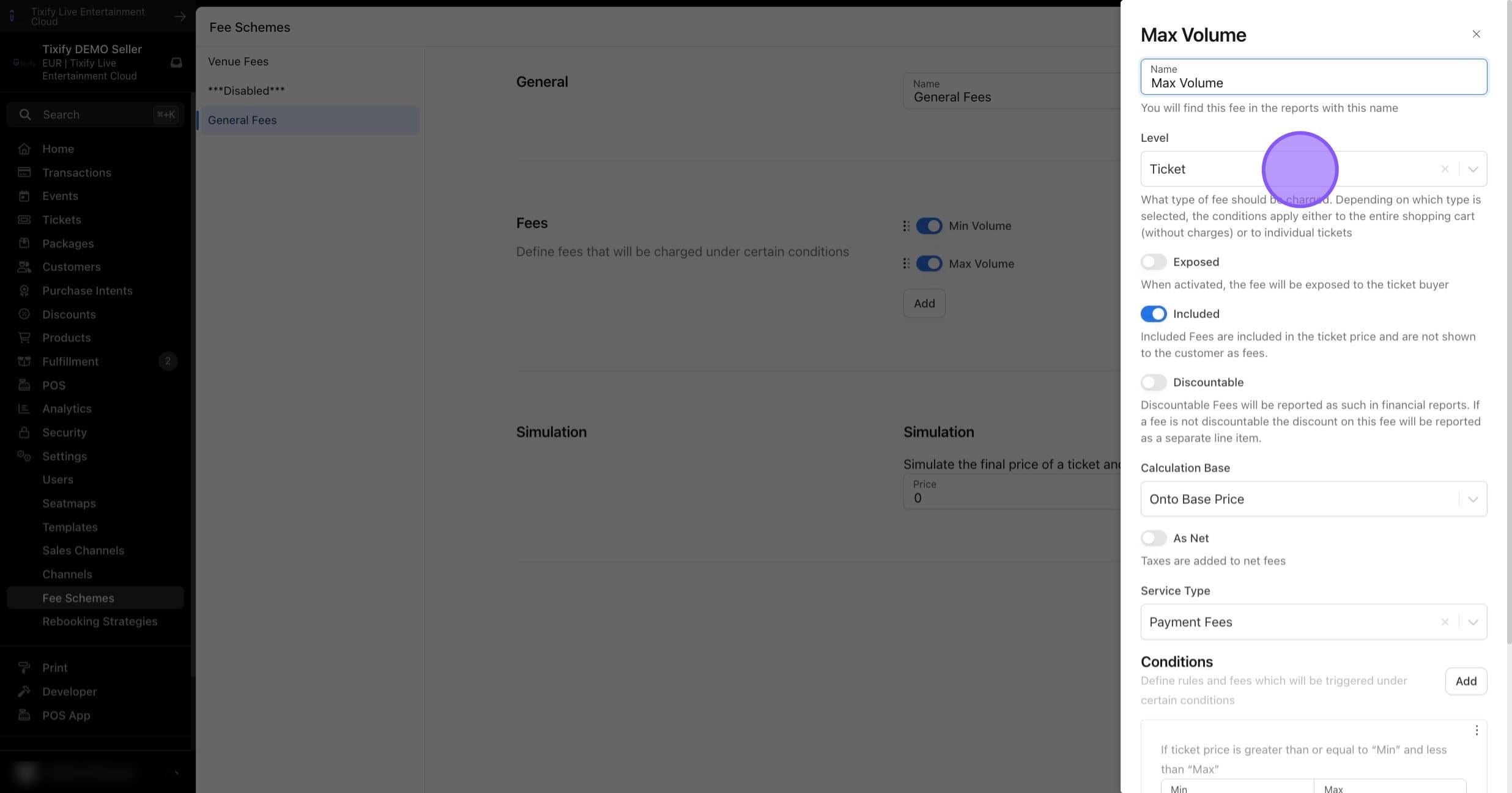
Exposed: This feature is not available for included fees.
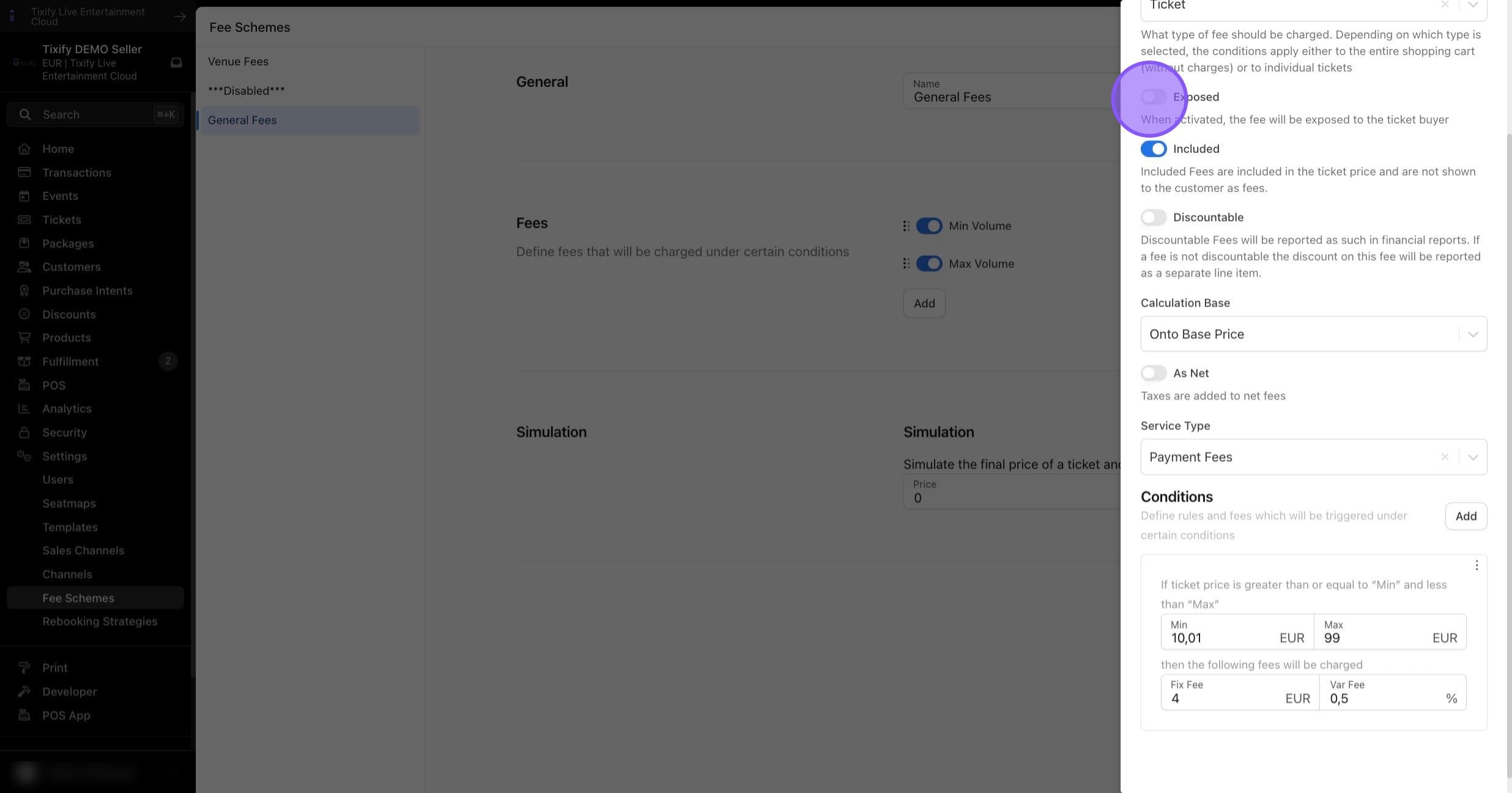
Discountable: Enable this feature if discounts should also be applied to this fee. Discountable fees will be reported as such in financial reports. If a fee is not discountable, the discount on this fee will be shown as a separate item.
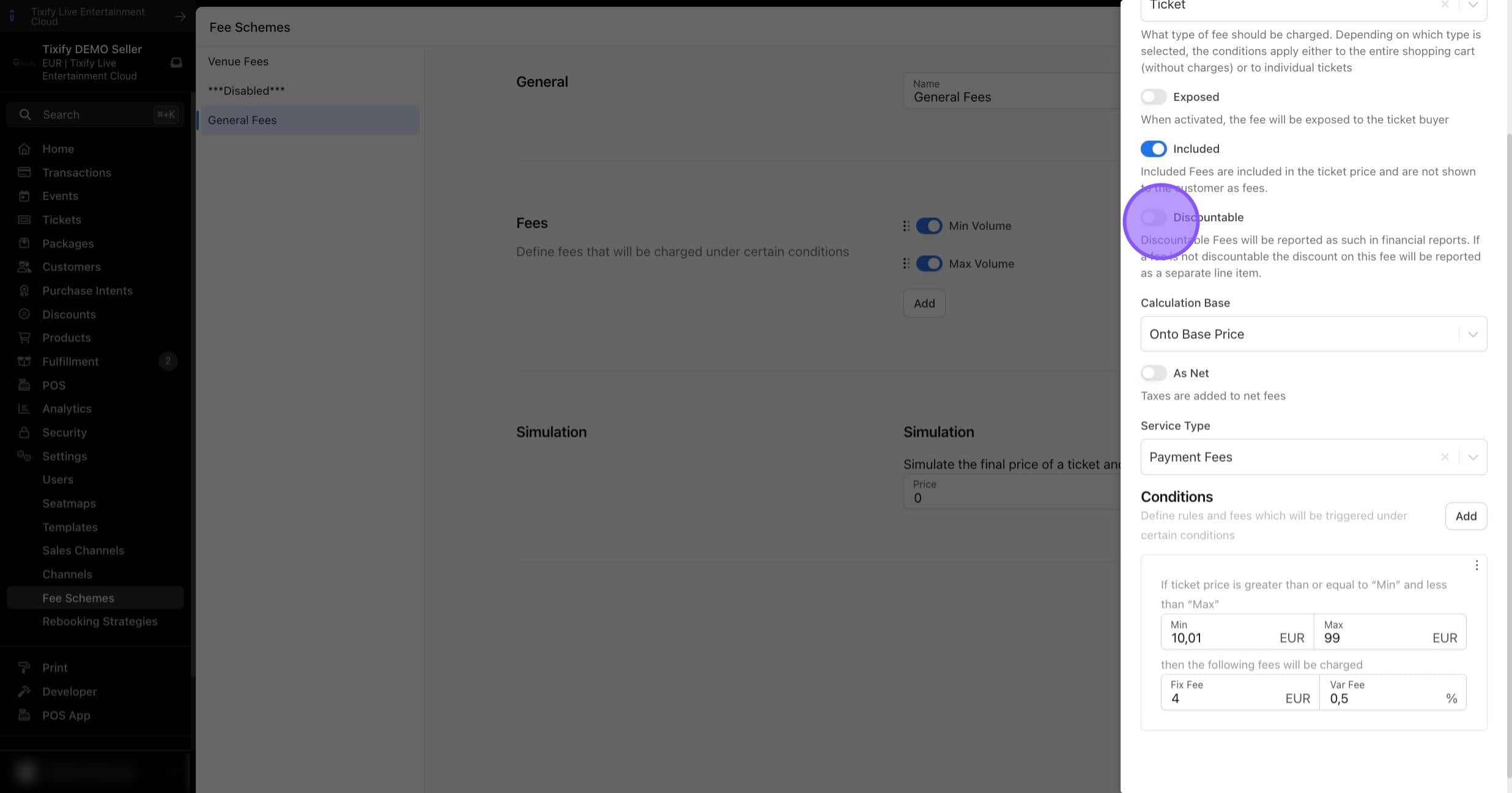
Calculation Base: Select the desired calculation for the fee.
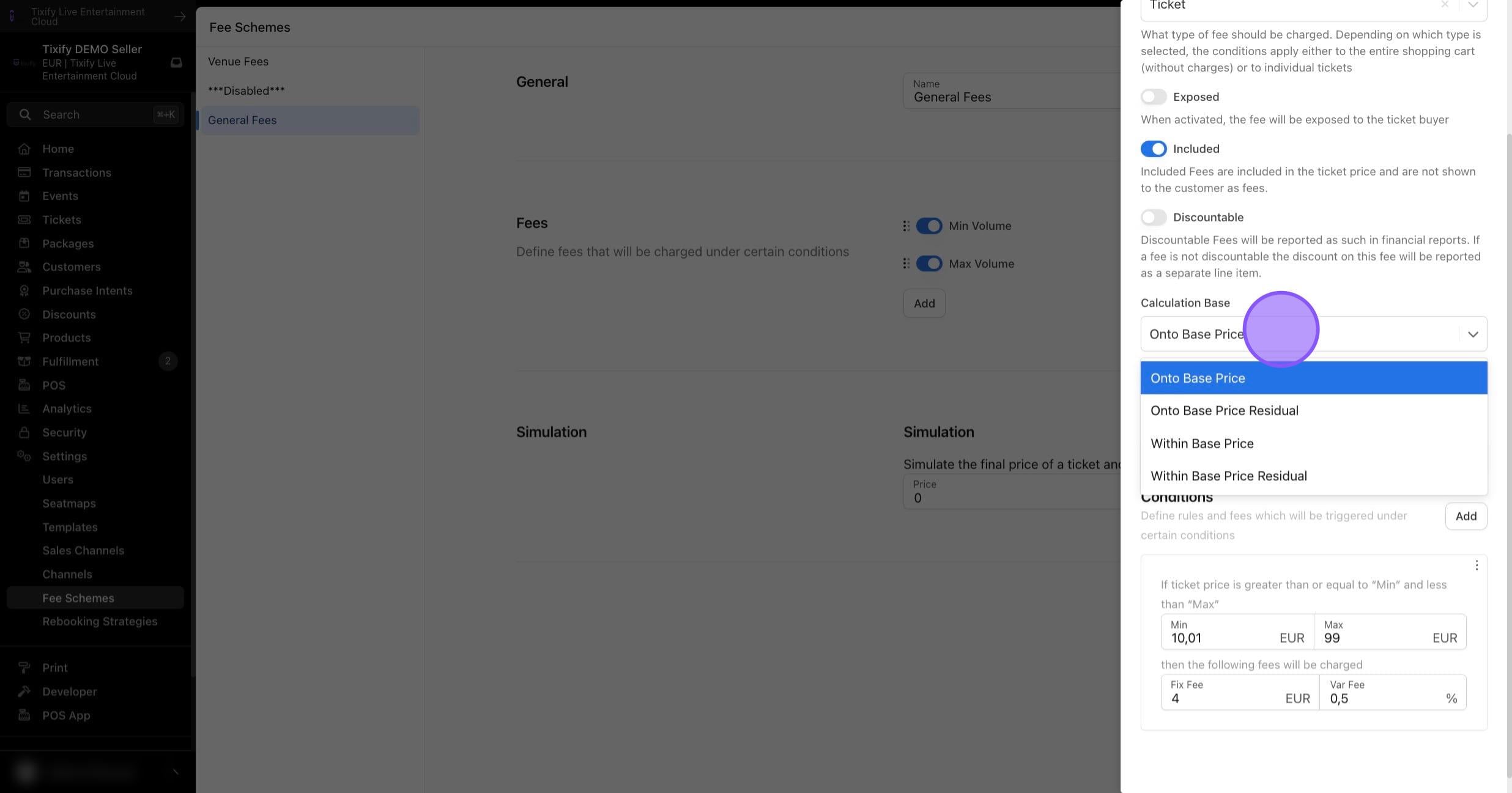
As Net: Determine whether the fee should be calculated as net or gross.
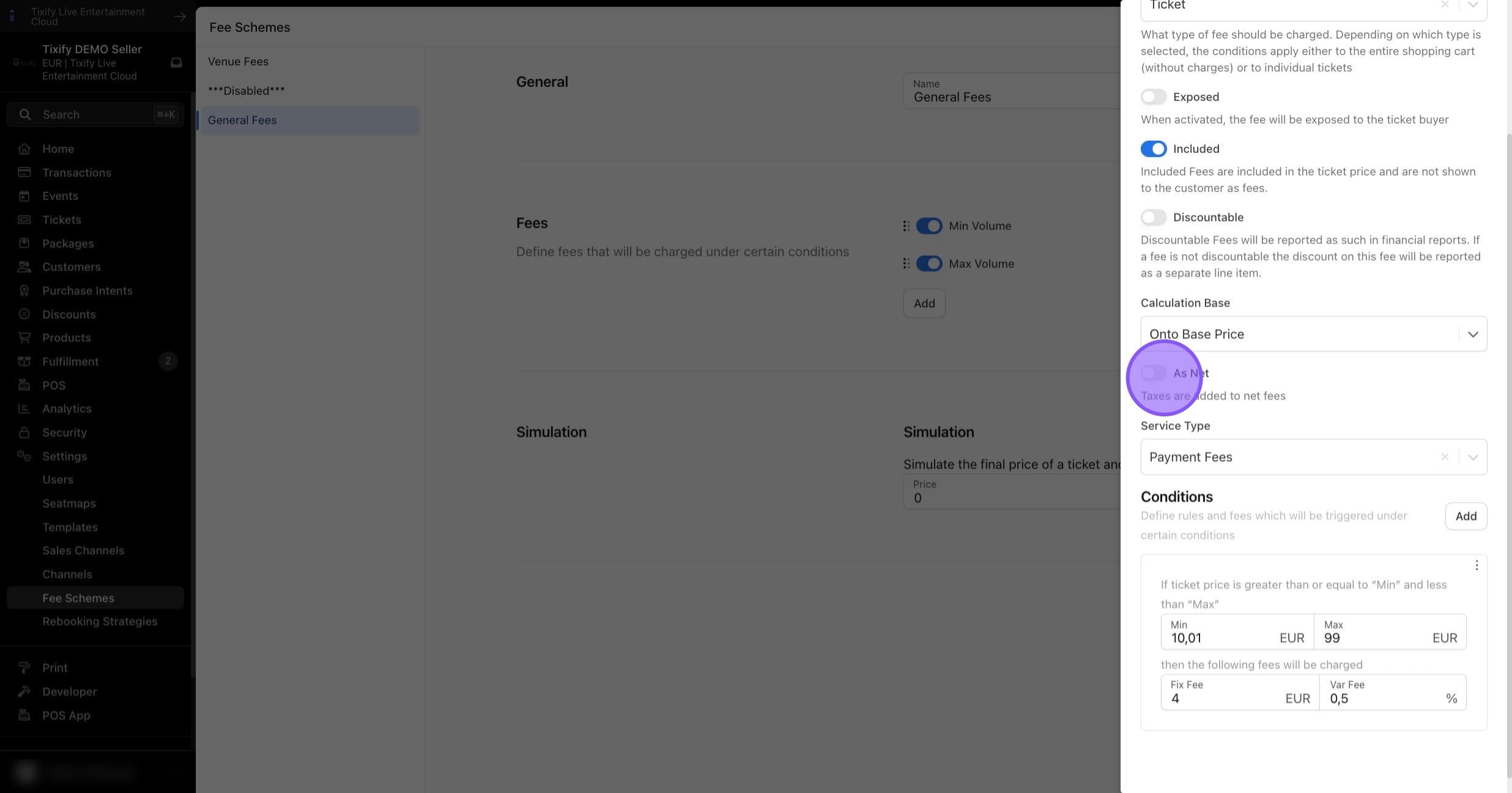
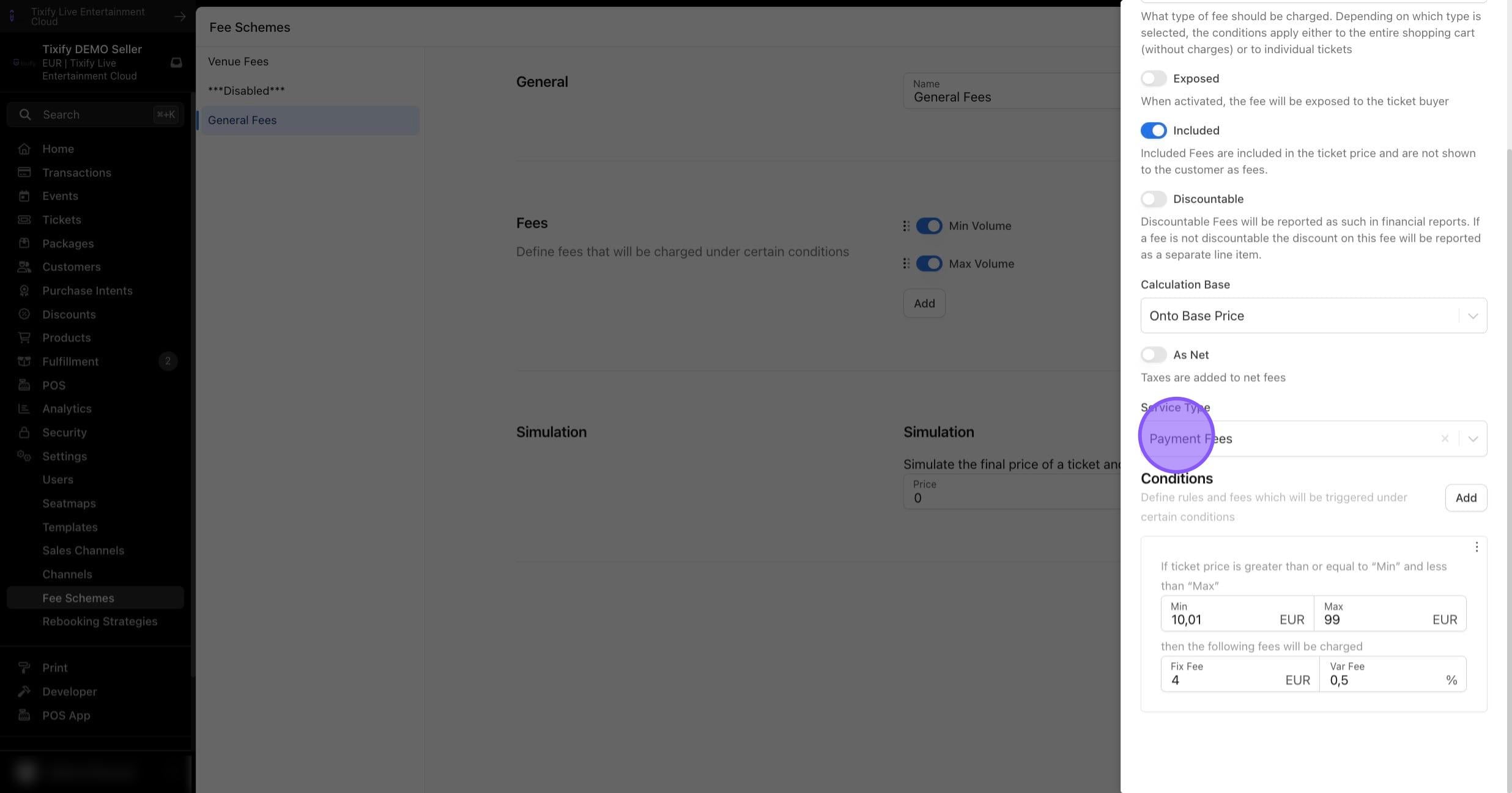
Service Type: Click on "Payment Fees"
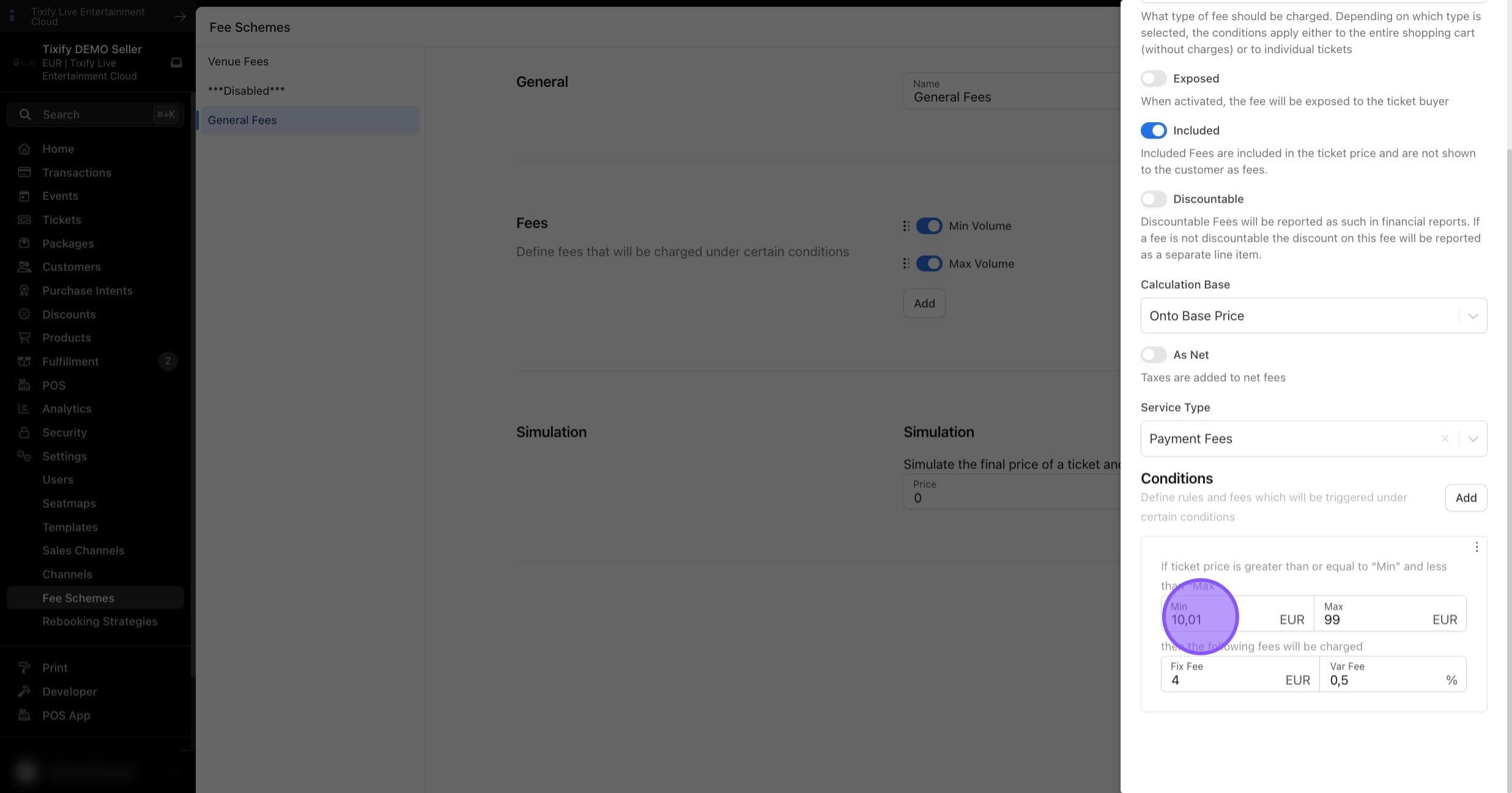
Conditions: Specify at which ticket or cart value a certain fee amount is applied. Note that setting a minimum of 0 will apply the fee to 0EUR tickets or 0EUR carts. An unlimited number of conditions can be added.
Calculation Base
Onto Base Price
The fee is calculated based on the ticket price as set in the event settings and added to the price at checkout. Other fees are not considered in this calculation.
Onto Base Price Residual
The fee is calculated based on the ticket price including previously calculated fees, and then added to the price at checkout. The order in which fees are considered depends on their sequence in the settings.
Within Base Price Residual
The fee is calculated based on the ticket price minus previously calculated fees. It is not added on top of the ticket price but is included as part of it. The order in which fees are considered depends on their sequence in the settings. The calculation always relies on the "base component," which corresponds to the ticket price minus the previously calculated fees.
Within Base Price
The fee is accounted for within the ticket price and not added on top of it. Therefore, it is included as part of the ticket price. Other fees are not considered in this calculation. After this calculation, the ticket price consists of the fee components and a "base component," which corresponds to the ticket price minus the fees.
Activating Fee Schemes
Fee schemes can be activated at various levels to ensure maximum flexibility with minimal effort.
Seller Level:
Event Level:
Ticket Type Level: