Fulfillment Types
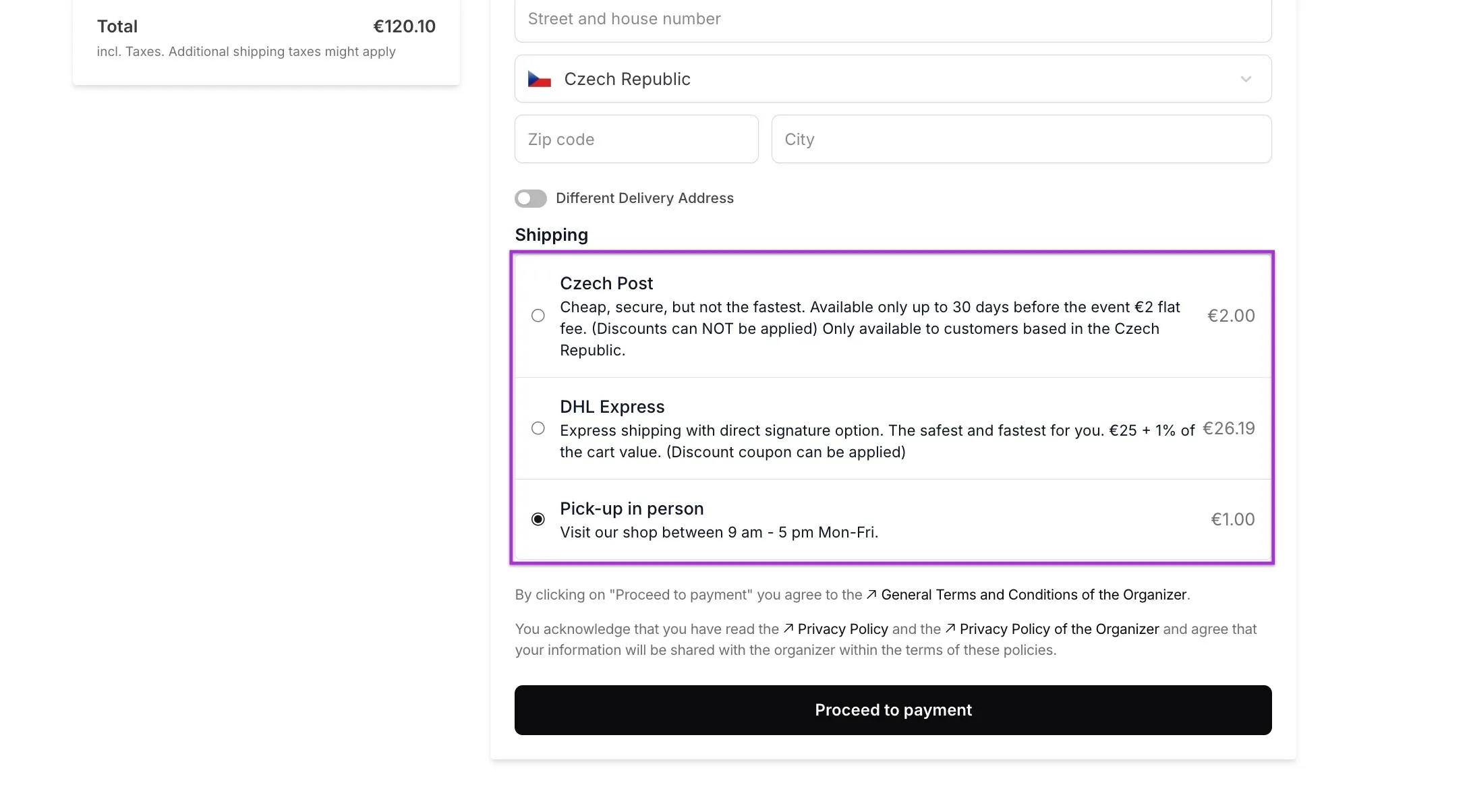
With Delivery Types, you can set fees for shipping hard tickets or physical products. Fees are calculated per order and can vary based on the country or items in the cart. You can create an unlimited number of delivery types, giving customers options like pickup or shipping.
Delivery types appear on the checkout detail page, where customers enter their address. They are only available if there is at least one physical product in the cart. A checkout cannot proceed without selecting a delivery type. If there is only one delivery type configured, it is automatically selected.
Key Points
- Delivery types are shown at checkout on the detail page.
- They appear only if the cart contains at least one physical product.
- Physical products include:
- Hard tickets
- Products marked as Fulfillable
- Vouchers marked as Fulfillable
- Customers cannot proceed without selecting a delivery type.
- If only one delivery type exists, it is automatically selected.
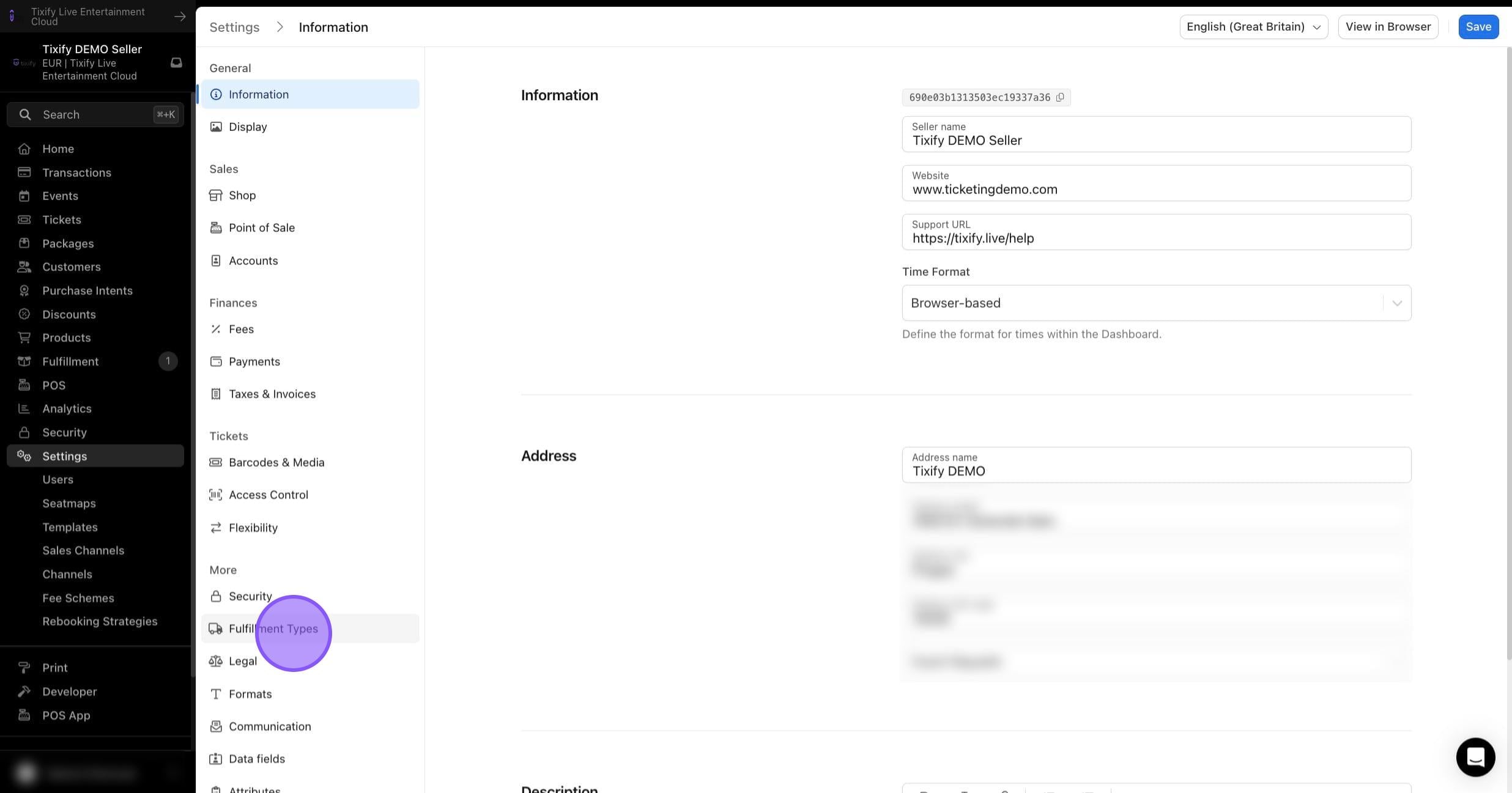
1: In the Settings select "Fulfillment Types"
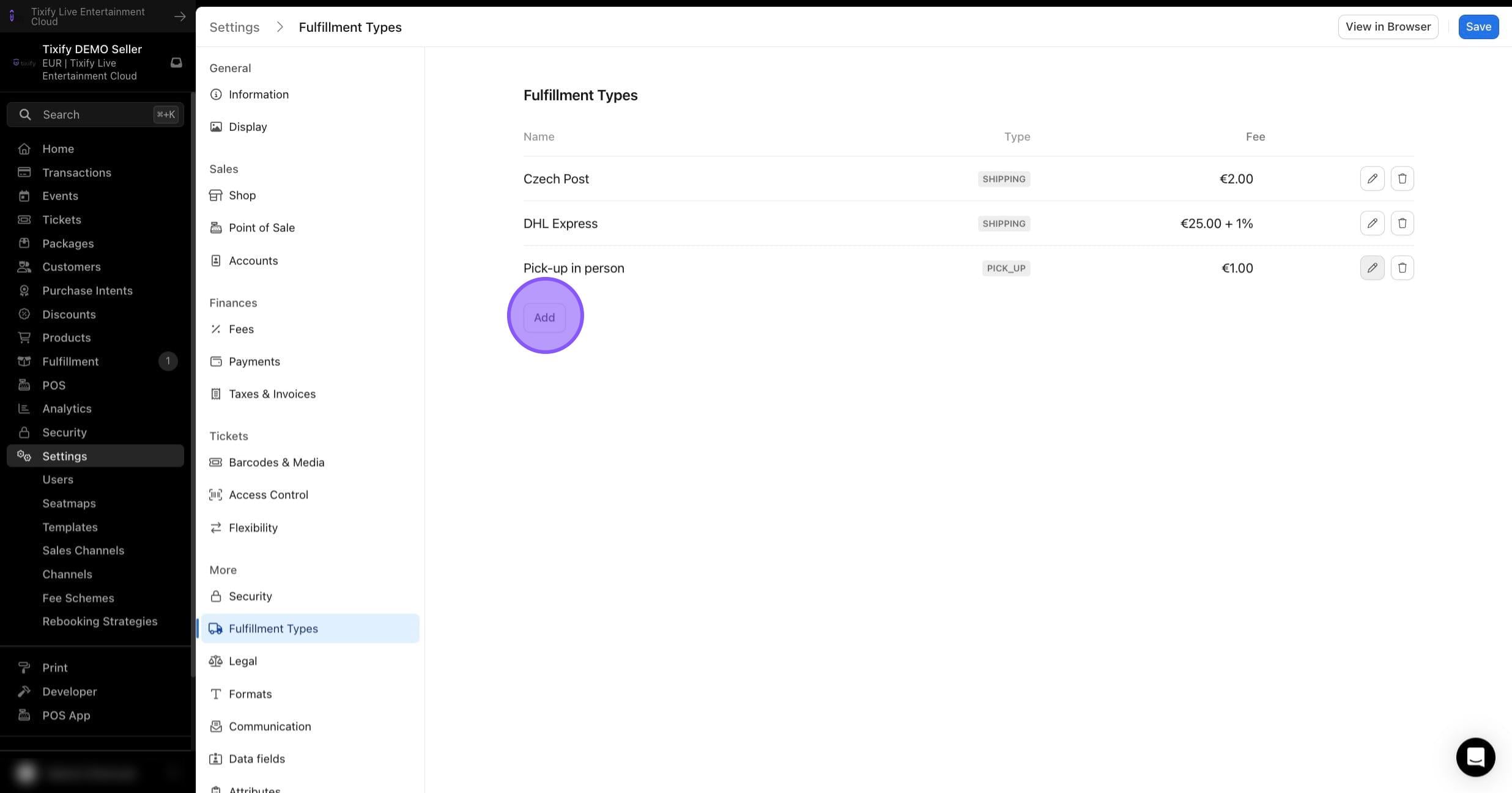
2: Add new fulfillment type
Name: Enter a name of the delivery type, which will be visible internally and for the customer.
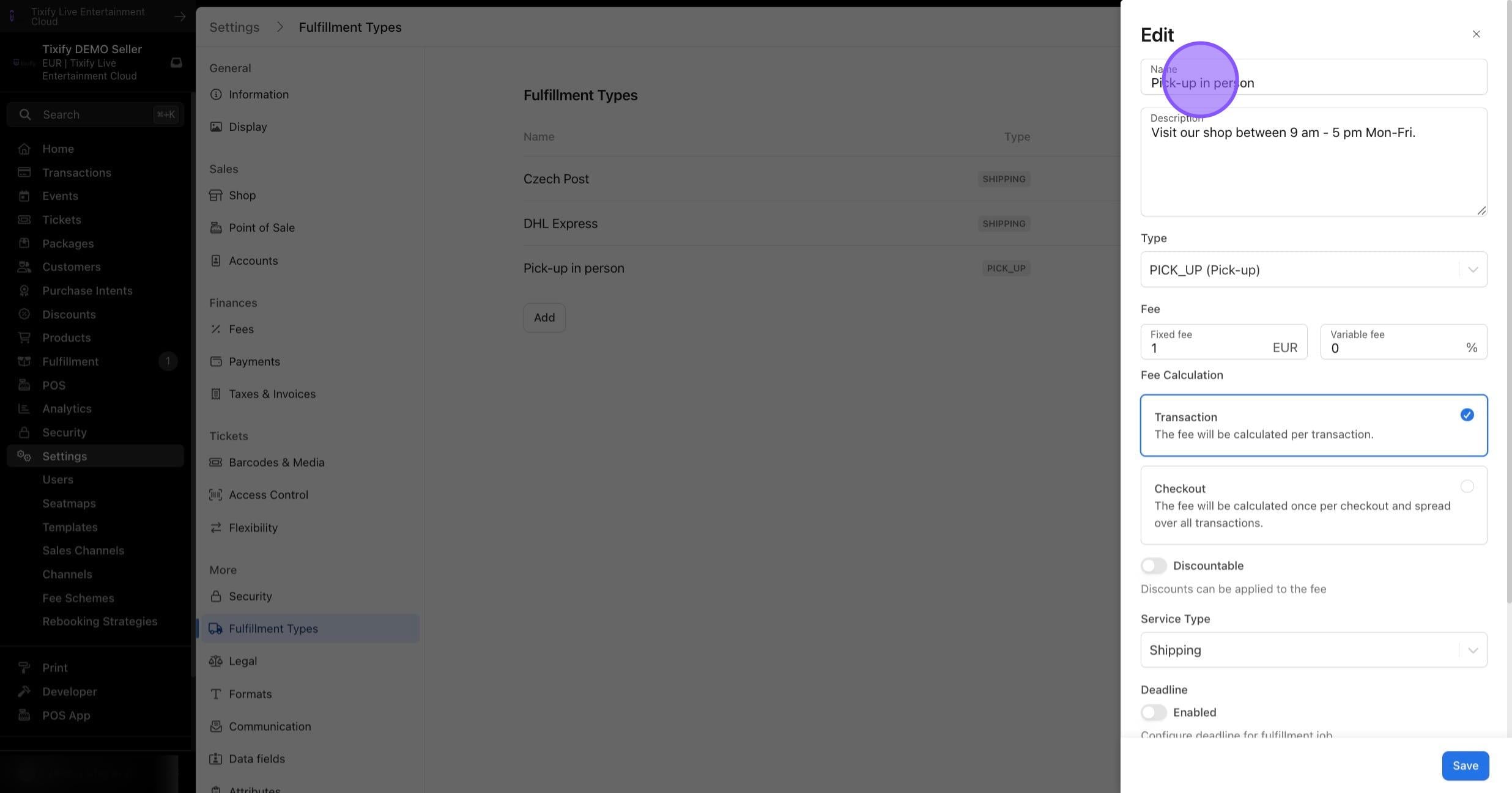
Description: Provide a brief description visible for the customer at the checkout.
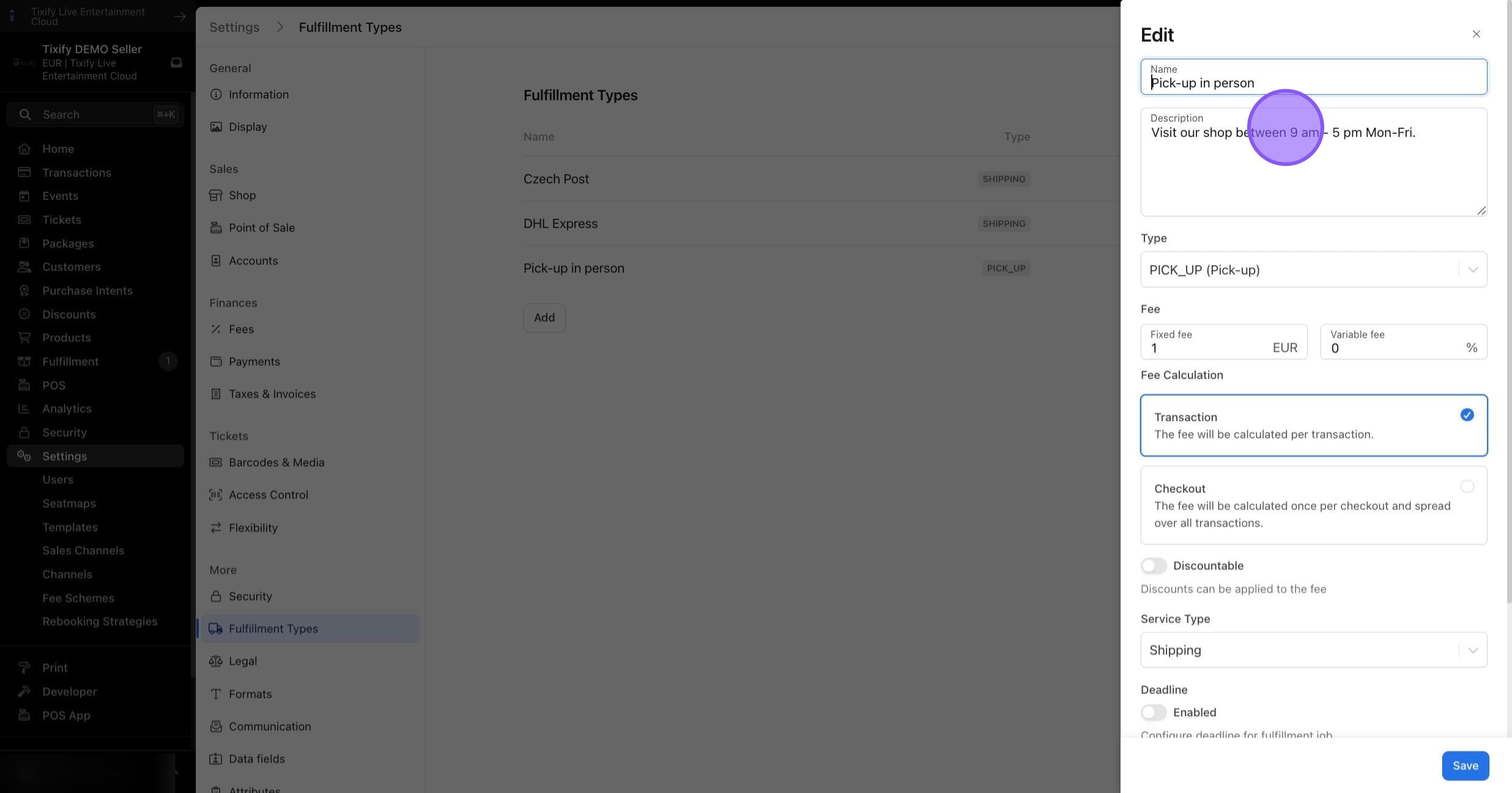
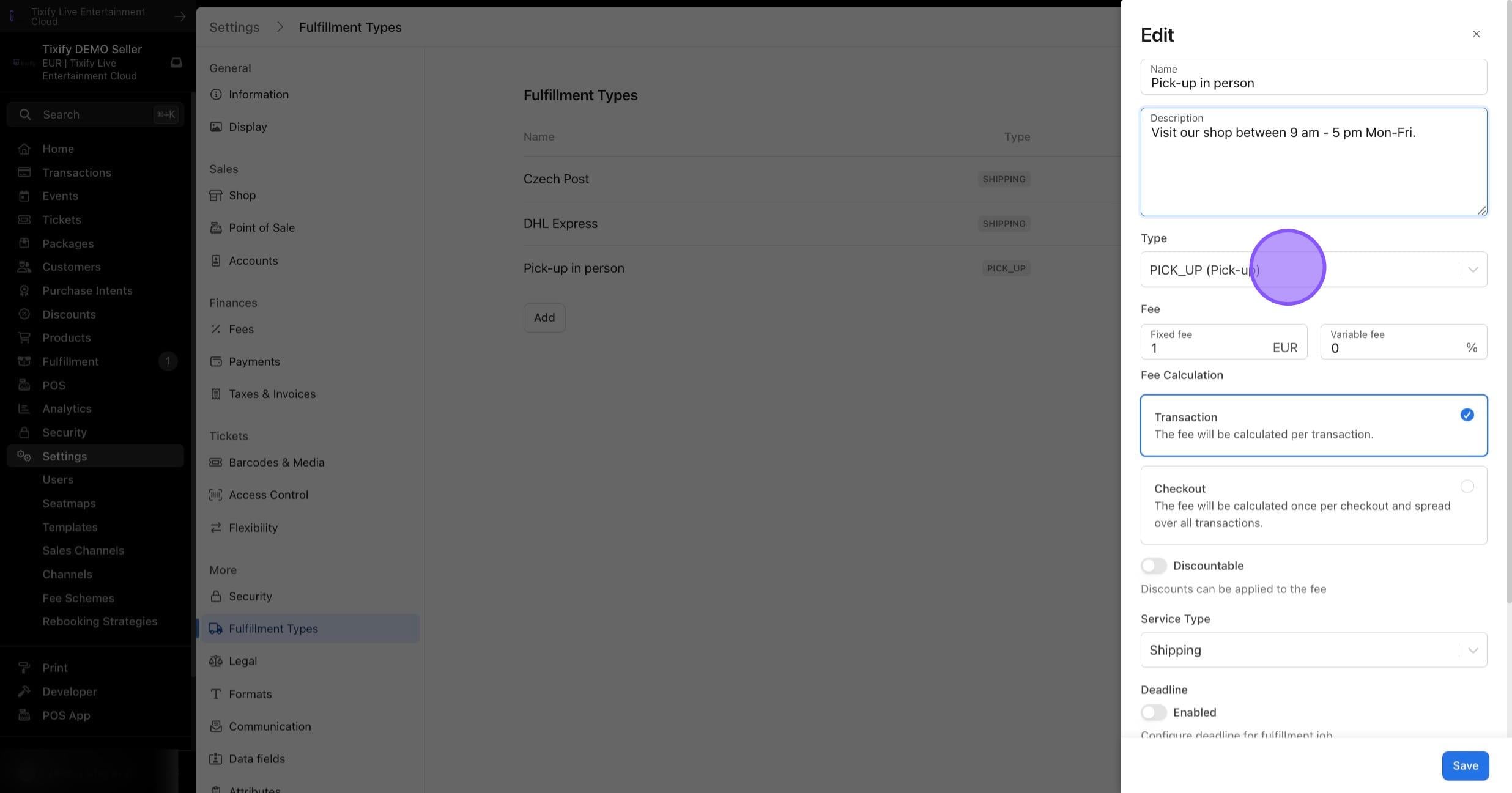
Type: Choose categorization for internal processing.
Fee: Set the desired fee for the delivery type.
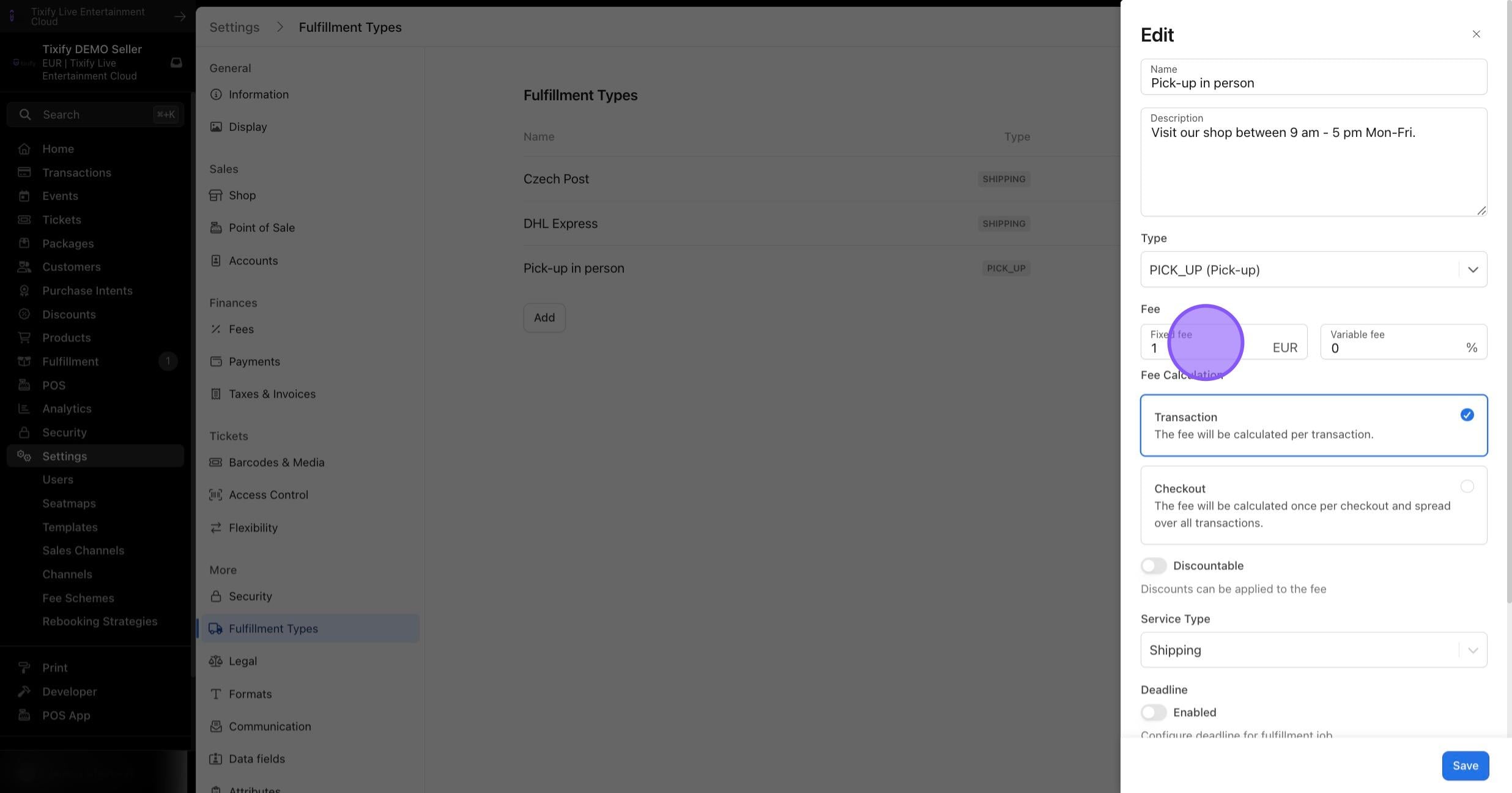
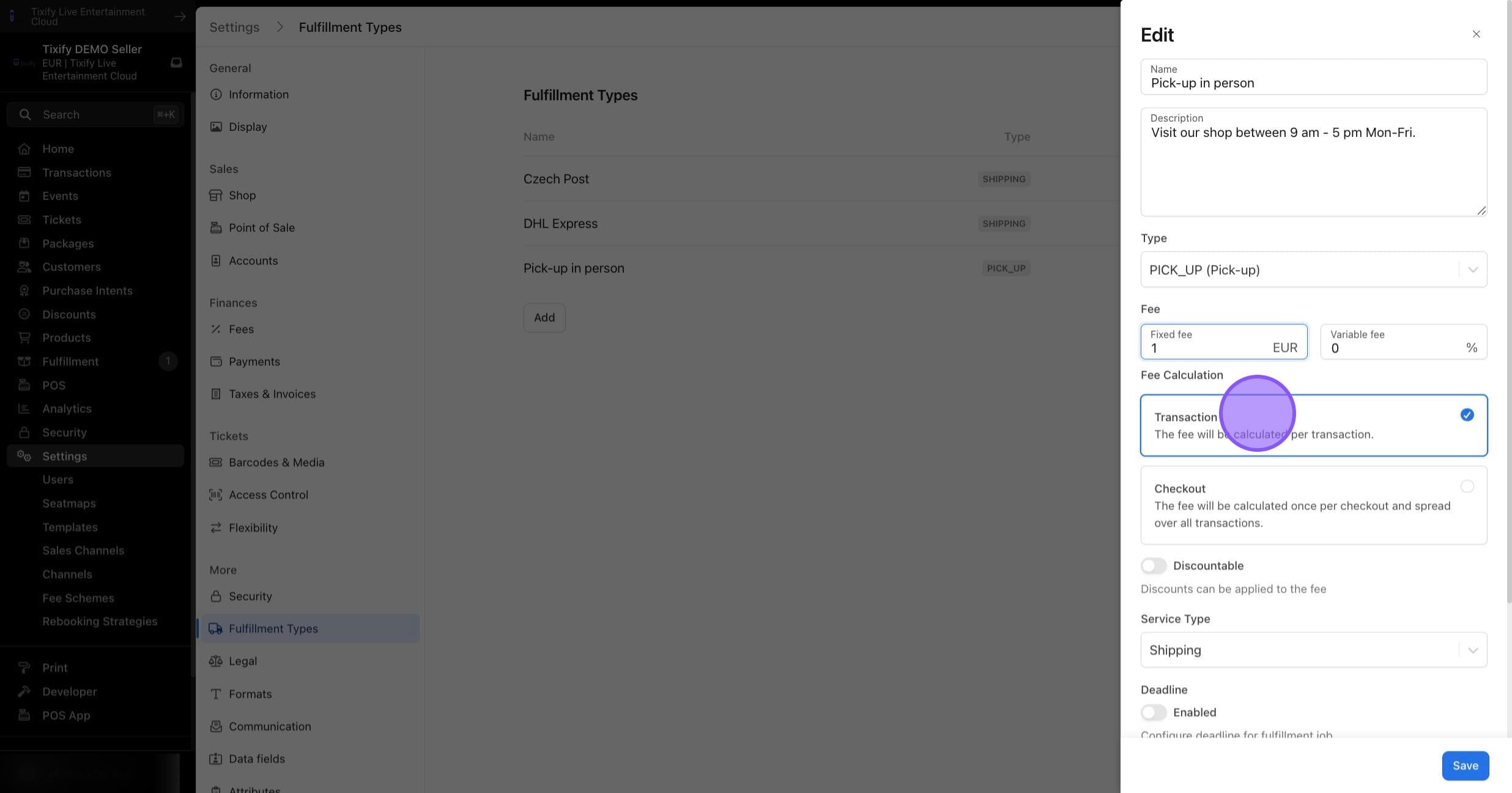
Fee Calculation: Decide how fees should be calculated, choosing between "per transaction" and "per checkout". If Multi-Event Checkout is active, separate transactions are created for each event in cart, but only one checkout is generated for the entire cart. This option lets you specify whether the delivery fee for a Multi-Event transaction should be calculated per event (transaction) or once for the entire cart (checkout).
Service Type: Optionally select a service type created through Taxes & Invoices.
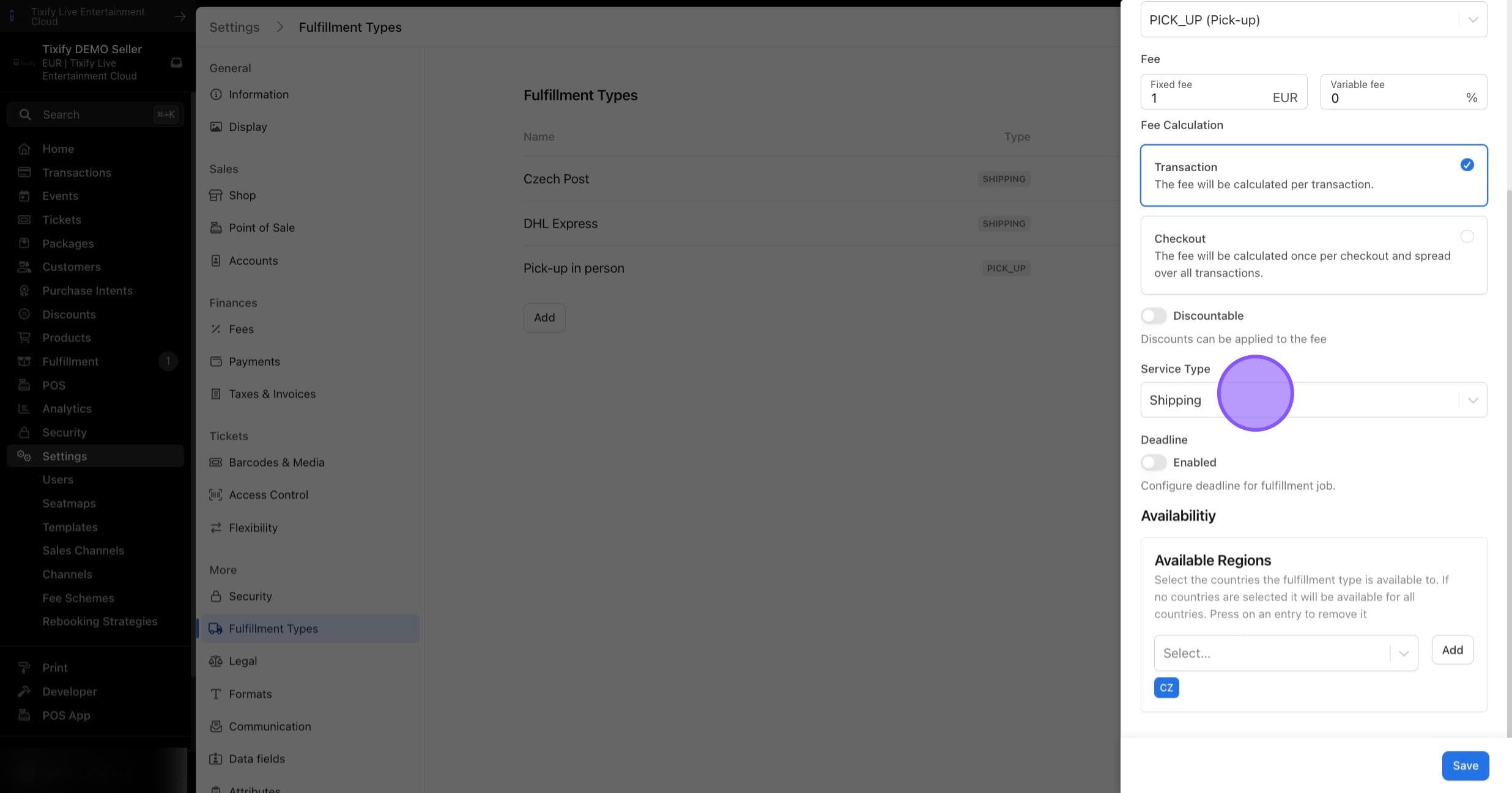
Deadline: Optionally activate a deadline for when item delivery should be fulfilled. This deadline is for internal reference and is visible in the Fulfillment tab.
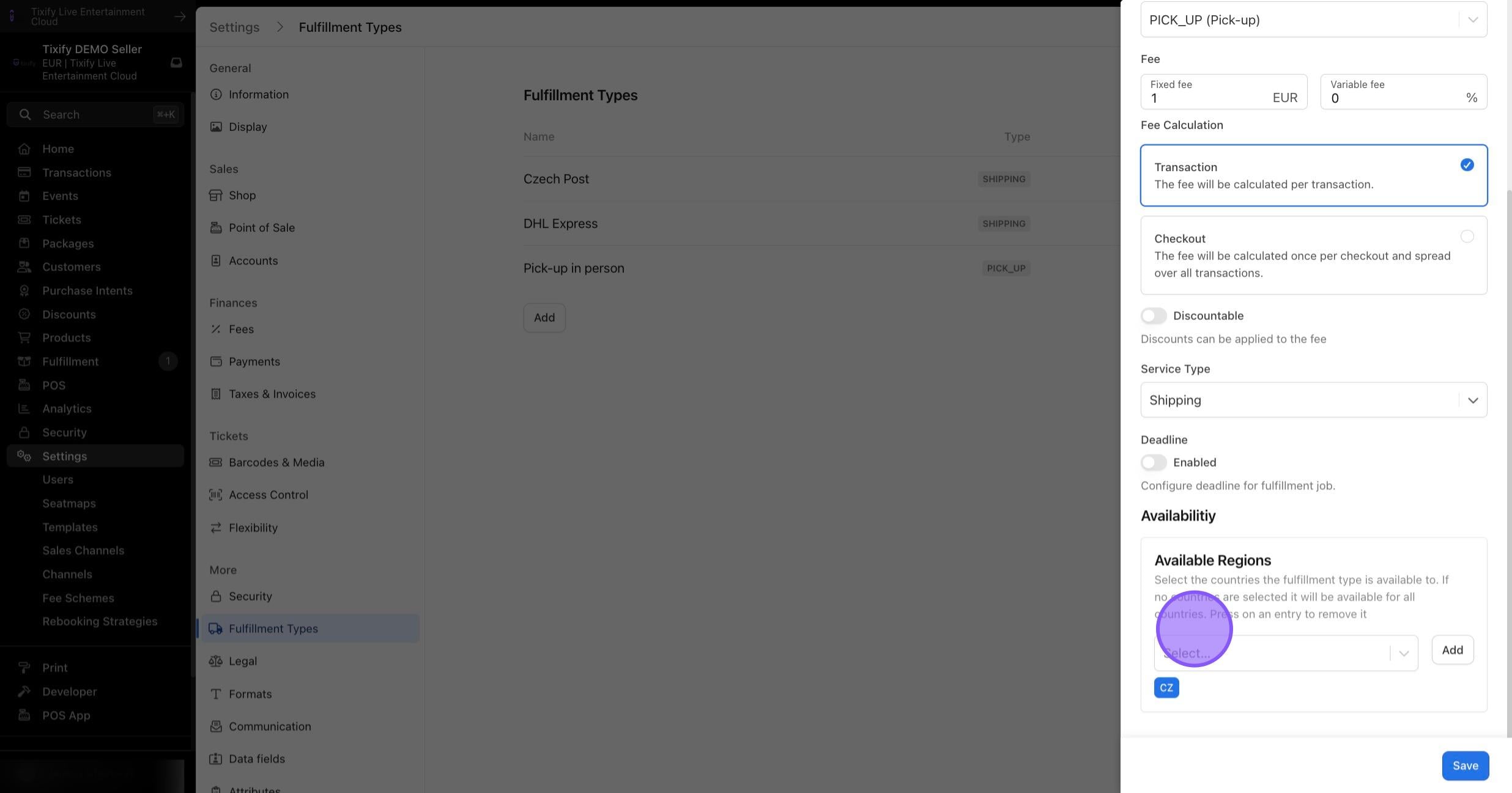
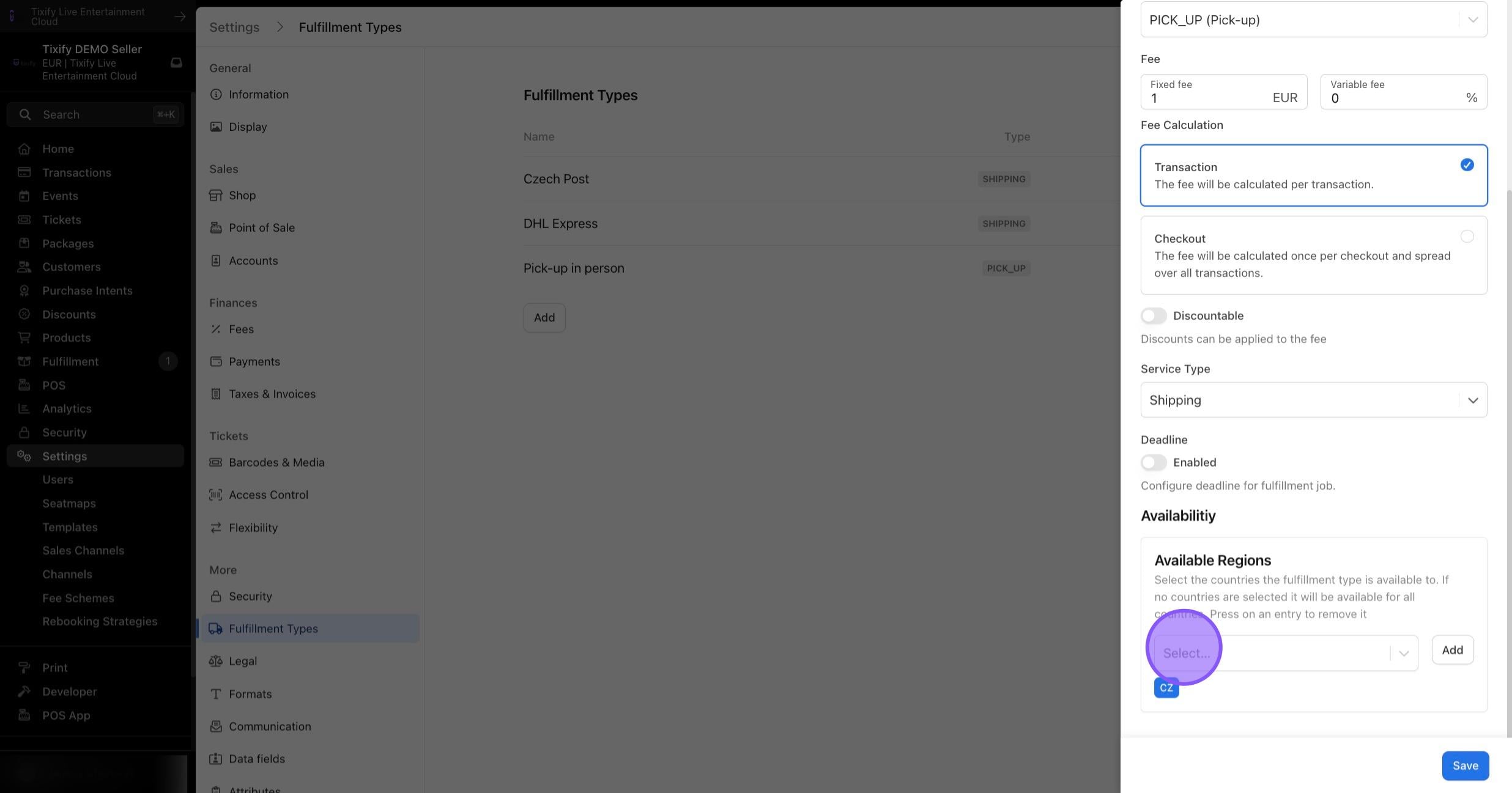
Available Regions: Optionally specify in which regions the delivery type should be active, determined by the customer's address. If the customer's region does not meet the condition, the delivery type won't be offered. For example, national shipping may only be available in the respective country.
As a result shipping options will appear at the checkout for specified products.